
sleepyw1ll - Minecraft Skins & Skin History
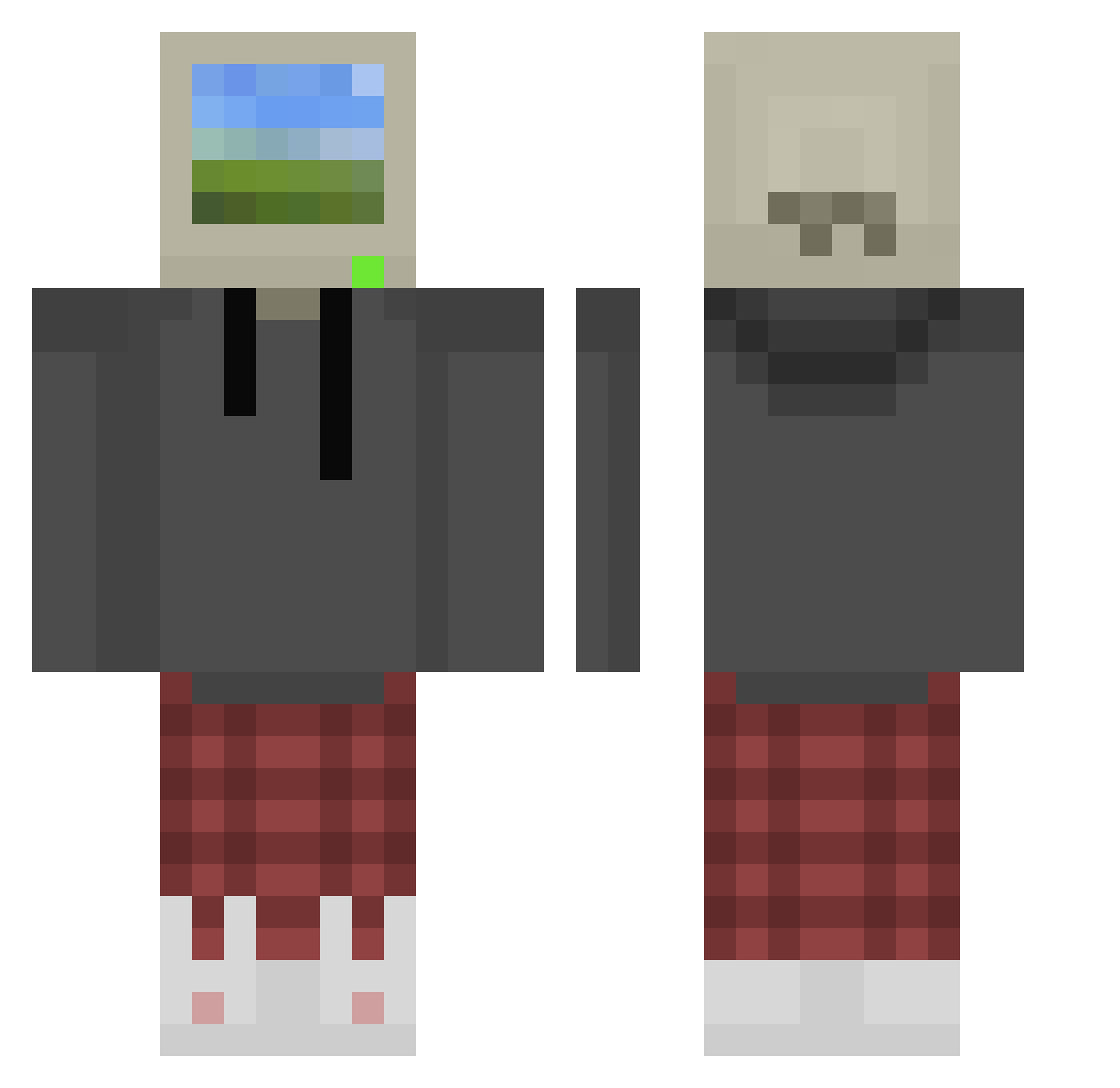
Current Minecraft skin of the player sleepyw1ll, loaded from the official Mojang API. Rotate the 3D model with your mouse or finger, then download the skin as a PNG file and use it in Minecraft: Bedrock Edition or Java Edition for free. When sleepyw1ll changes their skin, this page updates automatically and the old skin stays in the history below.
Other players with this skin (875)
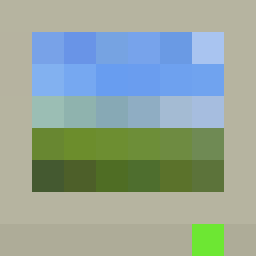
sleepyw1ll was the 454th player we have seen with this skin, first spotted on 22.09.2026. The same skin was seen on these players. Open a nickname to see their current skin and skin history.
 Kamushy32 Irishjoker01 Mukkade CallOfDuty5959 kevo_V2 YuanYose27 ERROR40404040404 ShroudFanBoy tonycl107 BallBang69 timidqueer uhhGoofy Griizzy Zombie2Kill SniipezU slime_prince12 lillithmugs admsbored Csiklos FoxtrottAlpha007 Betteresting Sazore Raxxx OhItsPhant0m bushido_brownn StuffTyT CoronaBirus Yak0ne xxy513 XiaoXI47 Benjamin_i_am sisnande_ zimmy4k emrefilizz A_tasty_timbit nogCRAFT Doodzee_ Fmendoza200 Rodolfo_900 volchonok091 Corraaa xMoozilla Social_NutJob TM_XP smyd_0000 ToastedSpider99 ItTheId10t Lamta Umbra3dge Lytamea toygaRR DimaSto2000 Barbara_Mattioly MilkmanDixon onas145 nocomplaint Kabag3 A_nu_ladno thoothpaste Apex_Rogue
More Windows XP Minecraft skins
How to install the sleepyw1ll skin
- Press the Download button above to save the skin as a PNG file.
- Minecraft: Bedrock Edition (PE): open the Dressing Room from the main menu (or tap your character → Edit Character), go to Classic Skins → Owned, press the + (new skin) button, choose the downloaded PNG and pick the Classic (Steve) model. Works on PC and mobile; consoles cannot import custom skins.
- Minecraft: Java Edition: open the Minecraft Launcher, go to the Skins tab, click New Skin, load the PNG, pick the Classic (Steve) model and press Save & Use. You can also upload it at minecraft.net → Profile → Change Skin.
The skin does not show up after import - what should I do?
Restart Minecraft and open the Dressing Room again - imported skins sometimes appear only after a restart. Also make sure you selected the imported skin and picked the Classic (Steve) model.
Which model should I choose, Classic or Slim?
This skin is designed for the Classic (Steve) model. If you pick the wrong model, the arms of the skin will look stretched or squeezed.
Is the skin of sleepyw1ll free to download?
Yes. Press Download, save the PNG file and use it in Minecraft: Bedrock Edition or Java Edition - no payment or registration needed. The skin also works on multiplayer servers and Realms.
More skins
Looking for more? Go back to all Minecraft skins and check the top skins of the week, month and all time, or find any player's skin by nickname.