
 Quadranil1 Duhvorak geekstar1 BrunoR96 Soccio_ Toiitoit Bib1eL FlyDoodle HowBaka titanwaz Jacobiquan doritoslip10 sketcheelyn MrSILVESTRE7 NULLWIZA xdocmanga ZecaZezo yujun091015 ___Neon KosaiYuki Martt04 fetus1 trialingua Note_1248 Ramye0n_ Cruz_007 SpaceHindu Zilous WeeMan0923 JunWoo_Moon ushilow ThisBoyGrey829 dxhyxn AlucarD_38 shadowgem21 LeRoiJvBzz Sr_WinkyStinky TouDai_cat Gurwn_5 YU_WIN 1arkzcs alarkxN QuemLeuEGay b3ntastic DreamGods HarbingerOfSand Thallamiir xeldante Squeaker9305 ytnnfuhbv Eauik Gerarvo Drowzee13 SirSaxy DinaNY22 bdetilldeath Halokiller64 obanekosan prot759t DokOru
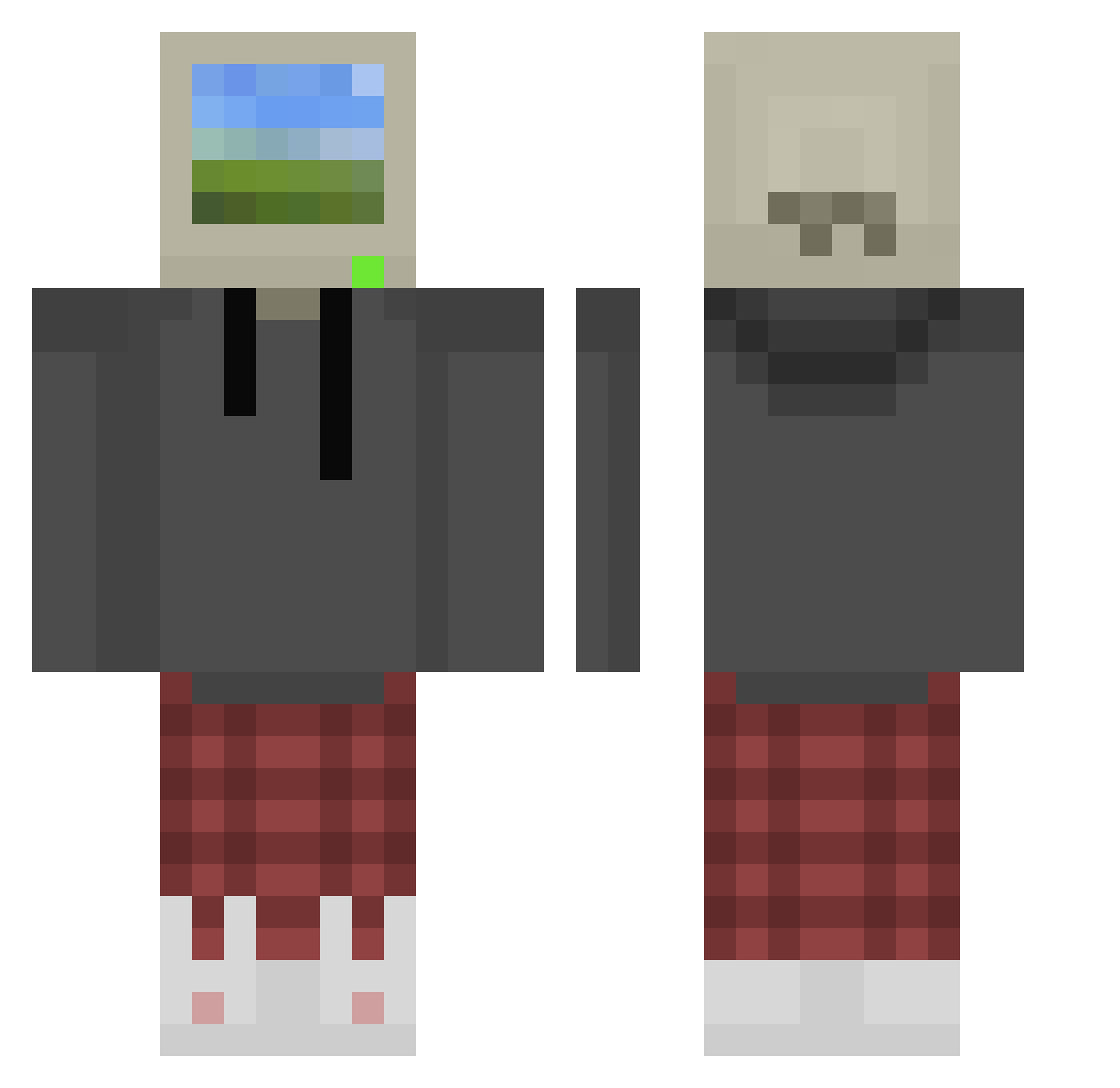
Minecraft skin of mrcoyote224. Rotate the 3D model with your mouse or finger to view the skin from every angle, then download it as a PNG file and use it in Minecraft: Bedrock Edition or Java Edition for free. Rate the skin with stars to help other players find the best skins in our collection.
How to install the mrcoyote224 skin
- Press the Download button above to save the skin as a PNG file.
- Minecraft: Bedrock Edition (PE): open the Dressing Room from the main menu (or tap your character → Edit Character), go to Classic Skins → Owned, press the + (new skin) button, choose the downloaded PNG and pick the Classic (Steve) model. Works on PC and mobile; consoles cannot import custom skins.
- Minecraft: Java Edition: open the Minecraft Launcher, go to the Skins tab, click New Skin, load the PNG, pick the Classic (Steve) model and press Save & Use. You can also upload it at minecraft.net → Profile → Change Skin.
The skin does not show up after import - what should I do?
Restart Minecraft and open the Dressing Room again - imported skins sometimes appear only after a restart. Also make sure you selected the imported skin and picked the Classic (Steve) model.
Which model should I choose, Classic or Slim?
This skin is designed for the Classic (Steve) model. If you pick the wrong model, the arms of the skin will look stretched or squeezed.
Is this skin free to use?
Yes. Press Download, save the PNG file and use it in Minecraft: Bedrock Edition or Java Edition - no payment or registration needed. The skin also works on multiplayer servers and Realms.
More Windows XP Minecraft skins
More skins
Looking for more? Go back to all Minecraft skins and check the top skins of the week, month and all time, or find any player's skin by nickname.