
onas145 - Minecraft Skins & Skin History
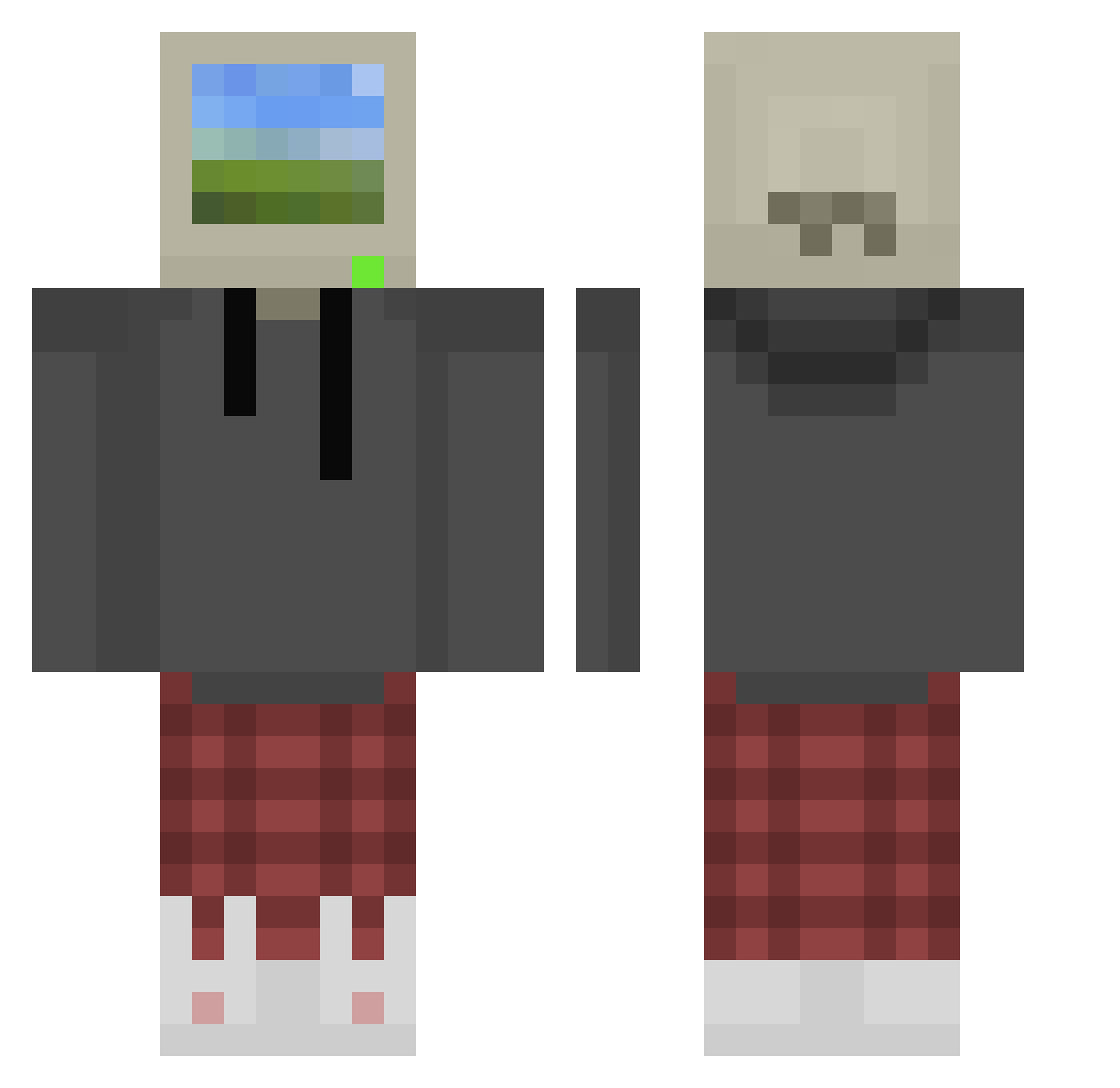
Current Minecraft skin of the player onas145, loaded from the official Mojang API. Rotate the 3D model with your mouse or finger, then download the skin as a PNG file and use it in Minecraft: Bedrock Edition or Java Edition for free. When onas145 changes their skin, this page updates automatically and the old skin stays in the history below.
Other players with this skin (875)
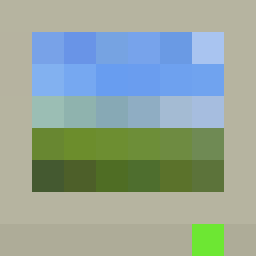
onas145 was the 487th player we have seen with this skin, first spotted on 25.09.2026. The same skin was seen on these players. Open a nickname to see their current skin and skin history.
 nocomplaint Barbara_Mattioly DimaSto2000 toygaRR Lytamea Umbra3dge thoothpaste Apex_Rogue Dingozlav ItTheId10t smyd_0000 Nagrom747 xMoozilla SmoothLemon Corraaa Spike_exe Doodzee_ PepperJakJoe nogCRAFT A_tasty_timbit adrianchul Wandlle libai666 facegetcake plays503 derigoor mastermunch VTOLNRG Soykan53 sisnande_ Benjamin_i_am XiaoXI47 JJv2 xxy513 Yak0ne CoronaBirus StuffTyT bushido_brownn Raxxx Zobrzak Shodan1 posho_98 miqsia Perseus_3 Csiklos admsbored lillithmugs Strangest_Quark Grokk83 Edo_scarface Griizzy TechnoTale555 timidqueer Eb0nT Ericcccccccai tonycl107 ShroudFanBoy BaciTito YuanYose27 BoniceDeSimp
More Windows XP Minecraft skins
How to install the onas145 skin
- Press the Download button above to save the skin as a PNG file.
- Minecraft: Bedrock Edition (PE): open the Dressing Room from the main menu (or tap your character → Edit Character), go to Classic Skins → Owned, press the + (new skin) button, choose the downloaded PNG and pick the Classic (Steve) model. Works on PC and mobile; consoles cannot import custom skins.
- Minecraft: Java Edition: open the Minecraft Launcher, go to the Skins tab, click New Skin, load the PNG, pick the Classic (Steve) model and press Save & Use. You can also upload it at minecraft.net → Profile → Change Skin.
The skin does not show up after import - what should I do?
Restart Minecraft and open the Dressing Room again - imported skins sometimes appear only after a restart. Also make sure you selected the imported skin and picked the Classic (Steve) model.
Which model should I choose, Classic or Slim?
This skin is designed for the Classic (Steve) model. If you pick the wrong model, the arms of the skin will look stretched or squeezed.
Is the skin of onas145 free to download?
Yes. Press Download, save the PNG file and use it in Minecraft: Bedrock Edition or Java Edition - no payment or registration needed. The skin also works on multiplayer servers and Realms.
More skins
Looking for more? Go back to all Minecraft skins and check the top skins of the week, month and all time, or find any player's skin by nickname.