
skullofdoom - Minecraft Skins & Skin History
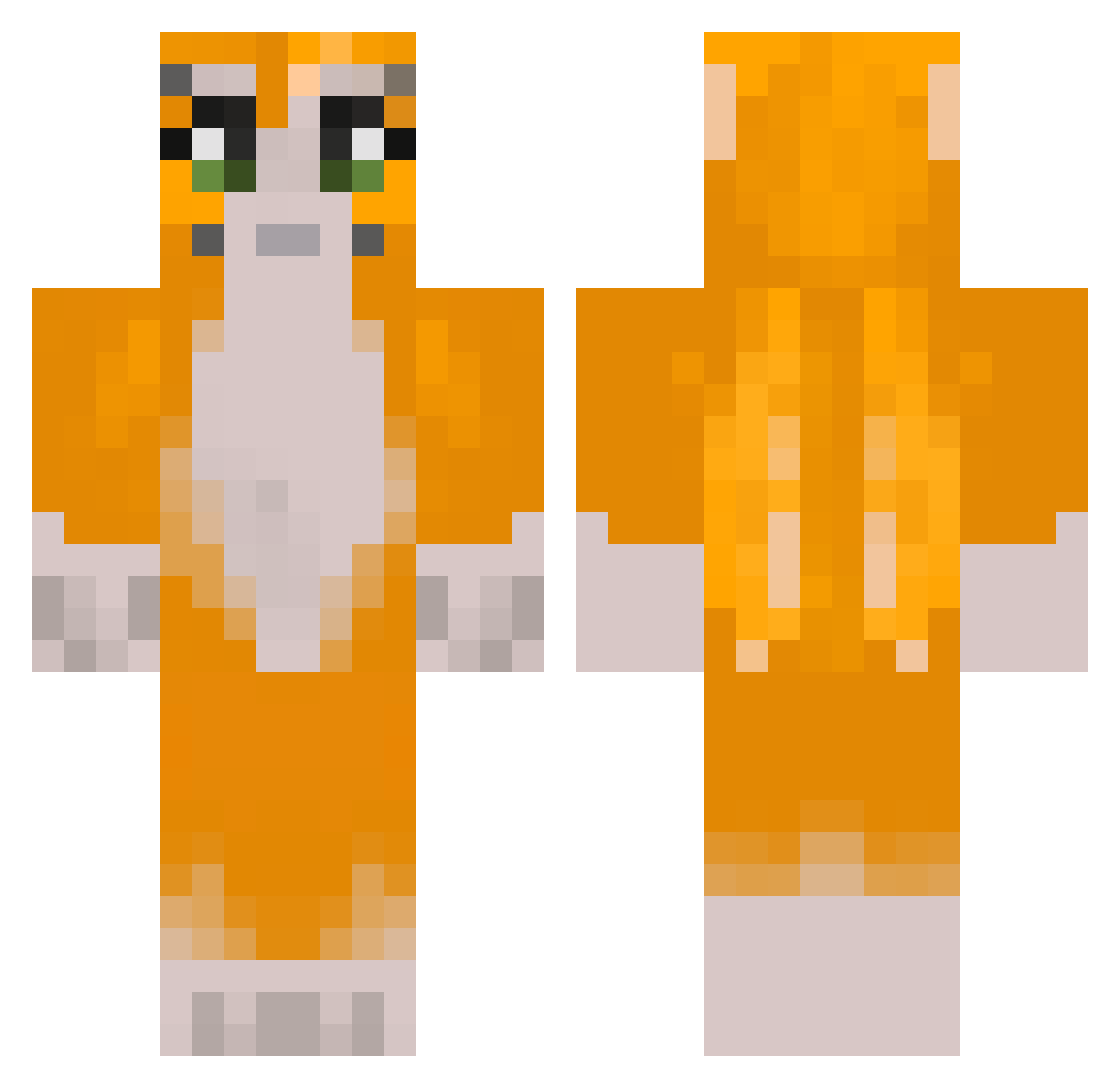
Current Minecraft skin of the player skullofdoom, loaded from the official Mojang API. Rotate the 3D model with your mouse or finger, then download the skin as a PNG file and use it in Minecraft: Bedrock Edition or Java Edition for free. When skullofdoom changes their skin, this page updates automatically and the old skin stays in the history below.
Other players with this skin (301)
skullofdoom was the 74th player we have seen with this skin, first spotted on 23.08.2026. The same skin was seen on these players. Open a nickname to see their current skin and skin history.
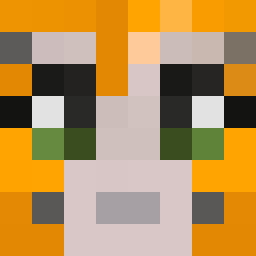 zedfatcat AthenLuc mizukaty retq2 Chigurha bigchunky0 markymcd duckygames12 RobloxHenry4 alanminonek Rendijs777 TheRand0mG4m3r1 _BotBlue_ Arikarinoo 1aq2k snailgirl3 ghost2j ItzMaxtyn Blake092 Darkkiller8417 Horsi_ rotesshot Kelp84 dumpyfrog_ AppetiteforGnr goofusdoofus06 VortexWex euiee_ Not_Chuncky ItsMeKeKe johnedward09 ATVB1 zooweemama25 HabsFan2331 Whava malik12212332 AnnoyingPro BeBob311 rafisyoo juuudty taavaa Lee_wobble pistacieis Trutenforn chunkychipmunk53 Zessty FrostJumper No1Vortex Iam_the_emmy_ MayTMaN xXMosoManXx Spoofy48 Bestplayer44 PaperBagMan2 craftyj99 Sauce293 heavyleaves SimplyBo sn0wballa NotBarney7092
More Furry Minecraft skins
How to install the skullofdoom skin
- Press the Download button above to save the skin as a PNG file.
- Minecraft: Bedrock Edition (PE): open the Dressing Room from the main menu (or tap your character → Edit Character), go to Classic Skins → Owned, press the + (new skin) button, choose the downloaded PNG and pick the Classic (Steve) model. Works on PC and mobile; consoles cannot import custom skins.
- Minecraft: Java Edition: open the Minecraft Launcher, go to the Skins tab, click New Skin, load the PNG, pick the Classic (Steve) model and press Save & Use. You can also upload it at minecraft.net → Profile → Change Skin.
The skin does not show up after import - what should I do?
Restart Minecraft and open the Dressing Room again - imported skins sometimes appear only after a restart. Also make sure you selected the imported skin and picked the Classic (Steve) model.
Which model should I choose, Classic or Slim?
This skin is designed for the Classic (Steve) model. If you pick the wrong model, the arms of the skin will look stretched or squeezed.
Is the skin of skullofdoom free to download?
Yes. Press Download, save the PNG file and use it in Minecraft: Bedrock Edition or Java Edition - no payment or registration needed. The skin also works on multiplayer servers and Realms.
More skins
Looking for more? Go back to all Minecraft skins and check the top skins of the week, month and all time, or find any player's skin by nickname.