
skolodka - Minecraft Skins & Skin History
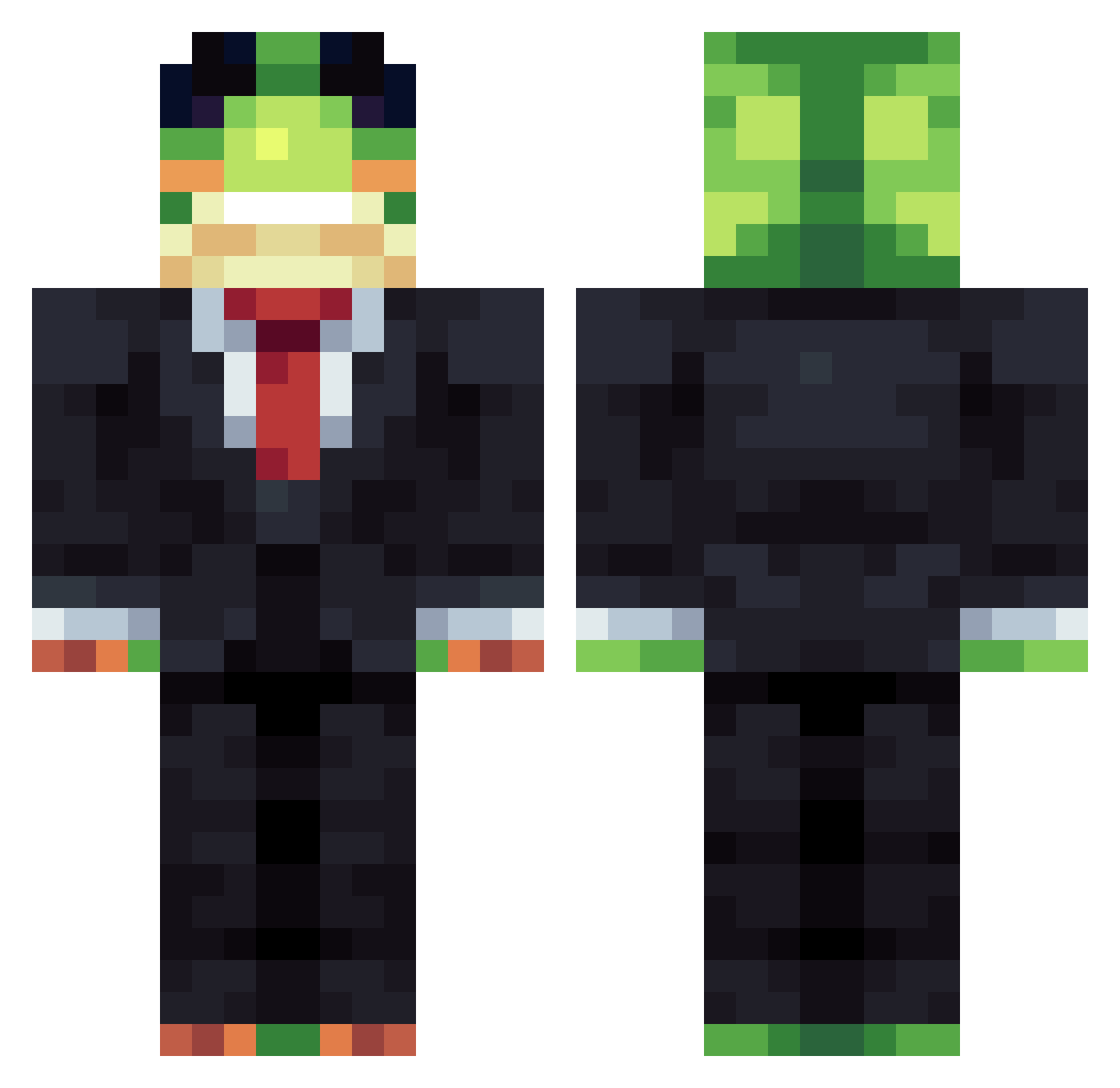
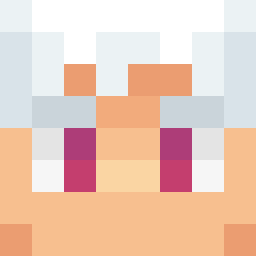
Current Minecraft skin of the player skolodka, loaded from the official Mojang API. Rotate the 3D model with your mouse or finger, then download the skin as a PNG file and use it in Minecraft: Bedrock Edition or Java Edition for free. When skolodka changes their skin, this page updates automatically and the old skin stays in the history below.
Other players with this skin (1414)
skolodka was the 511th player we have seen with this skin, first spotted on 05.09.2026. The same skin was seen on these players. Open a nickname to see their current skin and skin history.
 Dieaqm JonaTheStranger X3vro wfupes
 ZPiXelVoidMC dr_pigeon21 Gabertt MonkySwat exgoc xAsno Blort__
 sandinho123 Itz_pepesto eommuhyun11
 timokk16 Bartx54 Lexotexx chamuskaoo kelk69 ragonyu ArtNow16 maximos474 Ya_Vladik228666 BryanMartins23 Schubiliene temprist_1 Samuelillo_GG SnakeNet dlsrn Parrotboy110 eerruukk stackjo Vinnydemonster vxhe_ DamonXzz DrNDL Linuirox
 tomaatti112 Qtip_789 _Ryu0 Yashydeughost BadBoigamer Dihtato krakazyabra RedStone1969
 Cortisolz JuPa20 JD201207
 RustedDRG Fil1p_1 Alejo005 VladimirButirat AshuraV1X1 huggywoogy quintenvd17 PeanutButterNJul MastaMoldy TheDnder Kaanoztrklr OlxK_
More Frog Minecraft skins
How to install the skolodka skin
- Press the Download button above to save the skin as a PNG file.
- Minecraft: Bedrock Edition (PE): open the Dressing Room from the main menu (or tap your character → Edit Character), go to Classic Skins → Owned, press the + (new skin) button, choose the downloaded PNG and pick the Classic (Steve) model. Works on PC and mobile; consoles cannot import custom skins.
- Minecraft: Java Edition: open the Minecraft Launcher, go to the Skins tab, click New Skin, load the PNG, pick the Classic (Steve) model and press Save & Use. You can also upload it at minecraft.net → Profile → Change Skin.
The skin does not show up after import - what should I do?
Restart Minecraft and open the Dressing Room again - imported skins sometimes appear only after a restart. Also make sure you selected the imported skin and picked the Classic (Steve) model.
Which model should I choose, Classic or Slim?
This skin is designed for the Classic (Steve) model. If you pick the wrong model, the arms of the skin will look stretched or squeezed.
Is the skin of skolodka free to download?
Yes. Press Download, save the PNG file and use it in Minecraft: Bedrock Edition or Java Edition - no payment or registration needed. The skin also works on multiplayer servers and Realms.
More skins
Looking for more? Go back to all Minecraft skins and check the top skins of the week, month and all time, or find any player's skin by nickname.