
sizzling_bacon4 - Minecraft Skins & Skin History
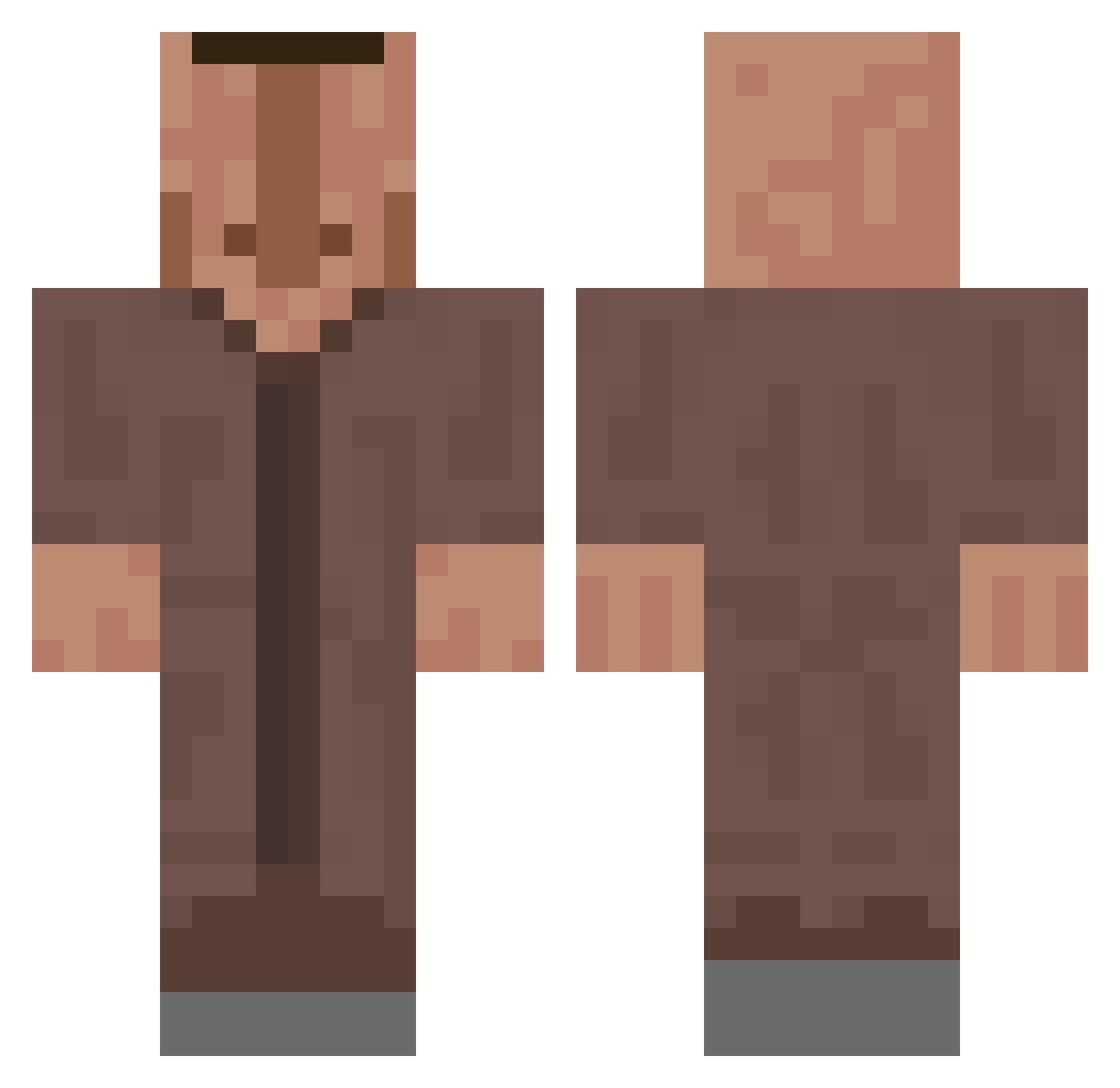
Current Minecraft skin of the player sizzling_bacon4, loaded from the official Mojang API. Rotate the 3D model with your mouse or finger, then download the skin as a PNG file and use it in Minecraft: Bedrock Edition or Java Edition for free. When sizzling_bacon4 changes their skin, this page updates automatically and the old skin stays in the history below.
Other players with this skin (660)
sizzling_bacon4 was the 439th player we have seen with this skin, first spotted on 02.10.2026. The same skin was seen on these players. Open a nickname to see their current skin and skin history.
 lenut2 Bayu_ Skinnerr2 vickop PresLeeBG aRa_FRost clovis5252 WilkoM7 Ctcg7 Kcacuyeuuuuuuuuu Overlord_1234 Yourlocalfear MrsJerry BlockBreaker2971 Bob4iktop4ik X1010110 treeethan MrGW2 continew1234 d0__0b LostLio jinseijs Praeditos AidanBoy132 ColAnime_ Thetis31 Darling5227 Heracklioh TCN FineNInja23 shomutan PrMeneger Pyzdoklesczkk Yoyocube PopkaBoss peida_leite Karoshi5321 Storm_156 Raaa_LK Mihaitata tustymarek GXBXD4YS AnyPython552158 BenJIM1N Terryiaki CoperLeg3nd Saviohrq ElMskn zgtv Lucrain Mylan99 Eliite935 happyalex9901 TheDevil79 HughJanis dziobasss HOLLOW312 swimguy501 Bob_09 papuuuu
More Villager Minecraft skins
How to install the sizzling_bacon4 skin
- Press the Download button above to save the skin as a PNG file.
- Minecraft: Bedrock Edition (PE): open the Dressing Room from the main menu (or tap your character → Edit Character), go to Classic Skins → Owned, press the + (new skin) button, choose the downloaded PNG and pick the Classic (Steve) model. Works on PC and mobile; consoles cannot import custom skins.
- Minecraft: Java Edition: open the Minecraft Launcher, go to the Skins tab, click New Skin, load the PNG, pick the Classic (Steve) model and press Save & Use. You can also upload it at minecraft.net → Profile → Change Skin.
The skin does not show up after import - what should I do?
Restart Minecraft and open the Dressing Room again - imported skins sometimes appear only after a restart. Also make sure you selected the imported skin and picked the Classic (Steve) model.
Which model should I choose, Classic or Slim?
This skin is designed for the Classic (Steve) model. If you pick the wrong model, the arms of the skin will look stretched or squeezed.
Is the skin of sizzling_bacon4 free to download?
Yes. Press Download, save the PNG file and use it in Minecraft: Bedrock Edition or Java Edition - no payment or registration needed. The skin also works on multiplayer servers and Realms.
More skins
Looking for more? Go back to all Minecraft skins and check the top skins of the week, month and all time, or find any player's skin by nickname.