
shnurki - Minecraft Skins & Skin History
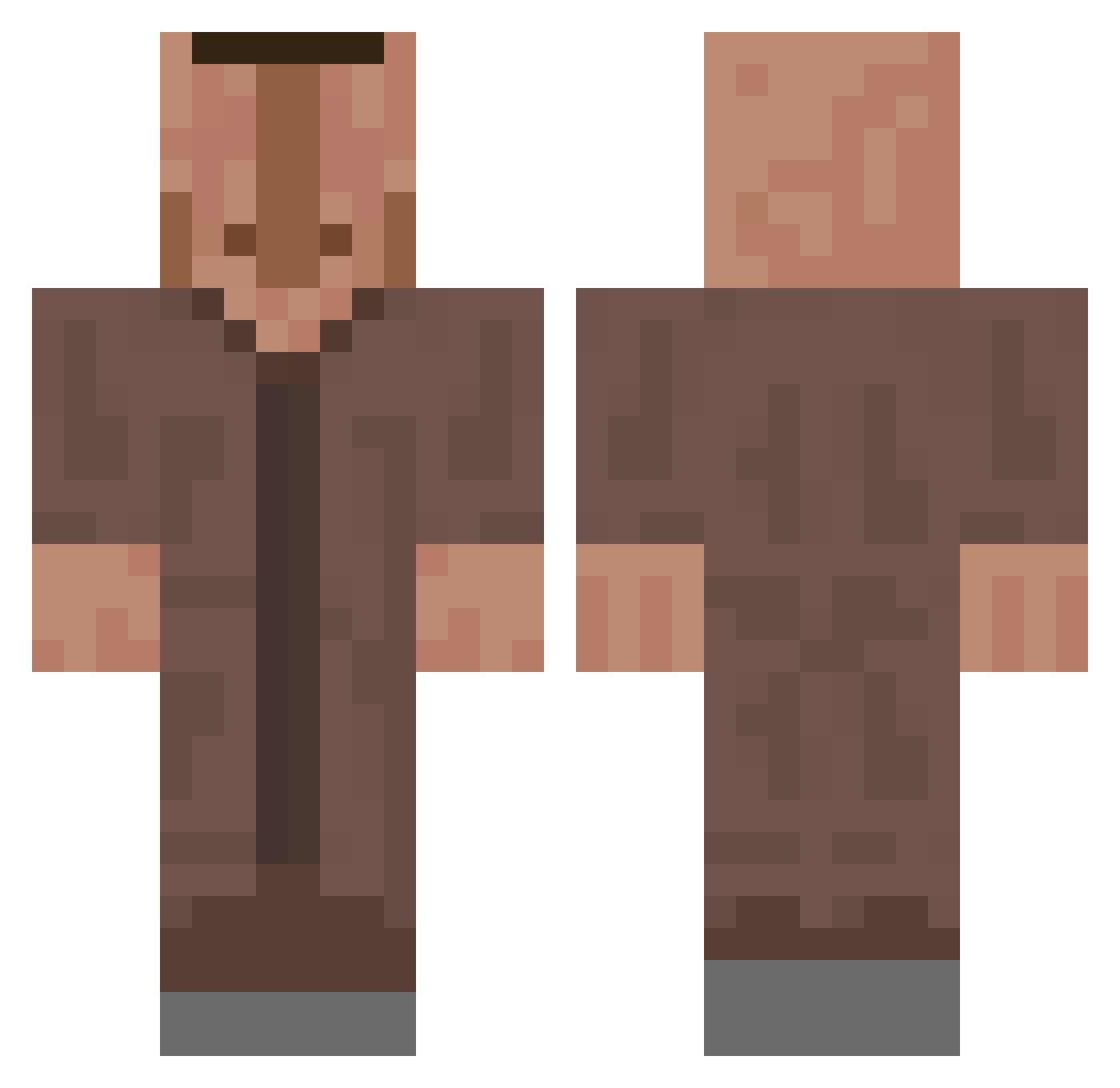
Current Minecraft skin of the player shnurki, loaded from the official Mojang API. Rotate the 3D model with your mouse or finger, then download the skin as a PNG file and use it in Minecraft: Bedrock Edition or Java Edition for free. When shnurki changes their skin, this page updates automatically and the old skin stays in the history below.
Other players with this skin (822)
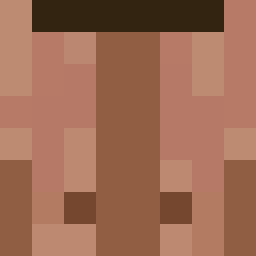
shnurki was the 737th player we have seen with this skin, first spotted on 10.11.2026. The same skin was seen on these players. Open a nickname to see their current skin and skin history.
 Quovardiss AmazingAnya Vy_Lt FerchoT Liurn Bounte_ Fusion_maki DreadNot12 _Danzy_ ALonelyAvacado xXAlles_klarXx Mr_Dailan El_Jimbo_ reddit454 w0z3y aerrezeta 4n4l_general Browster Twizzy42069 Brandon_nodnarB Zetch88 Simofey BadJackyJack HxssHecht angyoujjang0113 FGcaca dulub ruroq KSHXGAMING Pingwinche Battle_Ben ukoe33 Keke_0329 foggkog H4NT9i VianneyDelegue3 knowledge199 WontonSn Kobierka singer2007 Norro_The_Beast MerFiPRO222 iM7md__ Thunderlords ArazMyst Rodheuss orion_ab Henning4_ YaZynG savannahdawnn santih2001 Don_El_Pelmenio FollowW1nd MacheteJohnson Papi_Clutcho ItMeShidFard JLN_ imwoahvicky ZAWARUDOOOO_ Ynwng
More Villager Minecraft skins
How to install the shnurki skin
- Press the Download button above to save the skin as a PNG file.
- Minecraft: Bedrock Edition (PE): open the Dressing Room from the main menu (or tap your character → Edit Character), go to Classic Skins → Owned, press the + (new skin) button, choose the downloaded PNG and pick the Classic (Steve) model. Works on PC and mobile; consoles cannot import custom skins.
- Minecraft: Java Edition: open the Minecraft Launcher, go to the Skins tab, click New Skin, load the PNG, pick the Classic (Steve) model and press Save & Use. You can also upload it at minecraft.net → Profile → Change Skin.
The skin does not show up after import - what should I do?
Restart Minecraft and open the Dressing Room again - imported skins sometimes appear only after a restart. Also make sure you selected the imported skin and picked the Classic (Steve) model.
Which model should I choose, Classic or Slim?
This skin is designed for the Classic (Steve) model. If you pick the wrong model, the arms of the skin will look stretched or squeezed.
Is the skin of shnurki free to download?
Yes. Press Download, save the PNG file and use it in Minecraft: Bedrock Edition or Java Edition - no payment or registration needed. The skin also works on multiplayer servers and Realms.
More skins
Looking for more? Go back to all Minecraft skins and check the top skins of the week, month and all time, or find any player's skin by nickname.