
shadoww73 - Minecraft Skins & Skin History
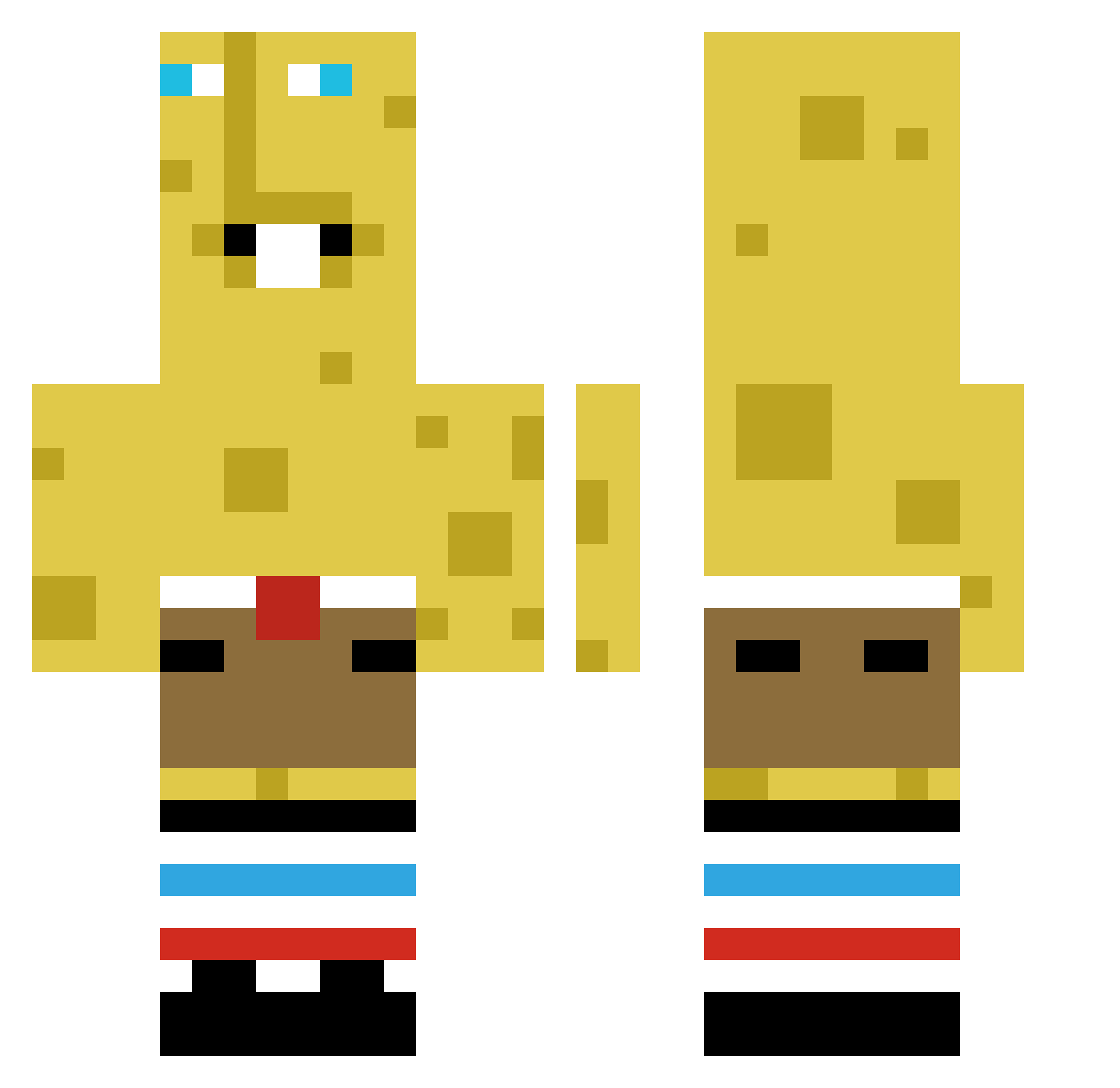
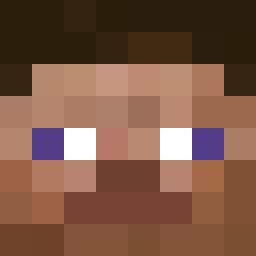
Current Minecraft skin of the player shadoww73, loaded from the official Mojang API. Rotate the 3D model with your mouse or finger, then download the skin as a PNG file and use it in Minecraft: Bedrock Edition or Java Edition for free. When shadoww73 changes their skin, this page updates automatically and the old skin stays in the history below.
Other players with this skin (383)
shadoww73 was the 53rd player we have seen with this skin, first spotted on 05.08.2026. The same skin was seen on these players. Open a nickname to see their current skin and skin history.
 Popeye20167 kat_noir Huminek
 Dooly2013 cheesepowers nexlevel25 poopyfart44444 _0Spongebob0_ professor_pog PukeyMarkau Zourku Tangmou Drowsy8915 sung_hyun0307
 Nonsense__2k
 inuzumi Shadow_Panda6461 Blocky13 Bulgot77 leybgame biomatikk
 FUNKYdin0 I_wanna_by_Gosu pink4x4chik
 mara132 busconovia23 fartguy2587
 Kowalsskki Fruitwad1709345 Kebbyyy SoliXx_ guindillagamer0 civic9 ForsakenWasTaken BABOBEEP hugge122917 Lord_fart_quad69 BigShotta64 yahyooh Deadsh0t1015 iHazzaaax THIAGO321 sejki le_poulleto juju4561 OKP0802 Beastman3098 Gooobka loveuredz Knipschild pat71003 MENTx3569 GudaiOlot
 niemamronk _bampa ZurxJunior Cannierbrick XenoCloid JoseWojtinho
 EIERSAFT_187
More Spongebob Minecraft skins
How to install the shadoww73 skin
- Press the Download button above to save the skin as a PNG file.
- Minecraft: Bedrock Edition (PE): open the Dressing Room from the main menu (or tap your character → Edit Character), go to Classic Skins → Owned, press the + (new skin) button, choose the downloaded PNG and pick the Classic (Steve) model. Works on PC and mobile; consoles cannot import custom skins.
- Minecraft: Java Edition: open the Minecraft Launcher, go to the Skins tab, click New Skin, load the PNG, pick the Classic (Steve) model and press Save & Use. You can also upload it at minecraft.net → Profile → Change Skin.
The skin does not show up after import - what should I do?
Restart Minecraft and open the Dressing Room again - imported skins sometimes appear only after a restart. Also make sure you selected the imported skin and picked the Classic (Steve) model.
Which model should I choose, Classic or Slim?
This skin is designed for the Classic (Steve) model. If you pick the wrong model, the arms of the skin will look stretched or squeezed.
Is the skin of shadoww73 free to download?
Yes. Press Download, save the PNG file and use it in Minecraft: Bedrock Edition or Java Edition - no payment or registration needed. The skin also works on multiplayer servers and Realms.
More skins
Looking for more? Go back to all Minecraft skins and check the top skins of the week, month and all time, or find any player's skin by nickname.