
seeluckyy - Minecraft Skins & Skin History
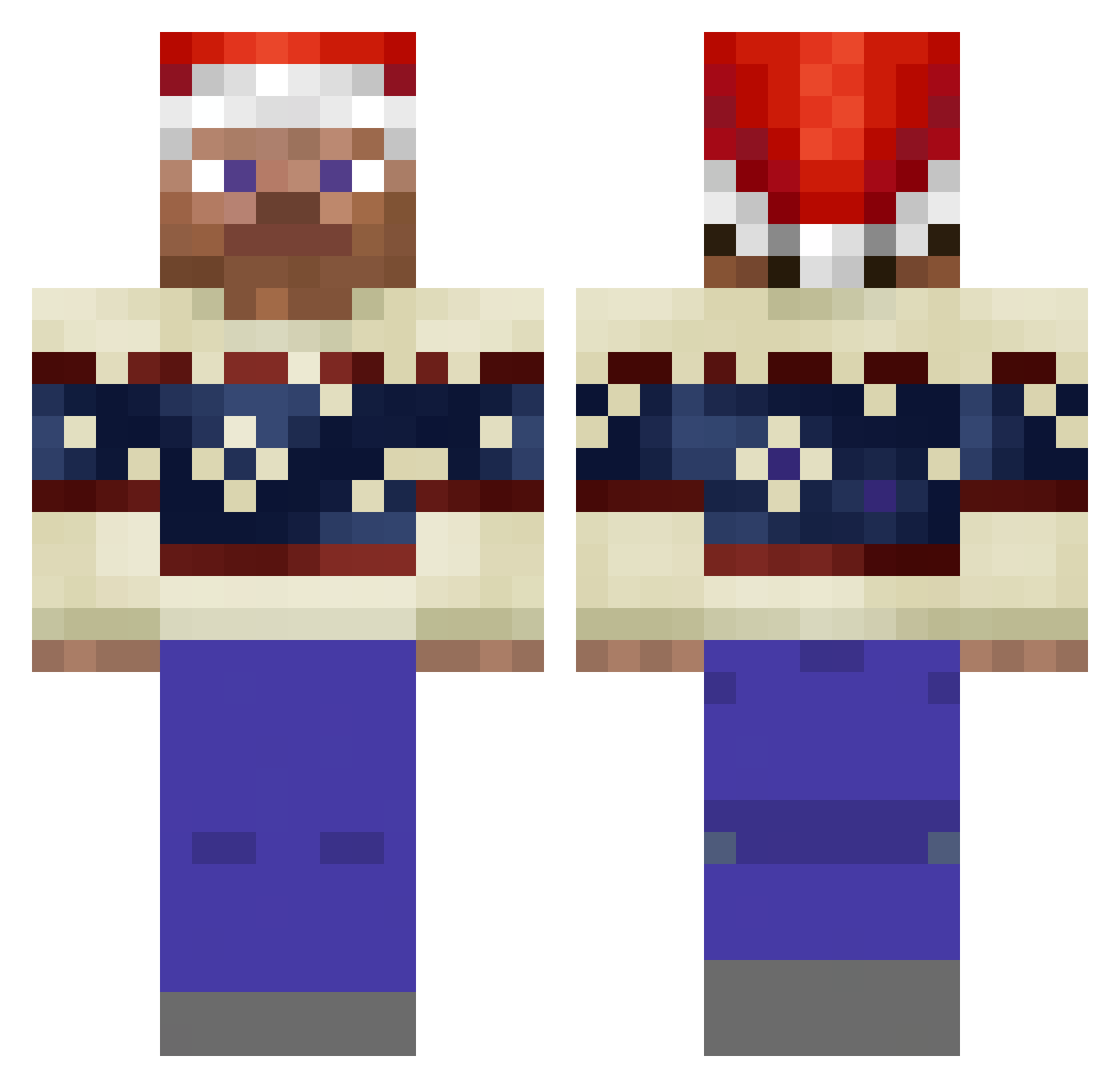
Current Minecraft skin of the player seeluckyy, loaded from the official Mojang API. Rotate the 3D model with your mouse or finger, then download the skin as a PNG file and use it in Minecraft: Bedrock Edition or Java Edition for free. When seeluckyy changes their skin, this page updates automatically and the old skin stays in the history below.
Other players with this skin (196)
seeluckyy was the 168th player we have seen with this skin, first spotted on 15.10.2026. The same skin was seen on these players. Open a nickname to see their current skin and skin history.
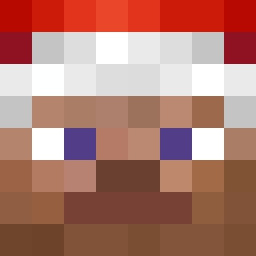 ARIZONA_STATE_1 itsConnorDude YoMan36 Abdulrachman chanchan69 culturedGnu6 bratranec1337 MattAndJustus ciadoo Dayzerrrr HardMouse nunez0927 blz_Mo GurkenKanone nozzhang RealObamaGamer fynnoreo FairMeteor94 KupKral Wellllll Georg_Ziro KyoTanjyobi henkinen stcll vejai yorstn sungyomi ChampangeNik n8fight3r misudt Krymtheasian kjoa lomatel228 missbigoudi Valke1 AndriiHoll RasimG iXeNiuSHD gimzon420 Cortra_ Oligamer2137 Weso9504 PRODIGY8000 topstriker33 Zigzder Teor1t Furkqnn0 MrWolftCR7 matteacher1 chromehartssss Pookyn Leikoz Flexycraft_ vushh Frescon Bruh1980 Skittle_Milk Nspect iNT12 shimfart
More Santa Hat Minecraft skins
How to install the seeluckyy skin
- Press the Download button above to save the skin as a PNG file.
- Minecraft: Bedrock Edition (PE): open the Dressing Room from the main menu (or tap your character → Edit Character), go to Classic Skins → Owned, press the + (new skin) button, choose the downloaded PNG and pick the Classic (Steve) model. Works on PC and mobile; consoles cannot import custom skins.
- Minecraft: Java Edition: open the Minecraft Launcher, go to the Skins tab, click New Skin, load the PNG, pick the Classic (Steve) model and press Save & Use. You can also upload it at minecraft.net → Profile → Change Skin.
The skin does not show up after import - what should I do?
Restart Minecraft and open the Dressing Room again - imported skins sometimes appear only after a restart. Also make sure you selected the imported skin and picked the Classic (Steve) model.
Which model should I choose, Classic or Slim?
This skin is designed for the Classic (Steve) model. If you pick the wrong model, the arms of the skin will look stretched or squeezed.
Is the skin of seeluckyy free to download?
Yes. Press Download, save the PNG file and use it in Minecraft: Bedrock Edition or Java Edition - no payment or registration needed. The skin also works on multiplayer servers and Realms.
More skins
Looking for more? Go back to all Minecraft skins and check the top skins of the week, month and all time, or find any player's skin by nickname.