
sanzhiyu - Minecraft Skins & Skin History
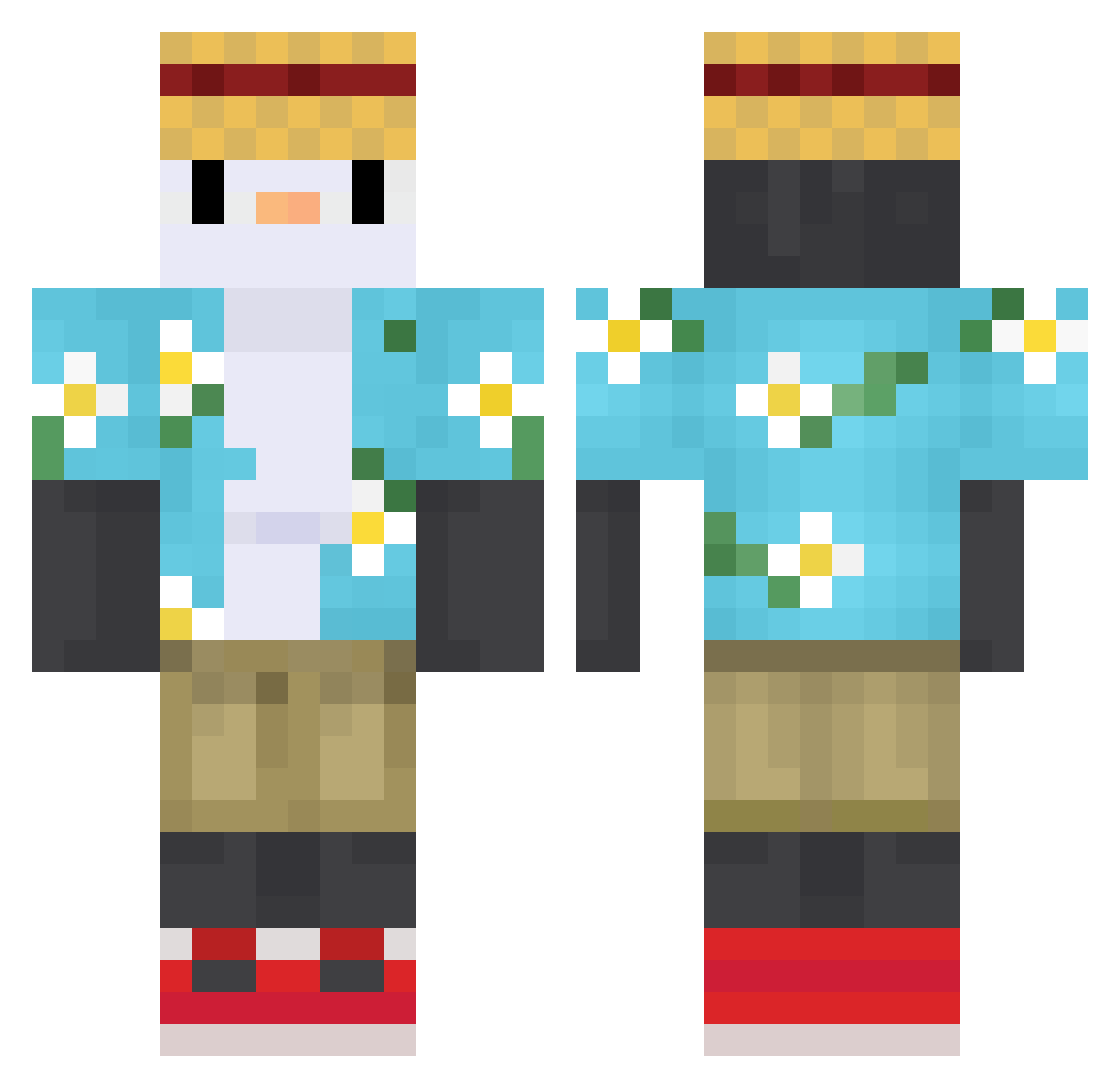
Current Minecraft skin of the player sanzhiyu, loaded from the official Mojang API. Rotate the 3D model with your mouse or finger, then download the skin as a PNG file and use it in Minecraft: Bedrock Edition or Java Edition for free. When sanzhiyu changes their skin, this page updates automatically and the old skin stays in the history below.
Other players with this skin (615)
sanzhiyu was the 209th player we have seen with this skin, first spotted on 31.08.2026. The same skin was seen on these players. Open a nickname to see their current skin and skin history.
 parkseh DudaoYzz lc_xie13 NathanTenpouin YxmTh EveCode Eterato roddthe Penguin_MLO GARVIE9 ChAnonyie smallGGbond parurun11 Montyyman vectoreitor FoXHeaRt042 QIhhc Pingwie Hear357 klaidu2 TropicalTypeYT H0lycz pengid Vaholy iSlept kirdio g0loniasty yazakito Melvin1211 Espaidi_i NayzYt_ mrlucca42 enzohb jiawalanpa VinnyNoxus eukkkjk Jiutang233 CrystalFrost F_Bochen TheYeyo24 Valdemir_Mtx nahim4610 dubicc salmqn Xiaocheng_Zhang meoroo linghun2 adiorhs Dix_on13 ZenooKK leaupi Snald raiderme Qee1y Xyz_zen AralBABA AzuredClover LonesomeSoul_ oOnight3Oo DorrruX
More Straw Hat Minecraft skins
How to install the sanzhiyu skin
- Press the Download button above to save the skin as a PNG file.
- Minecraft: Bedrock Edition (PE): open the Dressing Room from the main menu (or tap your character → Edit Character), go to Classic Skins → Owned, press the + (new skin) button, choose the downloaded PNG and pick the Classic (Steve) model. Works on PC and mobile; consoles cannot import custom skins.
- Minecraft: Java Edition: open the Minecraft Launcher, go to the Skins tab, click New Skin, load the PNG, pick the Classic (Steve) model and press Save & Use. You can also upload it at minecraft.net → Profile → Change Skin.
The skin does not show up after import - what should I do?
Restart Minecraft and open the Dressing Room again - imported skins sometimes appear only after a restart. Also make sure you selected the imported skin and picked the Classic (Steve) model.
Which model should I choose, Classic or Slim?
This skin is designed for the Classic (Steve) model. If you pick the wrong model, the arms of the skin will look stretched or squeezed.
Is the skin of sanzhiyu free to download?
Yes. Press Download, save the PNG file and use it in Minecraft: Bedrock Edition or Java Edition - no payment or registration needed. The skin also works on multiplayer servers and Realms.
More skins
Looking for more? Go back to all Minecraft skins and check the top skins of the week, month and all time, or find any player's skin by nickname.