
sambarrow13 - Minecraft Skins & Skin History
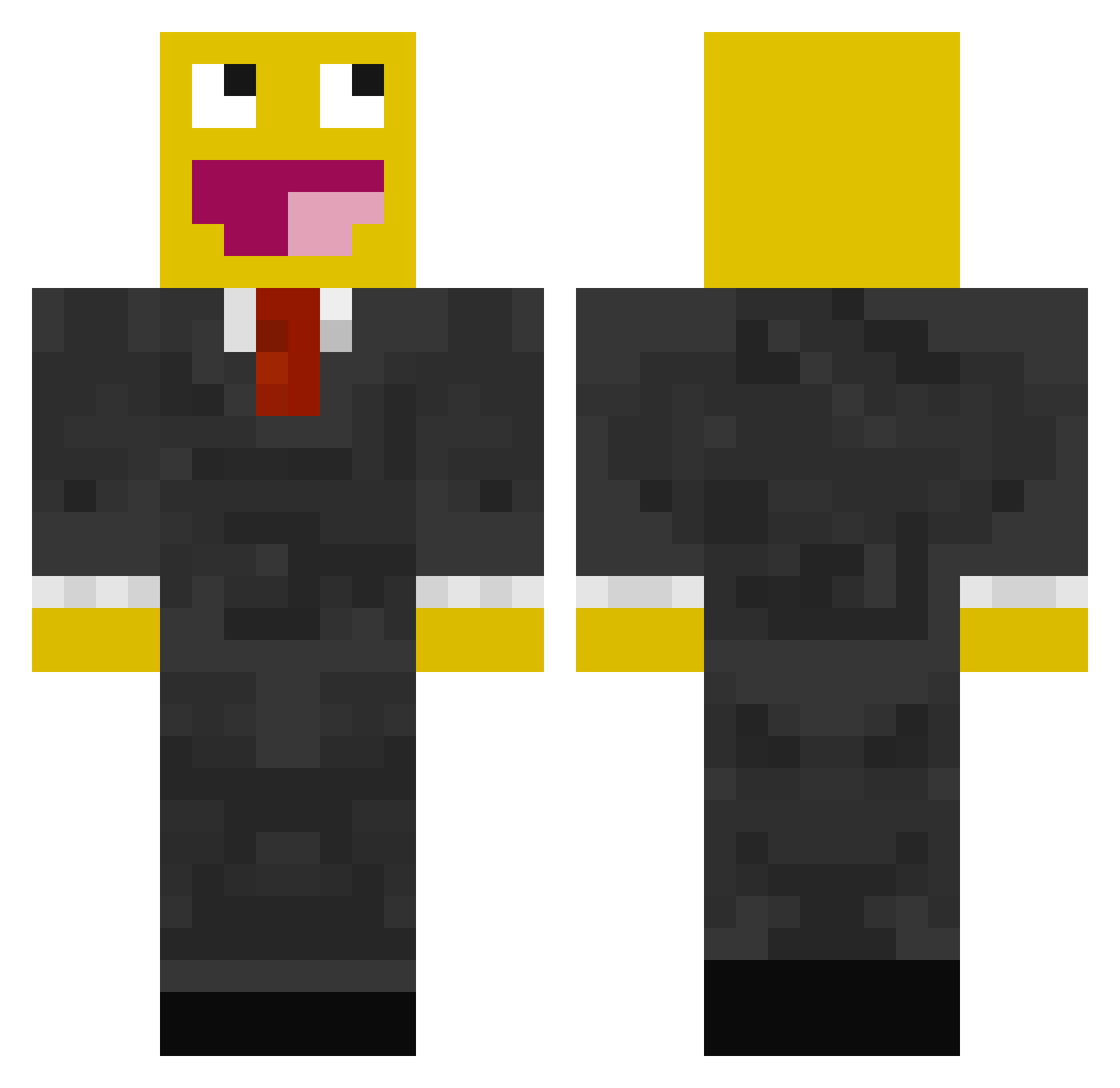
Current Minecraft skin of the player sambarrow13, loaded from the official Mojang API. Rotate the 3D model with your mouse or finger, then download the skin as a PNG file and use it in Minecraft: Bedrock Edition or Java Edition for free. When sambarrow13 changes their skin, this page updates automatically and the old skin stays in the history below.
Other players with this skin (529)
sambarrow13 was the 398th player we have seen with this skin, first spotted on 14.10.2026. The same skin was seen on these players. Open a nickname to see their current skin and skin history.
 KamiPigeon peppeking Dust14 3picownage nioman sam17warren mitch12340 hack_banana PlasticCake SonnyTheDude05 David_McK xZaLiWaTiioNz CrazyDo9 bvbart lewis4286 TytheKing DaGetz Spajkii Sylcir westovsky bazul5656 BoboTheTroll Punkzdaddy Tsaypia jenndizzle imoost 1234Moore Cswove tosca0007 KiiDGER12 mickPSG Carp3nt3r1 LGND sydney731 2PCTraders3 Coshy DrEggman Sgt_Cruz v1per_n1nja Hermants Dark_Beast223 TSM_TheOddOne Bond369 1024thomas Kalei_Mine s0init DutchJesse19 SeemslikeMAY RyanJonathan Axllndbrg DrHoooo kaisersauzee bobphil Baccahunter10 9ersfan49 Limerock Rawdrag capng Ging3r15 thisguy2000
More Smiley Face Minecraft skins
See all 2039 Smiley Face skins
How to install the sambarrow13 skin
- Press the Download button above to save the skin as a PNG file.
- Minecraft: Bedrock Edition (PE): open the Dressing Room from the main menu (or tap your character → Edit Character), go to Classic Skins → Owned, press the + (new skin) button, choose the downloaded PNG and pick the Classic (Steve) model. Works on PC and mobile; consoles cannot import custom skins.
- Minecraft: Java Edition: open the Minecraft Launcher, go to the Skins tab, click New Skin, load the PNG, pick the Classic (Steve) model and press Save & Use. You can also upload it at minecraft.net → Profile → Change Skin.
The skin does not show up after import - what should I do?
Restart Minecraft and open the Dressing Room again - imported skins sometimes appear only after a restart. Also make sure you selected the imported skin and picked the Classic (Steve) model.
Which model should I choose, Classic or Slim?
This skin is designed for the Classic (Steve) model. If you pick the wrong model, the arms of the skin will look stretched or squeezed.
Is the skin of sambarrow13 free to download?
Yes. Press Download, save the PNG file and use it in Minecraft: Bedrock Edition or Java Edition - no payment or registration needed. The skin also works on multiplayer servers and Realms.
More skins
Looking for more? Go back to all Minecraft skins and check the top skins of the week, month and all time, or find any player's skin by nickname.