
sable222 - Minecraft Skins & Skin History
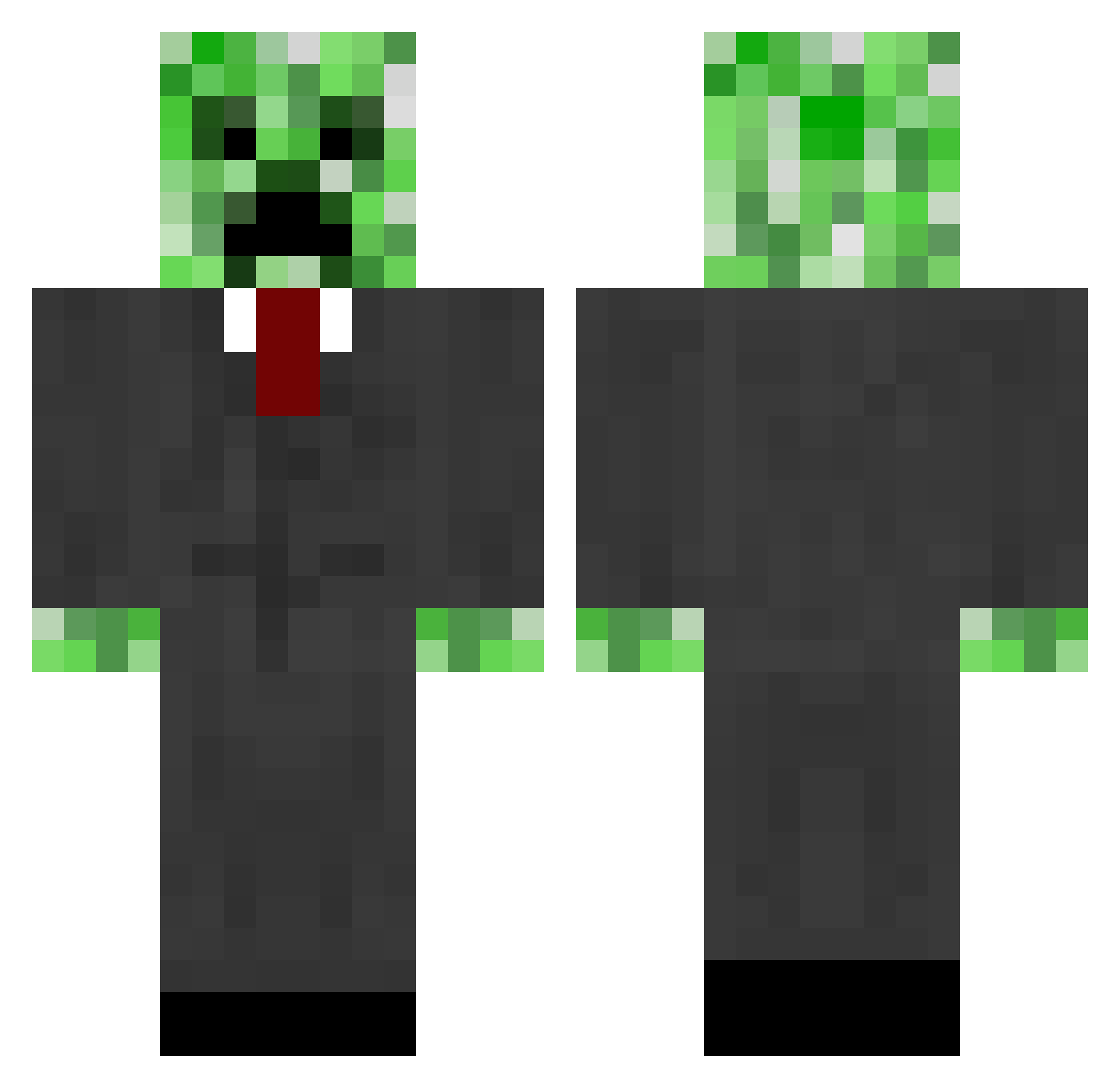
Current Minecraft skin of the player sable222, loaded from the official Mojang API. Rotate the 3D model with your mouse or finger, then download the skin as a PNG file and use it in Minecraft: Bedrock Edition or Java Edition for free. When sable222 changes their skin, this page updates automatically and the old skin stays in the history below.
Other players with this skin (664)
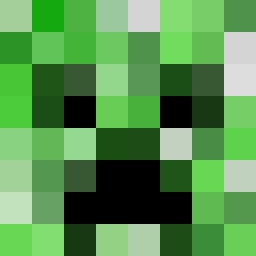
sable222 was the 141st player we have seen with this skin, first spotted on 17.08.2026. The same skin was seen on these players. Open a nickname to see their current skin and skin history.
 DEATH_ANGEL_69 Parso9700 Pixilz samm1934 wheeler_dylan hambone1000 manover Jambocraft Joshua3518 Hisken2000 Kasinsan SneakyStealth Ragecide Konehedboyzx4 Metha_Chemista csalev TwistAgony st_pauli chrispmatthiesen Moritz160999 Bravewrath blacklax12 Kodaq616 playandthink nolanyou Emmcat Lapayo Walugi01 Tewbacca CadeHarris26 xDivineLegenD captinsparkels1 TopHat49 lockster56 Iam_Robert unleashthefury carter_boyd BenjaminKTM30 Shylaqt Mafia_Bryce Hibachy oribia4470 tentex24 Invalid_Cactus creeper1575 Newks LMAO_KiLlJoY Fishcustard3 Artturi2002 Warking5000 ocodudes bastersan TheSlayer1012 poop_on_your_mom Archerj baconlover1121 NatalieM99 RobertBennett lhama hotch2009
More Creeper Minecraft skins
How to install the sable222 skin
- Press the Download button above to save the skin as a PNG file.
- Minecraft: Bedrock Edition (PE): open the Dressing Room from the main menu (or tap your character → Edit Character), go to Classic Skins → Owned, press the + (new skin) button, choose the downloaded PNG and pick the Classic (Steve) model. Works on PC and mobile; consoles cannot import custom skins.
- Minecraft: Java Edition: open the Minecraft Launcher, go to the Skins tab, click New Skin, load the PNG, pick the Classic (Steve) model and press Save & Use. You can also upload it at minecraft.net → Profile → Change Skin.
The skin does not show up after import - what should I do?
Restart Minecraft and open the Dressing Room again - imported skins sometimes appear only after a restart. Also make sure you selected the imported skin and picked the Classic (Steve) model.
Which model should I choose, Classic or Slim?
This skin is designed for the Classic (Steve) model. If you pick the wrong model, the arms of the skin will look stretched or squeezed.
Is the skin of sable222 free to download?
Yes. Press Download, save the PNG file and use it in Minecraft: Bedrock Edition or Java Edition - no payment or registration needed. The skin also works on multiplayer servers and Realms.
More skins
Looking for more? Go back to all Minecraft skins and check the top skins of the week, month and all time, or find any player's skin by nickname.