
s1kqrz - Minecraft Skins & Skin History
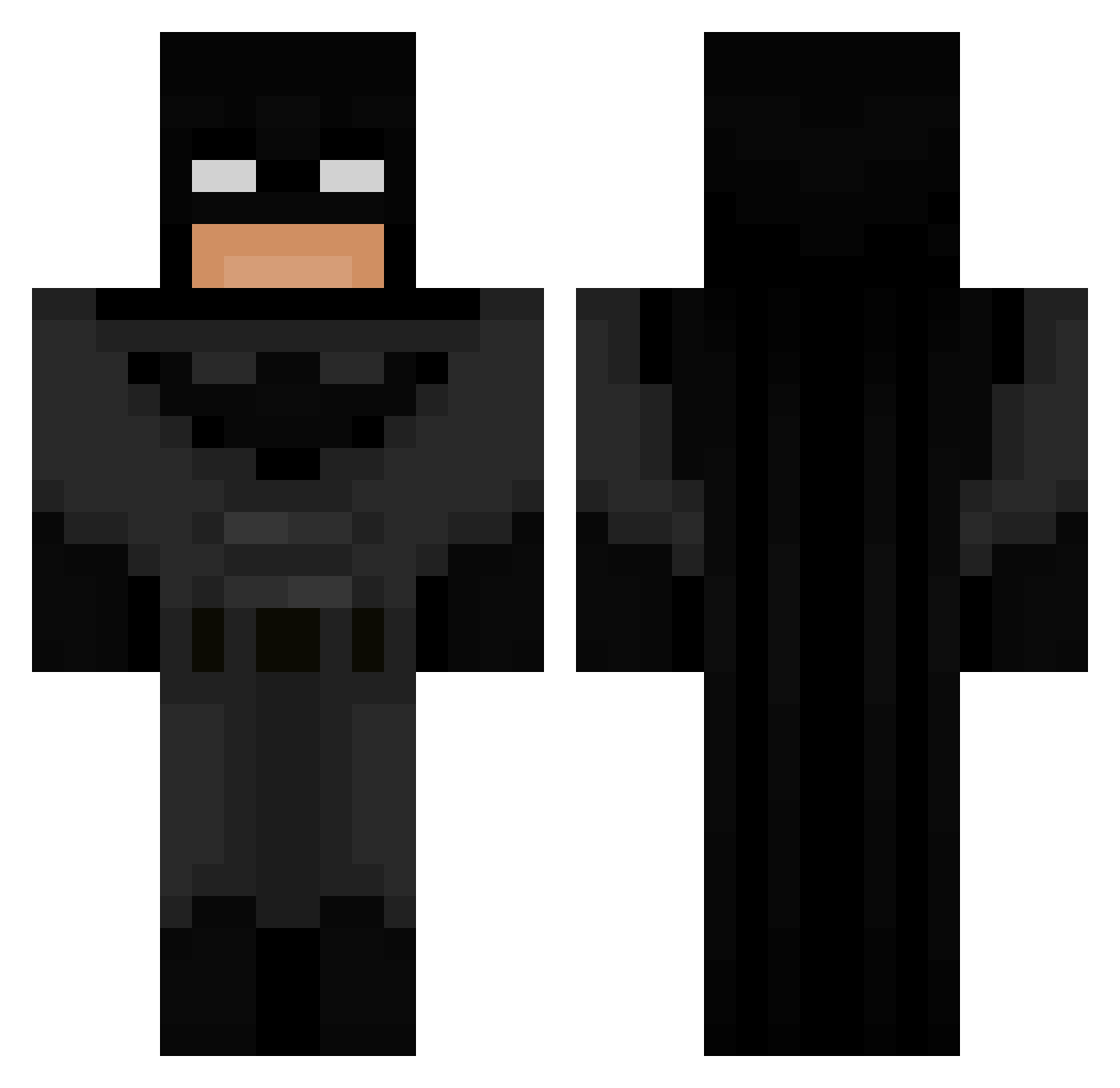
Current Minecraft skin of the player s1kqrz, loaded from the official Mojang API. Rotate the 3D model with your mouse or finger, then download the skin as a PNG file and use it in Minecraft: Bedrock Edition or Java Edition for free. When s1kqrz changes their skin, this page updates automatically and the old skin stays in the history below.
Other players with this skin (694)
s1kqrz was the 507th player we have seen with this skin, first spotted on 05.10.2026. The same skin was seen on these players. Open a nickname to see their current skin and skin history.
 marsh_obsesshin2 Myqee Eli_Mine12 RUDIK_ wrex39 Sagui31y Kackor123 crisfixe Gowthok 3206budwalk PhenWasTaken cloddyliltim obikibi890980 bean_rule TyroneLinar ImpulseBerry192 KristianSTORPIK Piedmont567 ibn_palestine Morg52 julien2121 SamFieri96 BlackRealBatman omg50dollars Mahawi Bhuck_E_Bheese eyh7 Vology7 Freddi_Min Hilols AndrijaZabi _aydee LargeAsianBalls viio75 TediShimu valkon155 mayronelxrs paradox_1010 Landonisbatman gluegunner7959 The_Electrician2 SoggyNutts DoggoEmilio reigno Boksininkas Icy_H Lord_Terra09 antxnia00 staarrbit MunkaFC 0weso GamezFuel CS290x Aleksi123456789 Osprey_12 Lua24_ GOONER_SQUAD Fargel1466 silmyn quarkzzzz
More Batman Minecraft skins
How to install the s1kqrz skin
- Press the Download button above to save the skin as a PNG file.
- Minecraft: Bedrock Edition (PE): open the Dressing Room from the main menu (or tap your character → Edit Character), go to Classic Skins → Owned, press the + (new skin) button, choose the downloaded PNG and pick the Classic (Steve) model. Works on PC and mobile; consoles cannot import custom skins.
- Minecraft: Java Edition: open the Minecraft Launcher, go to the Skins tab, click New Skin, load the PNG, pick the Classic (Steve) model and press Save & Use. You can also upload it at minecraft.net → Profile → Change Skin.
The skin does not show up after import - what should I do?
Restart Minecraft and open the Dressing Room again - imported skins sometimes appear only after a restart. Also make sure you selected the imported skin and picked the Classic (Steve) model.
Which model should I choose, Classic or Slim?
This skin is designed for the Classic (Steve) model. If you pick the wrong model, the arms of the skin will look stretched or squeezed.
Is the skin of s1kqrz free to download?
Yes. Press Download, save the PNG file and use it in Minecraft: Bedrock Edition or Java Edition - no payment or registration needed. The skin also works on multiplayer servers and Realms.
More skins
Looking for more? Go back to all Minecraft skins and check the top skins of the week, month and all time, or find any player's skin by nickname.