
s0ld_ - Minecraft Skins & Skin History
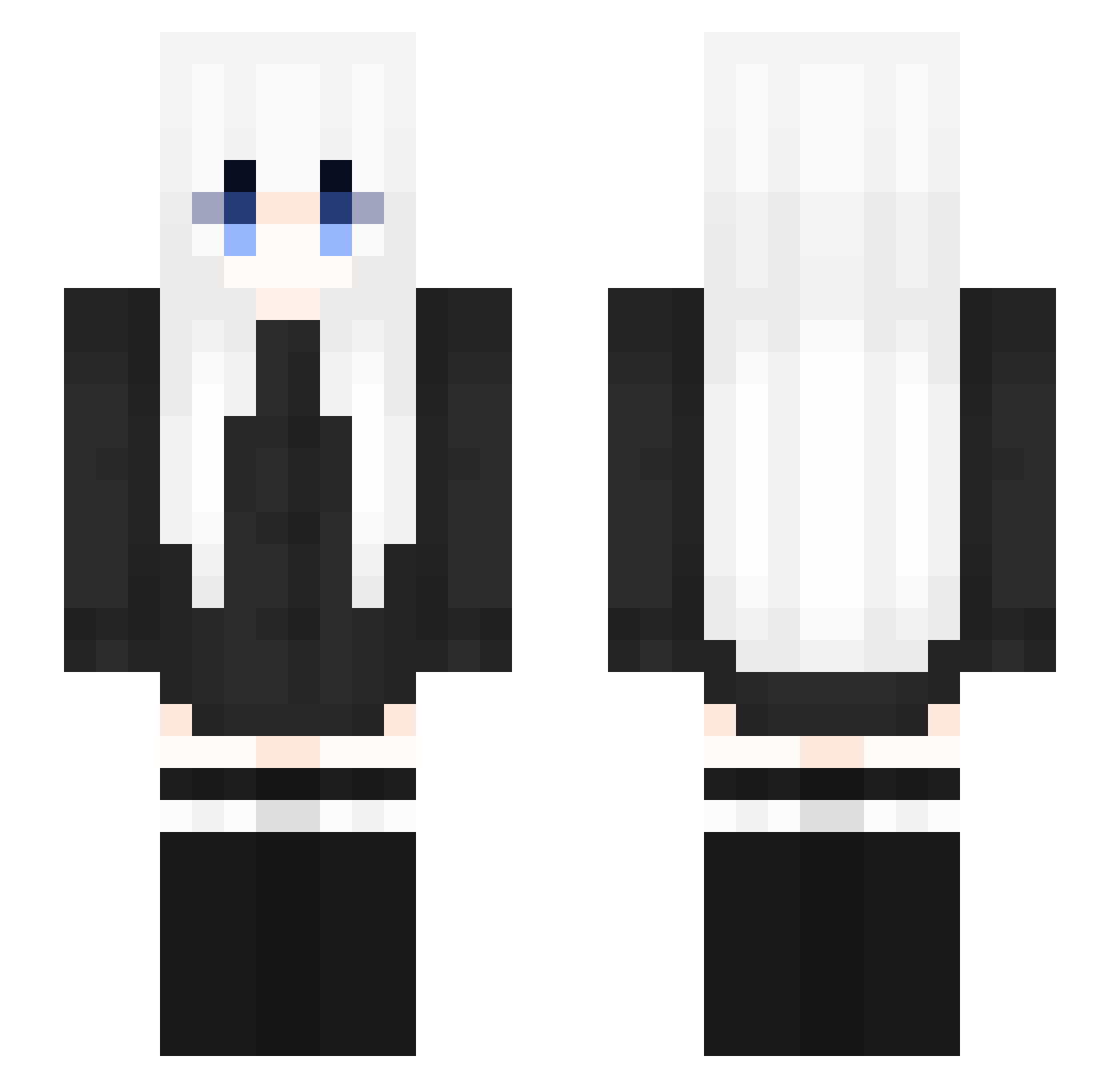
Current Minecraft skin of the player s0ld_, loaded from the official Mojang API. Rotate the 3D model with your mouse or finger, then download the skin as a PNG file and use it in Minecraft: Bedrock Edition or Java Edition for free. When s0ld_ changes their skin, this page updates automatically and the old skin stays in the history below.
Other players with this skin (353)
s0ld_ was the 220th player we have seen with this skin, first spotted on 06.10.2026. The same skin was seen on these players. Open a nickname to see their current skin and skin history.
 Shaiyann ova3609 yeyuan2 xiao_chuan1 somimini XxAYUANxX fogi47 Zad159 yyya SDBDDH Palacefan5767 KLS385 Ginsetsu KnowKite emotional05 rodsweat Carlotta_0322 Aurora_Kst billionaireEgirl xXpepperX statyczny_69 Allen_z materazzi158 aihniis Ahcwr xXW0LF3YXx AoiNova_Nia Verdix123 black_white_xw mingri1 kamidaaaa Yukibii aryeel Kizielek luoxisama Horologize 231011 PTK1206 Ersilingb mokoto__ kreze000 ILOVELEANL9 jiqing1001 Scythiaa woshi__SB Rusu914 cocacocacola JCManko jiuxiangfm S_y_l_ yuamoing Kevin_em Atian519 forolder LEGHT1 ss660 Actualluy ggac EC60229 AtomBarbossa
More Anime Girl Minecraft skins
See all 13731 Anime Girl skins
How to install the s0ld_ skin
- Press the Download button above to save the skin as a PNG file.
- Minecraft: Bedrock Edition (PE): open the Dressing Room from the main menu (or tap your character → Edit Character), go to Classic Skins → Owned, press the + (new skin) button, choose the downloaded PNG and pick the Slim (Alex) model. Works on PC and mobile; consoles cannot import custom skins.
- Minecraft: Java Edition: open the Minecraft Launcher, go to the Skins tab, click New Skin, load the PNG, pick the Slim (Alex) model and press Save & Use. You can also upload it at minecraft.net → Profile → Change Skin.
The skin does not show up after import - what should I do?
Restart Minecraft and open the Dressing Room again - imported skins sometimes appear only after a restart. Also make sure you selected the imported skin and picked the Slim (Alex) model.
Which model should I choose, Classic or Slim?
This skin is designed for the Slim (Alex) model. If you pick the wrong model, the arms of the skin will look stretched or squeezed.
Is the skin of s0ld_ free to download?
Yes. Press Download, save the PNG file and use it in Minecraft: Bedrock Edition or Java Edition - no payment or registration needed. The skin also works on multiplayer servers and Realms.
More skins
Looking for more? Go back to all Minecraft skins and check the top skins of the week, month and all time, or find any player's skin by nickname.