
ryndacoolest - Minecraft Skins & Skin History
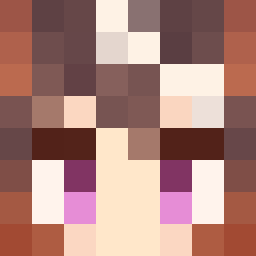
Current Minecraft skin of the player ryndacoolest, loaded from the official Mojang API. Rotate the 3D model with your mouse or finger, then download the skin as a PNG file and use it in Minecraft: Bedrock Edition or Java Edition for free. When ryndacoolest changes their skin, this page updates automatically and the old skin stays in the history below.
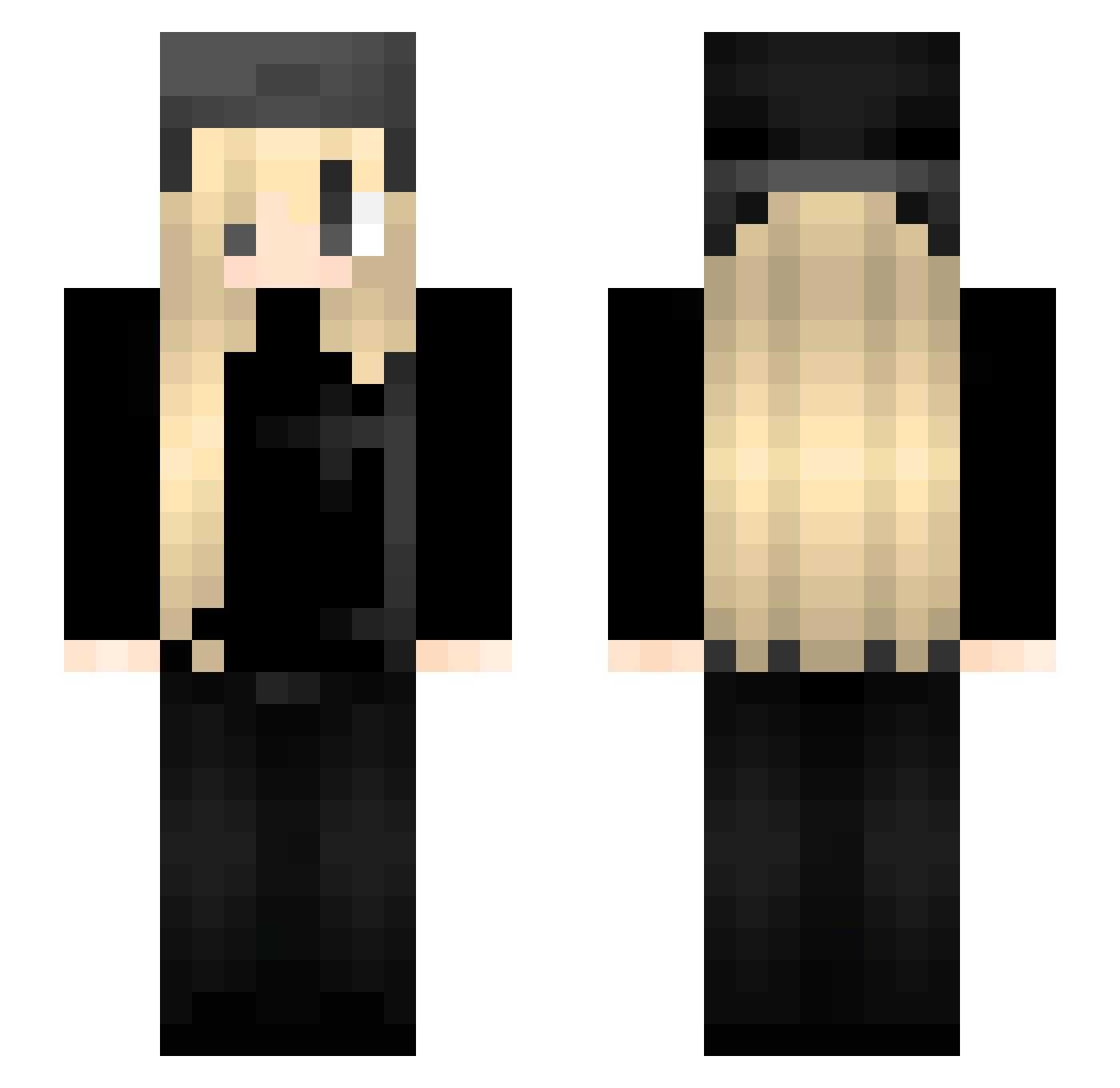
Other players with this skin (69)
ryndacoolest was the 38th player we have seen with this skin, first spotted on 17.09.2026. The same skin was seen on these players. Open a nickname to see their current skin and skin history.
 n00dlee Phia_06 Ll4N DangerousVZombie FancyPants1111 Im_trol KKShooter ecef siobhannn
 meowfey psycho_doll kiyoshi_x Nasvy ZORRO_CAT
 eyedterror MinickMc yeerisu S1lverxzz lunalk HUSARIAPOLSKA kureaaxx aliciaeduarda Ookiedook 1kwd Bernt0 Shimmezy YuyukoSaigyouzi FELEK123123 profisa_TR Hwie_ Emma04__ LLemons00 Pennywise261 NNadusia mad_sparrow_d2 Buriburi08 Lurranda xEm1lia acnecutan pequenomaldito swveyiscool PersistedMail Eyencita BadBoyJake1234 iKanzz miozaa BinnyQuaverEvil m6orii BiggestLoser nicotinepouche ulyse007 lovepanthers 9yeo1 yescubixty lesdoib
 wrathv Kadziobas reiuss
 Luqyie wanicchi
More Girl Minecraft skins
How to install the ryndacoolest skin
- Press the Download button above to save the skin as a PNG file.
- Minecraft: Bedrock Edition (PE): open the Dressing Room from the main menu (or tap your character → Edit Character), go to Classic Skins → Owned, press the + (new skin) button, choose the downloaded PNG and pick the Slim (Alex) model. Works on PC and mobile; consoles cannot import custom skins.
- Minecraft: Java Edition: open the Minecraft Launcher, go to the Skins tab, click New Skin, load the PNG, pick the Slim (Alex) model and press Save & Use. You can also upload it at minecraft.net → Profile → Change Skin.
The skin does not show up after import - what should I do?
Restart Minecraft and open the Dressing Room again - imported skins sometimes appear only after a restart. Also make sure you selected the imported skin and picked the Slim (Alex) model.
Which model should I choose, Classic or Slim?
This skin is designed for the Slim (Alex) model. If you pick the wrong model, the arms of the skin will look stretched or squeezed.
Is the skin of ryndacoolest free to download?
Yes. Press Download, save the PNG file and use it in Minecraft: Bedrock Edition or Java Edition - no payment or registration needed. The skin also works on multiplayer servers and Realms.
More skins
Looking for more? Go back to all Minecraft skins and check the top skins of the week, month and all time, or find any player's skin by nickname.