
ryn_18n - Minecraft Skins & Skin History
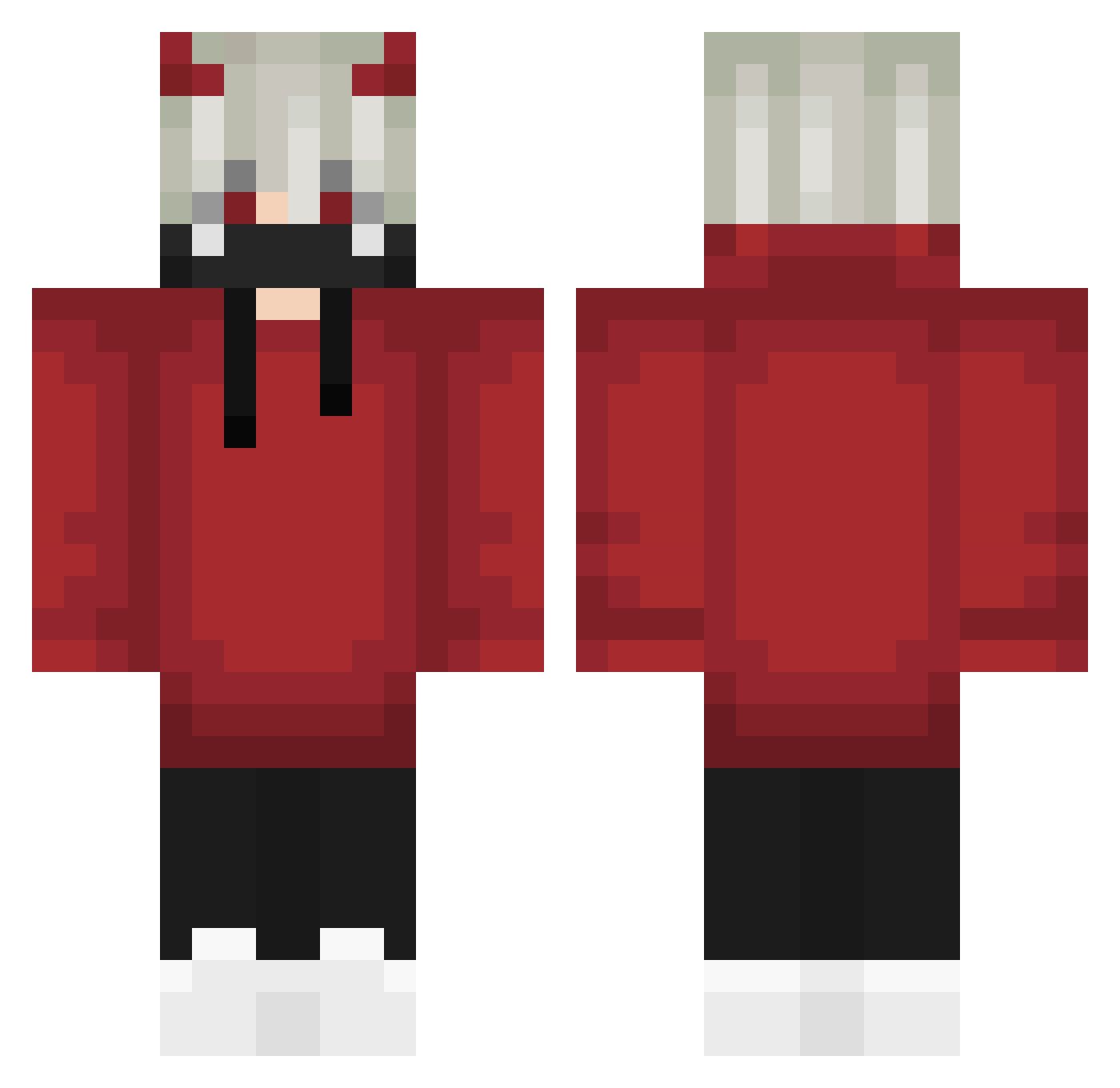
Current Minecraft skin of the player ryn_18n, loaded from the official Mojang API. Rotate the 3D model with your mouse or finger, then download the skin as a PNG file and use it in Minecraft: Bedrock Edition or Java Edition for free. When ryn_18n changes their skin, this page updates automatically and the old skin stays in the history below.
Other players with this skin (626)
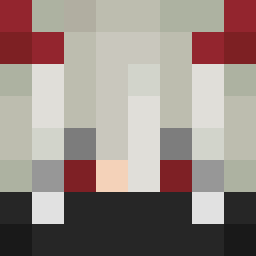
ryn_18n was the 577th player we have seen with this skin, first spotted on 16.10.2026. The same skin was seen on these players. Open a nickname to see their current skin and skin history.
 b1yz3l Tiwaz_KJ 1Greeman11 LilianRied_ killlerwolf3959 JoshuandyYTMC lucao227 xiaofeihuiji taylorgecko1 RICKHSS TheUnholyFox xm_i_k_ax jeffsu BobkataBG08 yoru0722 wpt_NYUseI TamerCeylan TheScorpion_HD MuChen86 hunter_v_ chetah336 _no1ze_ Hackereczek132 aziz1979 breeze498 leonardo968 HH_Hercu1es Riccio25 CurrentlyRaiding PROSHADOWLEAK Inkchic Bulllsjunge Mimiito PainILk ImTheDaddy23 ThatGuyConnor1 ScroccMan Vquy210712 Devilbats7412 Marcoszueirinho ZACKRED 1_NenKin_1 DarkSup3r179 maxin999 K_XXY00NI ___KELVIN___ OROXx_ Kenjarl 29parr Noiiiz_ ambioz Chupesco SIMO1441 MrCynac aka_nosta Malanris xM1Dx corrompupatate13 NotYourAbhinav aek0668
More Demon Horns Minecraft skins
How to install the ryn_18n skin
- Press the Download button above to save the skin as a PNG file.
- Minecraft: Bedrock Edition (PE): open the Dressing Room from the main menu (or tap your character → Edit Character), go to Classic Skins → Owned, press the + (new skin) button, choose the downloaded PNG and pick the Classic (Steve) model. Works on PC and mobile; consoles cannot import custom skins.
- Minecraft: Java Edition: open the Minecraft Launcher, go to the Skins tab, click New Skin, load the PNG, pick the Classic (Steve) model and press Save & Use. You can also upload it at minecraft.net → Profile → Change Skin.
The skin does not show up after import - what should I do?
Restart Minecraft and open the Dressing Room again - imported skins sometimes appear only after a restart. Also make sure you selected the imported skin and picked the Classic (Steve) model.
Which model should I choose, Classic or Slim?
This skin is designed for the Classic (Steve) model. If you pick the wrong model, the arms of the skin will look stretched or squeezed.
Is the skin of ryn_18n free to download?
Yes. Press Download, save the PNG file and use it in Minecraft: Bedrock Edition or Java Edition - no payment or registration needed. The skin also works on multiplayer servers and Realms.
More skins
Looking for more? Go back to all Minecraft skins and check the top skins of the week, month and all time, or find any player's skin by nickname.