
rosetroyboy - Minecraft Skins & Skin History
Current Minecraft skin of the player rosetroyboy, loaded from the official Mojang API. Rotate the 3D model with your mouse or finger, then download the skin as a PNG file and use it in Minecraft: Bedrock Edition or Java Edition for free. When rosetroyboy changes their skin, this page updates automatically and the old skin stays in the history below.
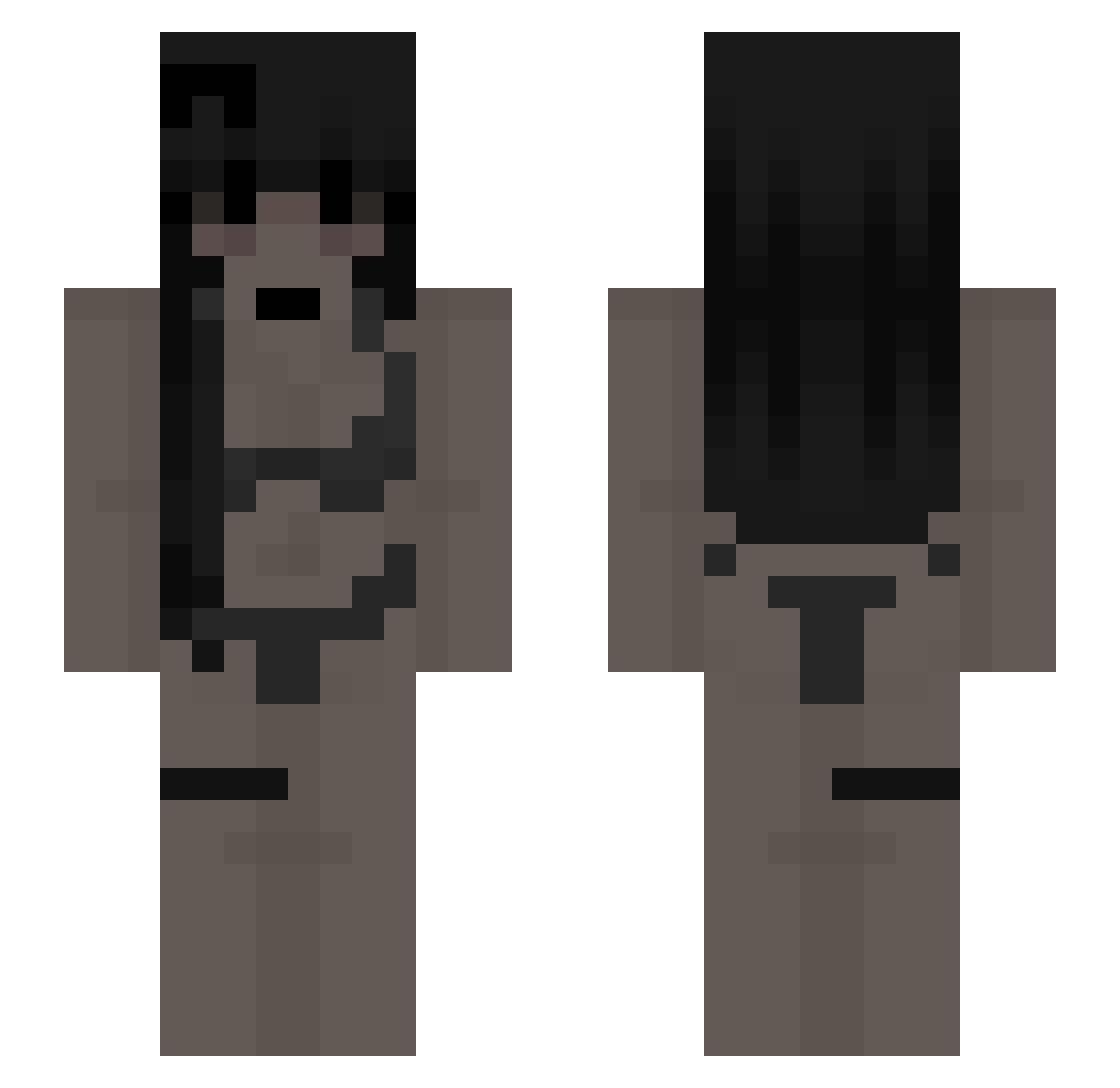
Other players with this skin (60)
rosetroyboy was the 29th player we have seen with this skin, first spotted on 14.09.2026. The same skin was seen on these players. Open a nickname to see their current skin and skin history.
 Knax123 Milylol0 Deadb0nez G59_Egg GoonMaxxingChud GetSm0ked_ rnely tymus344 Stogetha Enzo__ LACRIZE0TIEK ansg4r Sucks8907 Ride_Xyro werusss_ Luzisity bazyla AKIRA_ST4R dRoWnIex NacpanaWisnia hokamie HinakoSakuragi Wildematilde Eperekk septumcancer sleepyy_420 KIMSSAM
 lemoniada02 Astracove 1ykxwi__ Jarmo650 tedeeer zEnigma_ xptl2
 MChogriderMC
 ThisBit pc_x TianShangMingYue
 TheXiaoAn_L
 leoX2512 WhoIsWemmbu Pu1las2 Aprixzy namminu625 Loxon_ yn_k JestemNaK0xsie ewnx_ zyzxti Pewnie_Danon_
 Turek_132 Barricade80 LEFIREIM_2GG Txggler Culcu Nitan2014 wetlatina Luca_1143106 Sigmalemajava lilniino
More Bikini Minecraft skins
How to install the rosetroyboy skin
- Press the Download button above to save the skin as a PNG file.
- Minecraft: Bedrock Edition (PE): open the Dressing Room from the main menu (or tap your character → Edit Character), go to Classic Skins → Owned, press the + (new skin) button, choose the downloaded PNG and pick the Slim (Alex) model. Works on PC and mobile; consoles cannot import custom skins.
- Minecraft: Java Edition: open the Minecraft Launcher, go to the Skins tab, click New Skin, load the PNG, pick the Slim (Alex) model and press Save & Use. You can also upload it at minecraft.net → Profile → Change Skin.
The skin does not show up after import - what should I do?
Restart Minecraft and open the Dressing Room again - imported skins sometimes appear only after a restart. Also make sure you selected the imported skin and picked the Slim (Alex) model.
Which model should I choose, Classic or Slim?
This skin is designed for the Slim (Alex) model. If you pick the wrong model, the arms of the skin will look stretched or squeezed.
Is the skin of rosetroyboy free to download?
Yes. Press Download, save the PNG file and use it in Minecraft: Bedrock Edition or Java Edition - no payment or registration needed. The skin also works on multiplayer servers and Realms.
More skins
Looking for more? Go back to all Minecraft skins and check the top skins of the week, month and all time, or find any player's skin by nickname.