
reuummmy - Minecraft Skins & Skin History
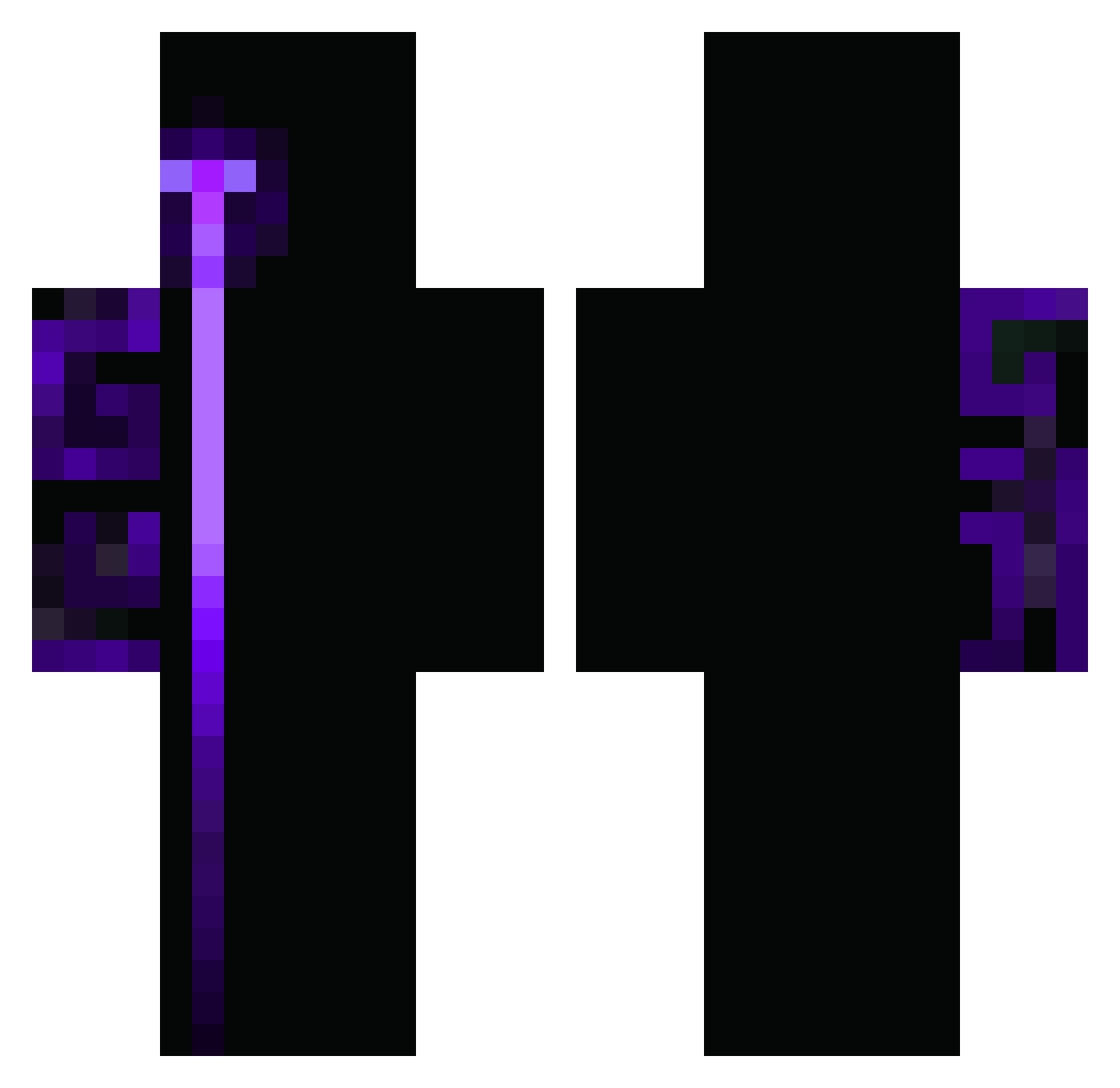
Current Minecraft skin of the player reuummmy, loaded from the official Mojang API. Rotate the 3D model with your mouse or finger, then download the skin as a PNG file and use it in Minecraft: Bedrock Edition or Java Edition for free. When reuummmy changes their skin, this page updates automatically and the old skin stays in the history below.
Other players with this skin (411)
reuummmy was the 160th player we have seen with this skin, first spotted on 06.09.2026. The same skin was seen on these players. Open a nickname to see their current skin and skin history.
 SDIFJ Ros_t raphit0
 murilebas Chepadawan BigDaddy6969420 Hall605 Eveldin wm87 KluskaNaPatyku altugkraer SorBaK91 ASADCHICKEN SebaMarquez06 Gusga_break BigBr00wen Slickezz74 SK_ManuelR Serch_1 callthewaiter abdoo963 mr_clix ramonelpapu CreeperKingJLC Boskurtkaan31 Susho88 Lansguini TerminatorSJX Amedingsje__ DamianowyDywan Kqnizqnim MajinGuil KaioSilbernagel Gholosa_ MagenDavidAdom ninjafireice123 MareNostrum7151 Zetraul mintlike TheShapi XAMPOLAVLR XynStreila blad_yt Lisa14 AinzOoalGoan JJchiposXD alexandrin123 bym_PfyhB_05_04 Chuyin_LPZ Al4n33k jolhl EvanEzbee Kakoraridade YuanSuShengHuang babalebaba XixoJl 123123123carlos Ed9m xqha jokerff
How to install the reuummmy skin
- Press the Download button above to save the skin as a PNG file.
- Minecraft: Bedrock Edition (PE): open the Dressing Room from the main menu (or tap your character → Edit Character), go to Classic Skins → Owned, press the + (new skin) button, choose the downloaded PNG and pick the Classic (Steve) model. Works on PC and mobile; consoles cannot import custom skins.
- Minecraft: Java Edition: open the Minecraft Launcher, go to the Skins tab, click New Skin, load the PNG, pick the Classic (Steve) model and press Save & Use. You can also upload it at minecraft.net → Profile → Change Skin.
The skin does not show up after import - what should I do?
Restart Minecraft and open the Dressing Room again - imported skins sometimes appear only after a restart. Also make sure you selected the imported skin and picked the Classic (Steve) model.
Which model should I choose, Classic or Slim?
This skin is designed for the Classic (Steve) model. If you pick the wrong model, the arms of the skin will look stretched or squeezed.
Is the skin of reuummmy free to download?
Yes. Press Download, save the PNG file and use it in Minecraft: Bedrock Edition or Java Edition - no payment or registration needed. The skin also works on multiplayer servers and Realms.
More skins
Looking for more? Go back to all Minecraft skins and check the top skins of the week, month and all time, or find any player's skin by nickname.