
 bababpromuh Mia_boo ZhangDuck Luizin244 bOI2610 KKisTT Henjut03 Noxi14 DassBas UntaxxableMc Kleivdalsuuuuuur 2fosh Antonio2842 Aspect1611 GXkiller24 MrLooks leuzzz12 ITZ_NOT_GHOST alfa516 chizox Aranoide _Yusepe_ En1ToolS SlowAshBoy zail1 RicebaII JGL122333232332 Voltronix_YT dooonis 10k82_ Olkian12 bakkou LuuGiin Draygorn81 xm_2QGtD_05_30 AsuraXP SilentIXI ice_water00 Tozzard RizenDragneel SpeedyBlazer Tan3vski franekszarata Eien0 Arsaktor STUP3FIANT Vortexx67_ pavidd My_namebo0 Yougli Braden10208 Be11ic young_Skywalker BananinBna vzet BlackCode007 Jord_vdm Cgm1278 pez498 Wadarll
Minecraft skin of supertarta. Rotate the 3D model with your mouse or finger to view the skin from every angle, then download it as a PNG file and use it in Minecraft: Bedrock Edition or Java Edition for free. Rate the skin with stars to help other players find the best skins in our collection.
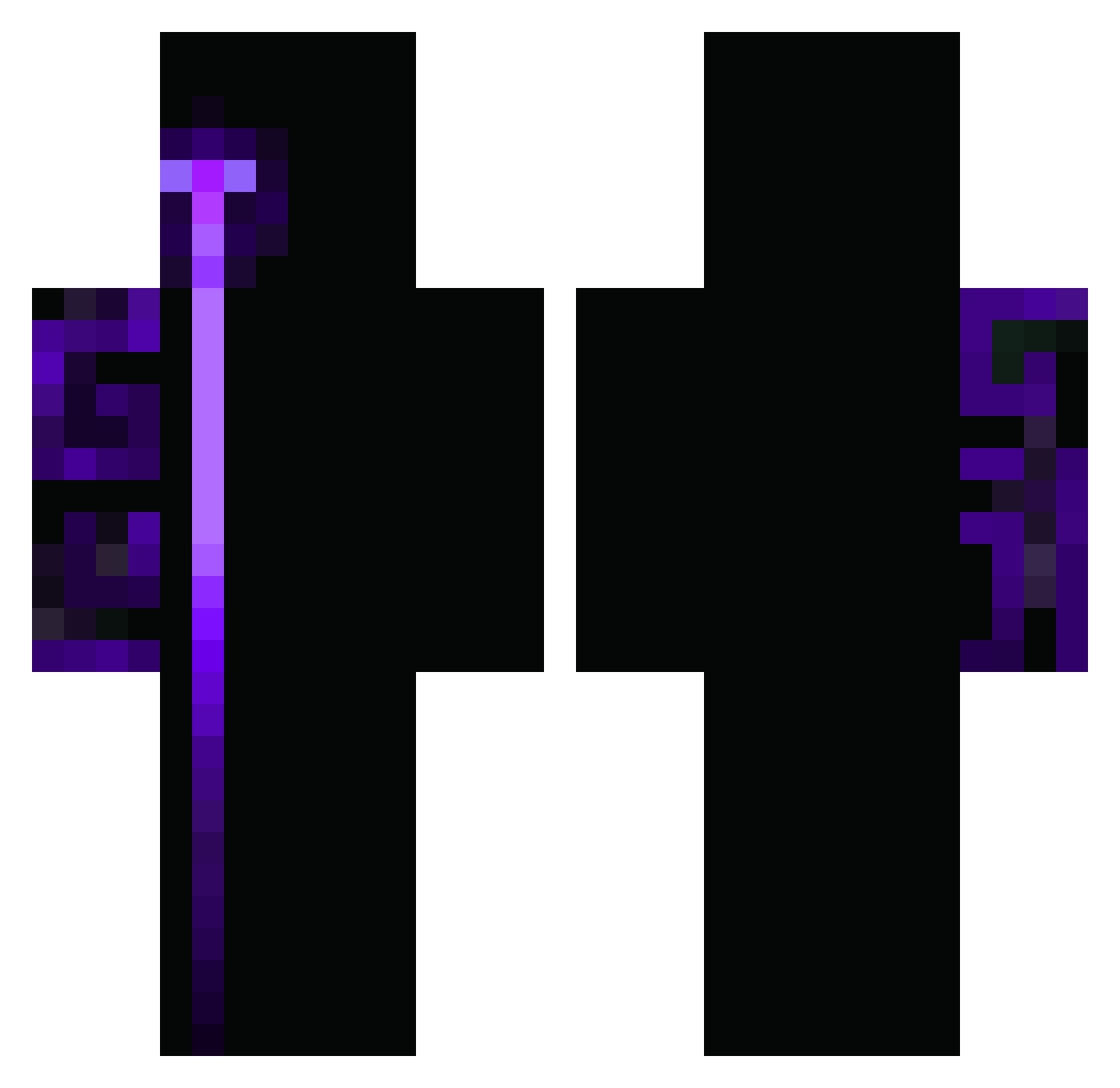
How to install the supertarta skin
- Press the Download button above to save the skin as a PNG file.
- Minecraft: Bedrock Edition (PE): open the Dressing Room from the main menu (or tap your character → Edit Character), go to Classic Skins → Owned, press the + (new skin) button, choose the downloaded PNG and pick the Classic (Steve) model. Works on PC and mobile; consoles cannot import custom skins.
- Minecraft: Java Edition: open the Minecraft Launcher, go to the Skins tab, click New Skin, load the PNG, pick the Classic (Steve) model and press Save & Use. You can also upload it at minecraft.net → Profile → Change Skin.
The skin does not show up after import - what should I do?
Restart Minecraft and open the Dressing Room again - imported skins sometimes appear only after a restart. Also make sure you selected the imported skin and picked the Classic (Steve) model.
Which model should I choose, Classic or Slim?
This skin is designed for the Classic (Steve) model. If you pick the wrong model, the arms of the skin will look stretched or squeezed.
Is this skin free to use?
Yes. Press Download, save the PNG file and use it in Minecraft: Bedrock Edition or Java Edition - no payment or registration needed. The skin also works on multiplayer servers and Realms.
More skins
Looking for more? Go back to all Minecraft skins and check the top skins of the week, month and all time, or find any player's skin by nickname.