
quoago - Minecraft Skins & Skin History
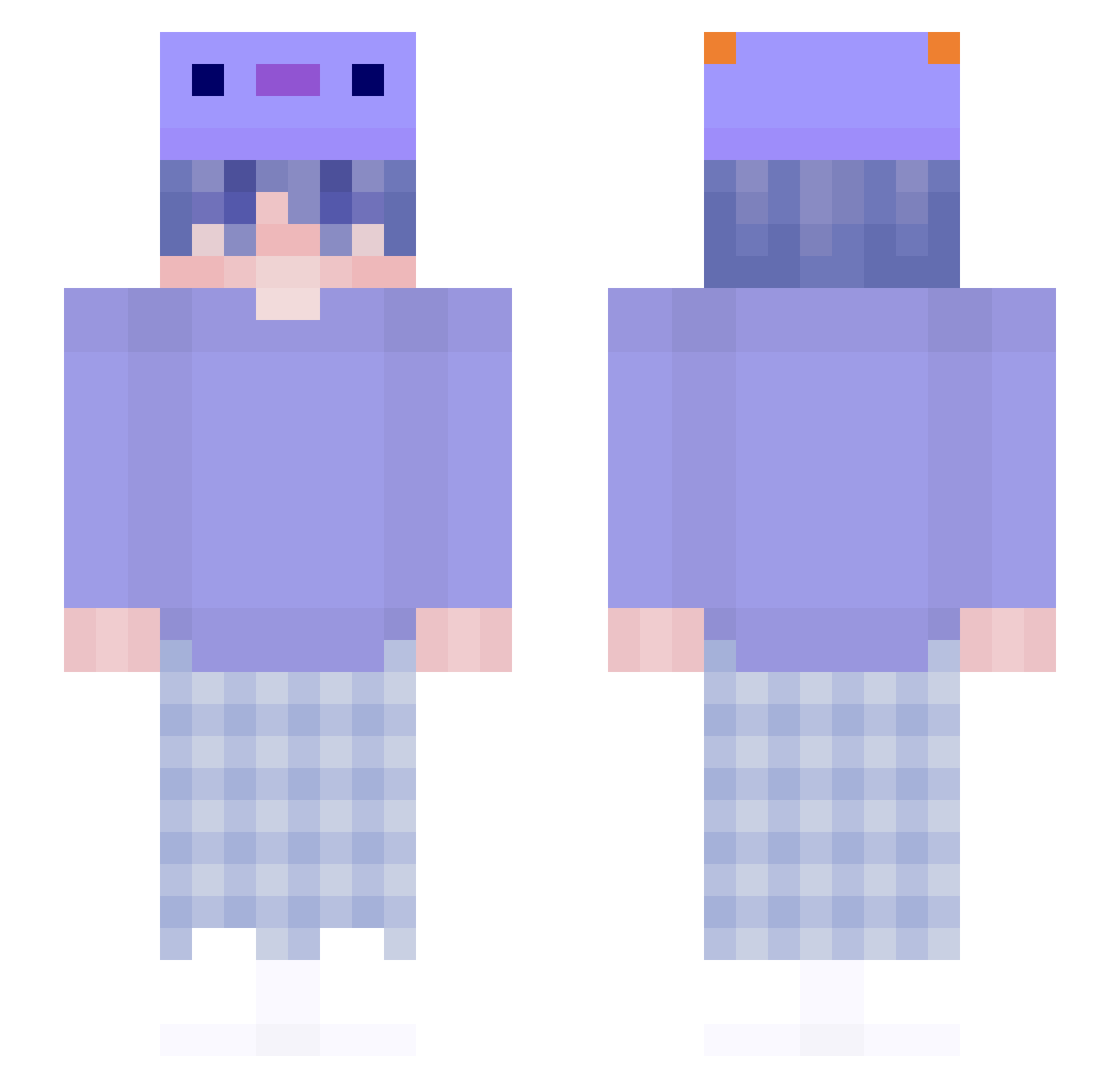
Current Minecraft skin of the player quoago, loaded from the official Mojang API. Rotate the 3D model with your mouse or finger, then download the skin as a PNG file and use it in Minecraft: Bedrock Edition or Java Edition for free. When quoago changes their skin, this page updates automatically and the old skin stays in the history below.
Other players with this skin (167)
quoago was the 93rd player we have seen with this skin, first spotted on 23.09.2026. The same skin was seen on these players. Open a nickname to see their current skin and skin history.
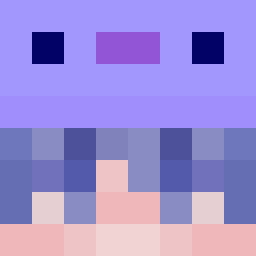 Haol_ KaRUzii justTaddel hangfei15 El_Jee_ ATSYatsy Nicolas_Ni GodMF_00 Kevinfftty endoidar RyujinFromItzy BlueRaKun jtlee1105 BlackWhi RavenSt YuShao_729 SwaggyInquire xxLulumi kazupone filer245 urideuS Yuki1203mm yolkle suyuza BenjaZer1 Axolotl_on_GFUEL PeDeMuleque GuitarGal3894 sabotrak sipisimp Ploq Messifc10 ibbysan DenousN SrKastillo
 WOLFPAK5423 MingZenith PupledAxolotl awspec Kadiihx min0907 PapiNotFound shaman4665 GlTy_dodobird Fedfire unspirited SeiichiTakeshi Fuchsi5000 MatthewTF leonj225 DreadfulAsh61 Blockolotl CrazyWaveIT Aroxiq2 SillentZ_ Vasia6968 hereattorney752 DYNO_Werty OuiLock Loreee___
More Axolotl Hat Minecraft skins
How to install the quoago skin
- Press the Download button above to save the skin as a PNG file.
- Minecraft: Bedrock Edition (PE): open the Dressing Room from the main menu (or tap your character → Edit Character), go to Classic Skins → Owned, press the + (new skin) button, choose the downloaded PNG and pick the Slim (Alex) model. Works on PC and mobile; consoles cannot import custom skins.
- Minecraft: Java Edition: open the Minecraft Launcher, go to the Skins tab, click New Skin, load the PNG, pick the Slim (Alex) model and press Save & Use. You can also upload it at minecraft.net → Profile → Change Skin.
The skin does not show up after import - what should I do?
Restart Minecraft and open the Dressing Room again - imported skins sometimes appear only after a restart. Also make sure you selected the imported skin and picked the Slim (Alex) model.
Which model should I choose, Classic or Slim?
This skin is designed for the Slim (Alex) model. If you pick the wrong model, the arms of the skin will look stretched or squeezed.
Is the skin of quoago free to download?
Yes. Press Download, save the PNG file and use it in Minecraft: Bedrock Edition or Java Edition - no payment or registration needed. The skin also works on multiplayer servers and Realms.
More skins
Looking for more? Go back to all Minecraft skins and check the top skins of the week, month and all time, or find any player's skin by nickname.