
quinoaa098 - Minecraft Skins & Skin History
Current Minecraft skin of the player quinoaa098, loaded from the official Mojang API. Rotate the 3D model with your mouse or finger, then download the skin as a PNG file and use it in Minecraft: Bedrock Edition or Java Edition for free. When quinoaa098 changes their skin, this page updates automatically and the old skin stays in the history below.
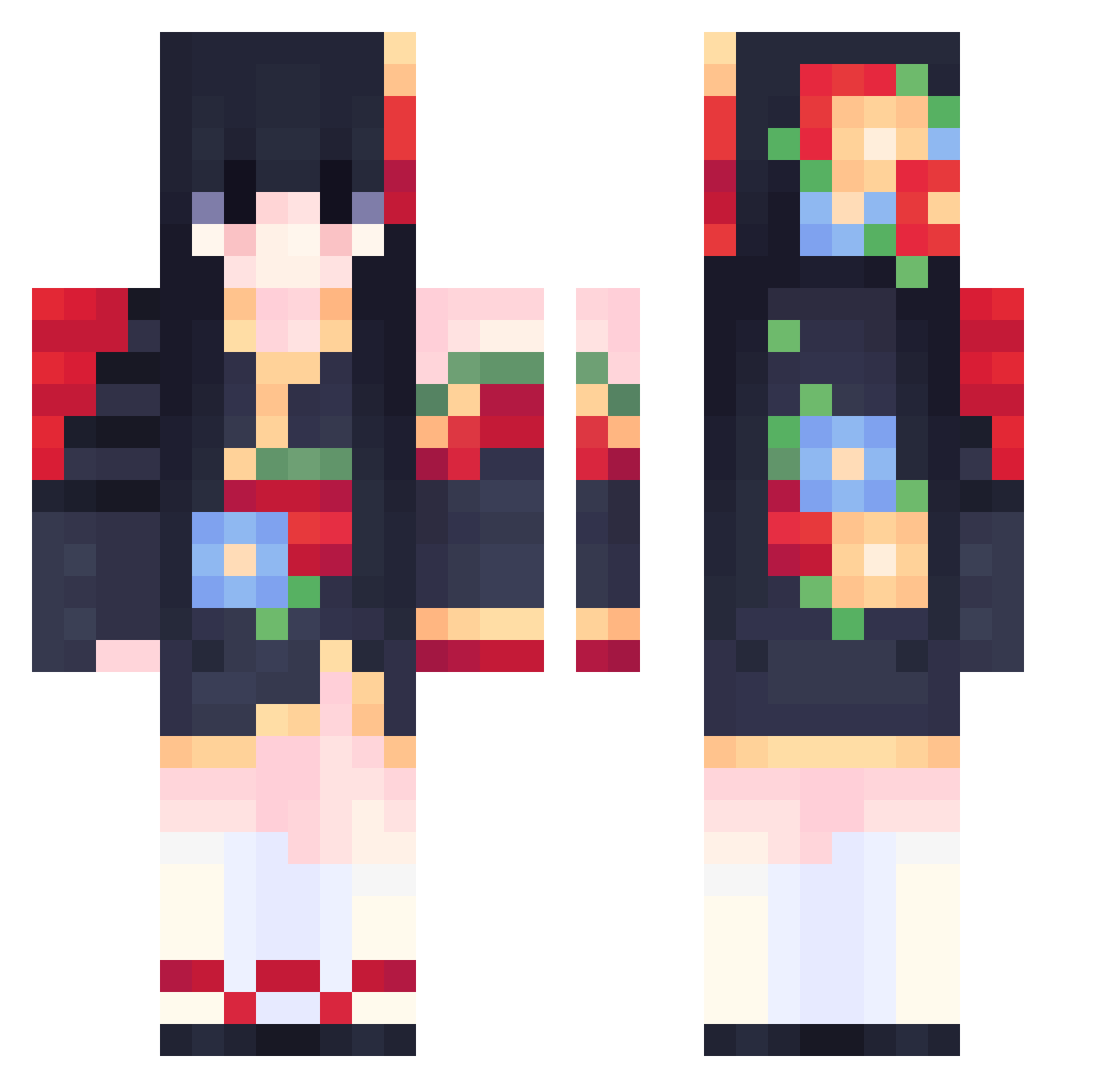
Other players with this skin (556)
quinoaa098 was the 126th player we have seen with this skin, first spotted on 15.08.2026. The same skin was seen on these players. Open a nickname to see their current skin and skin history.
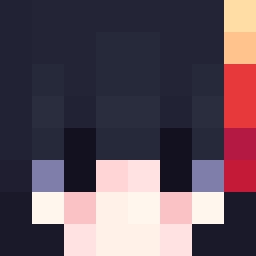 Kalmorph jiho8588 LauraJayne25 ABoxOfAir 4282314 xbI591 qrasscear EdenWillow yutougo nian081 limeixian WuX1nn cloudlatte
 tuna_0701 fafnir6007 Adeeiln lReallyLikePies MiinALove Cosmaw Baaiaa lavachon ZTC666 Sanguinity tarame Siunaus MsFlowers Mia_Yu JCSYR candy1203 Ho_rizon Beiita2727 jhibs Luffy_317 MUbubu Yuki_teto cybernoodle KunKunYa Fabioloche hana_ly OueChinoiii eunhee0525 GuildMenu_ JIAYING_ ShotsProdigyz omurian TizuKi_ Kassandro_22 Rosie_mah touzia hanicon sndjcad SammFox bear0521 Hitomine Thousky Nightraidonwidow eNchannnn OneNightInParis MizukoShika
 MayraDia
More Floral Minecraft skins
How to install the quinoaa098 skin
- Press the Download button above to save the skin as a PNG file.
- Minecraft: Bedrock Edition (PE): open the Dressing Room from the main menu (or tap your character → Edit Character), go to Classic Skins → Owned, press the + (new skin) button, choose the downloaded PNG and pick the Classic (Steve) model. Works on PC and mobile; consoles cannot import custom skins.
- Minecraft: Java Edition: open the Minecraft Launcher, go to the Skins tab, click New Skin, load the PNG, pick the Classic (Steve) model and press Save & Use. You can also upload it at minecraft.net → Profile → Change Skin.
The skin does not show up after import - what should I do?
Restart Minecraft and open the Dressing Room again - imported skins sometimes appear only after a restart. Also make sure you selected the imported skin and picked the Classic (Steve) model.
Which model should I choose, Classic or Slim?
This skin is designed for the Classic (Steve) model. If you pick the wrong model, the arms of the skin will look stretched or squeezed.
Is the skin of quinoaa098 free to download?
Yes. Press Download, save the PNG file and use it in Minecraft: Bedrock Edition or Java Edition - no payment or registration needed. The skin also works on multiplayer servers and Realms.
More skins
Looking for more? Go back to all Minecraft skins and check the top skins of the week, month and all time, or find any player's skin by nickname.