
plaster69 - Minecraft Skins & Skin History
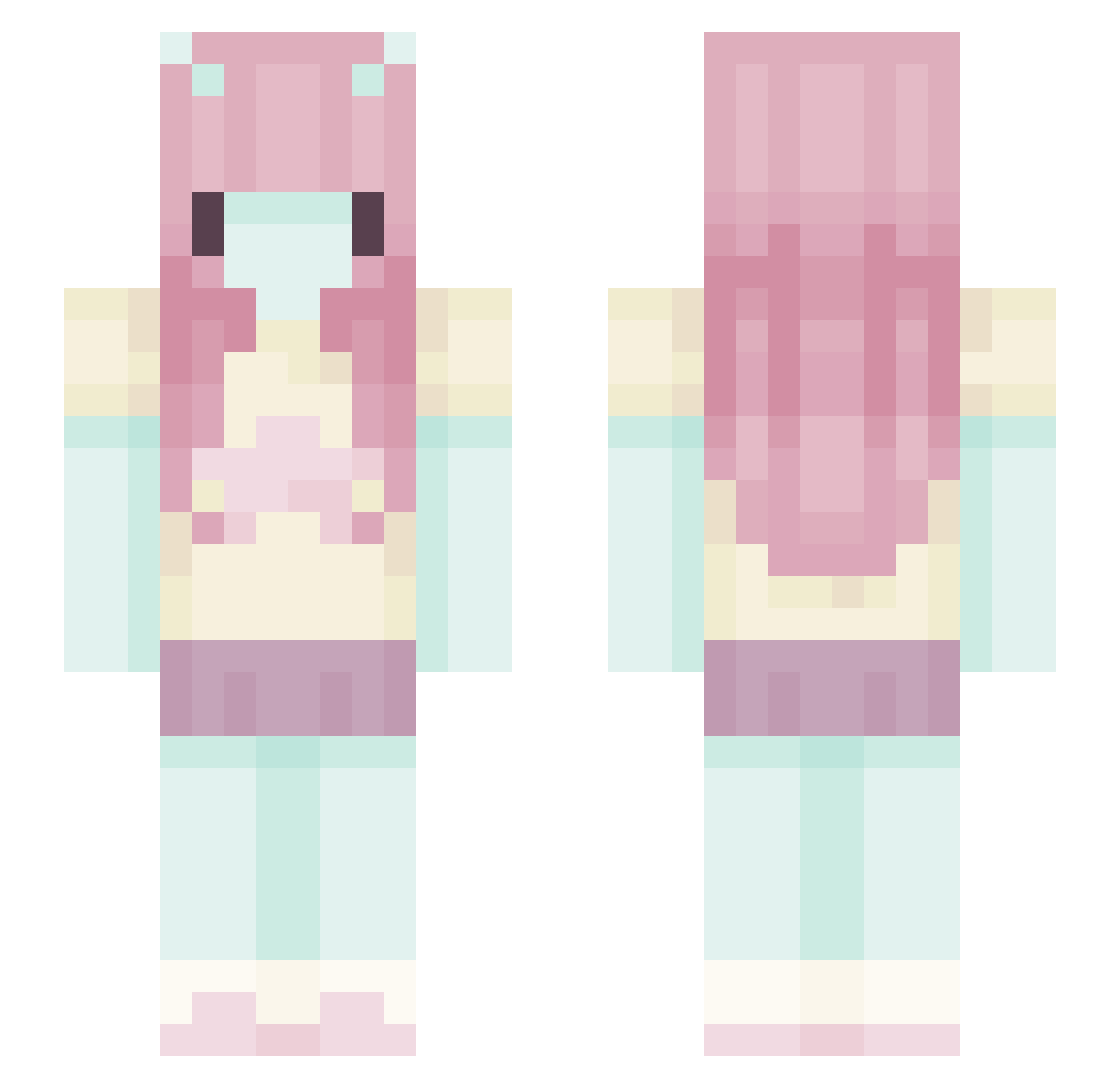
Current Minecraft skin of the player plaster69, loaded from the official Mojang API. Rotate the 3D model with your mouse or finger, then download the skin as a PNG file and use it in Minecraft: Bedrock Edition or Java Edition for free. When plaster69 changes their skin, this page updates automatically and the old skin stays in the history below.
Other players with this skin (699)
plaster69 was the 552nd player we have seen with this skin, first spotted on 27.10.2026. The same skin was seen on these players. Open a nickname to see their current skin and skin history.
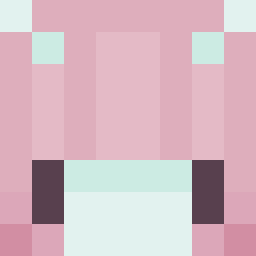 FrAutumn Valeriesdaughter _Stargazing_ WINTERkaa Madg09 Chivlst freya0_a rakkoluvr piccolazucca isadelaia Potqttocakes Llamasalot Chitzuh luvfey1 Ema311 pinkiepoop whirrevy phffut1 anetaplaneta Wiktoooria Presley384 h4rpb4rf S4kura09 elkswillow michaellcera uhsam catwishr FewakoS beaamaze KoffieKat SillyImmy nqr_msmc_f1q SimplyAthena w1fey_ L09073 mauvevv sleepyseel nezberryy hambaka01 1Vxo35P3 Antonia_unicorn DeimosPhobus LoutreDeMer19 yDanzy 3MNYNGHTSTAILAND IamNotAvailable majajajko123 Bea_u_ yellowfrug Novphis dyvya Jessicarrr mil_nova Makinna Jermatology Karyssa7 bjnovak arawura Kitty_MiauOoO bananamilk101
More Zero Two Minecraft skins
How to install the plaster69 skin
- Press the Download button above to save the skin as a PNG file.
- Minecraft: Bedrock Edition (PE): open the Dressing Room from the main menu (or tap your character → Edit Character), go to Classic Skins → Owned, press the + (new skin) button, choose the downloaded PNG and pick the Slim (Alex) model. Works on PC and mobile; consoles cannot import custom skins.
- Minecraft: Java Edition: open the Minecraft Launcher, go to the Skins tab, click New Skin, load the PNG, pick the Slim (Alex) model and press Save & Use. You can also upload it at minecraft.net → Profile → Change Skin.
The skin does not show up after import - what should I do?
Restart Minecraft and open the Dressing Room again - imported skins sometimes appear only after a restart. Also make sure you selected the imported skin and picked the Slim (Alex) model.
Which model should I choose, Classic or Slim?
This skin is designed for the Slim (Alex) model. If you pick the wrong model, the arms of the skin will look stretched or squeezed.
Is the skin of plaster69 free to download?
Yes. Press Download, save the PNG file and use it in Minecraft: Bedrock Edition or Java Edition - no payment or registration needed. The skin also works on multiplayer servers and Realms.
More skins
Looking for more? Go back to all Minecraft skins and check the top skins of the week, month and all time, or find any player's skin by nickname.