
pipx_86 - Minecraft Skins & Skin History
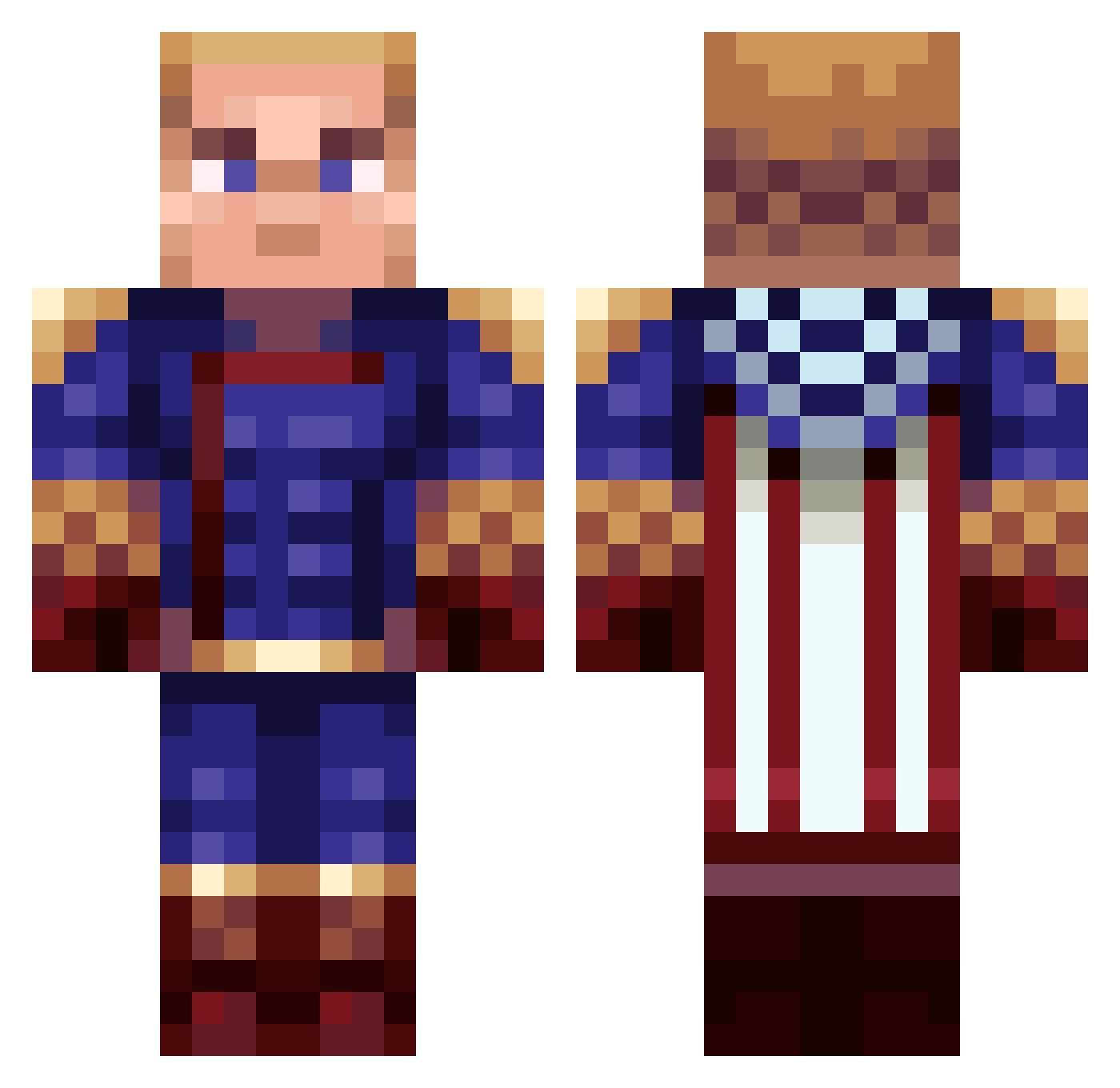
Current Minecraft skin of the player pipx_86, loaded from the official Mojang API. Rotate the 3D model with your mouse or finger, then download the skin as a PNG file and use it in Minecraft: Bedrock Edition or Java Edition for free. When pipx_86 changes their skin, this page updates automatically and the old skin stays in the history below.
Other players with this skin (74)
pipx_86 was the 37th player we have seen with this skin, first spotted on 19.09.2026. The same skin was seen on these players. Open a nickname to see their current skin and skin history.
 ItsTrueGod orhansexi Vestryzi TortugaLechuga xThiadeath adamoliki Gooncaloo MXH8 xPuffilein Izurennn jolhiver Nerowolder doyak_hd PiTs_Kanovac faustje Traznok IAMPHARELL dodinossauro Hiroshiix IrkytaninSibir EvexelMC Jwiba1012 phocon Noahsparker somb Jeffey_Epstein NinjaNikPro
 HIHIHIHAHA AxoHipek snurb1k ravistarr Goatpop1 rybol04 Hc05 Gabbotop JESSENOTGONNALIE Cusiuu memaslishko PhucNasa proalisc Bsmitty69 Root05 PikachuFan0727 _Tauras_ CrimsonProphet BakaXiaoye_00302 Kydnei
 Koegyeen Prophet_2554 Yrikk TheShogun666 thocalaX YuriiPie
 Anndurin smulpaap4443 Honorable0utlaw Hmlnder Erne23 cblast__ xKaiseRR
More Homelander Minecraft skins
How to install the pipx_86 skin
- Press the Download button above to save the skin as a PNG file.
- Minecraft: Bedrock Edition (PE): open the Dressing Room from the main menu (or tap your character → Edit Character), go to Classic Skins → Owned, press the + (new skin) button, choose the downloaded PNG and pick the Classic (Steve) model. Works on PC and mobile; consoles cannot import custom skins.
- Minecraft: Java Edition: open the Minecraft Launcher, go to the Skins tab, click New Skin, load the PNG, pick the Classic (Steve) model and press Save & Use. You can also upload it at minecraft.net → Profile → Change Skin.
The skin does not show up after import - what should I do?
Restart Minecraft and open the Dressing Room again - imported skins sometimes appear only after a restart. Also make sure you selected the imported skin and picked the Classic (Steve) model.
Which model should I choose, Classic or Slim?
This skin is designed for the Classic (Steve) model. If you pick the wrong model, the arms of the skin will look stretched or squeezed.
Is the skin of pipx_86 free to download?
Yes. Press Download, save the PNG file and use it in Minecraft: Bedrock Edition or Java Edition - no payment or registration needed. The skin also works on multiplayer servers and Realms.
More skins
Looking for more? Go back to all Minecraft skins and check the top skins of the week, month and all time, or find any player's skin by nickname.