
phineas22 - Minecraft Skins & Skin History
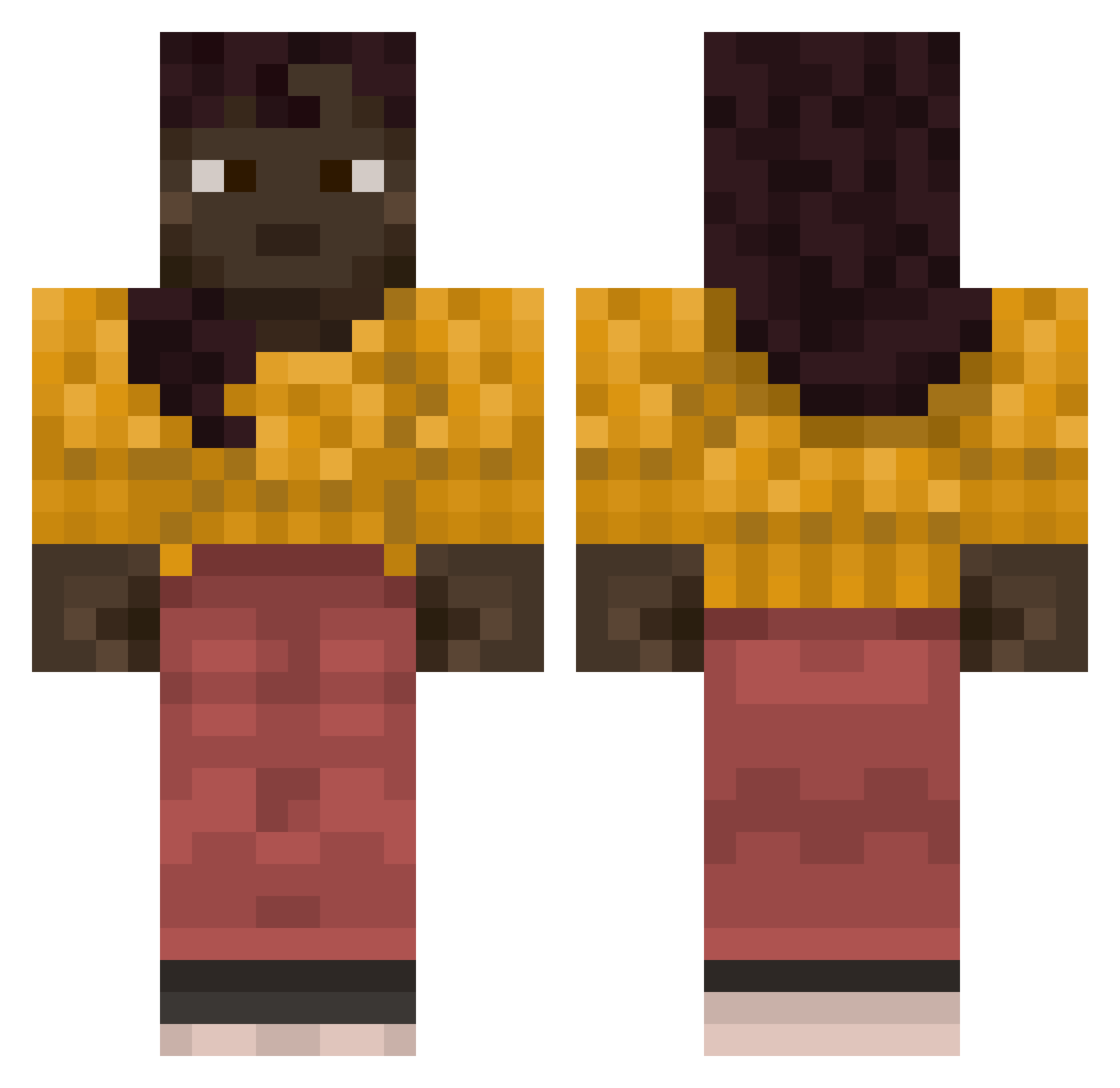
Current Minecraft skin of the player phineas22, loaded from the official Mojang API. Rotate the 3D model with your mouse or finger, then download the skin as a PNG file and use it in Minecraft: Bedrock Edition or Java Edition for free. When phineas22 changes their skin, this page updates automatically and the old skin stays in the history below.
Other players with this skin (840)
phineas22 was the 173rd player we have seen with this skin, first spotted on 17.08.2026. The same skin was seen on these players. Open a nickname to see their current skin and skin history.
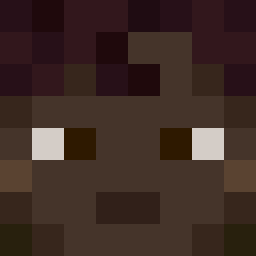 gymnastic 4DaPang8 ImKennny
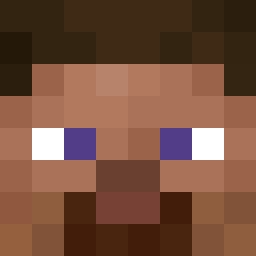 Balex082 cephalin WOWEmmaBest Rebia wellhouse Gotdeligisikisi Eulogic
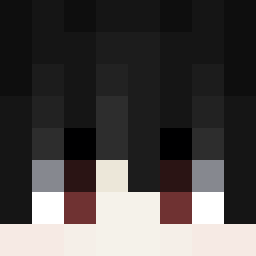 mykrx BibiChan24 jooojza0 Serapias Adonian
 LeaderFlash Spankracht gblessamerica Swad bayberries mesorchium Exopathic Mini_Lennoxxxx Bulldozing DennisELITE cartoner
 piskun jonahmtb52 Servicemen
 AssuncaoBruno exaggerator
 ffrescp Olamic Hypersonics loopmania Benthos Diabolize Monstrilla FratelloDelConte wzy05 Chinned Pulvinus spiderweb Tripolitan Riviere Sudpect akeake ZiadLaMachine vilifies Creeks Marey69 entendre zewcro cagasburro
 yuzupepprr Jurant lutschmal J0sephSta1in edgelord16 capturings
More Girl Minecraft skins
How to install the phineas22 skin
- Press the Download button above to save the skin as a PNG file.
- Minecraft: Bedrock Edition (PE): open the Dressing Room from the main menu (or tap your character → Edit Character), go to Classic Skins → Owned, press the + (new skin) button, choose the downloaded PNG and pick the Classic (Steve) model. Works on PC and mobile; consoles cannot import custom skins.
- Minecraft: Java Edition: open the Minecraft Launcher, go to the Skins tab, click New Skin, load the PNG, pick the Classic (Steve) model and press Save & Use. You can also upload it at minecraft.net → Profile → Change Skin.
The skin does not show up after import - what should I do?
Restart Minecraft and open the Dressing Room again - imported skins sometimes appear only after a restart. Also make sure you selected the imported skin and picked the Classic (Steve) model.
Which model should I choose, Classic or Slim?
This skin is designed for the Classic (Steve) model. If you pick the wrong model, the arms of the skin will look stretched or squeezed.
Is the skin of phineas22 free to download?
Yes. Press Download, save the PNG file and use it in Minecraft: Bedrock Edition or Java Edition - no payment or registration needed. The skin also works on multiplayer servers and Realms.
More skins
Looking for more? Go back to all Minecraft skins and check the top skins of the week, month and all time, or find any player's skin by nickname.