
pacodegallo - Minecraft Skins & Skin History
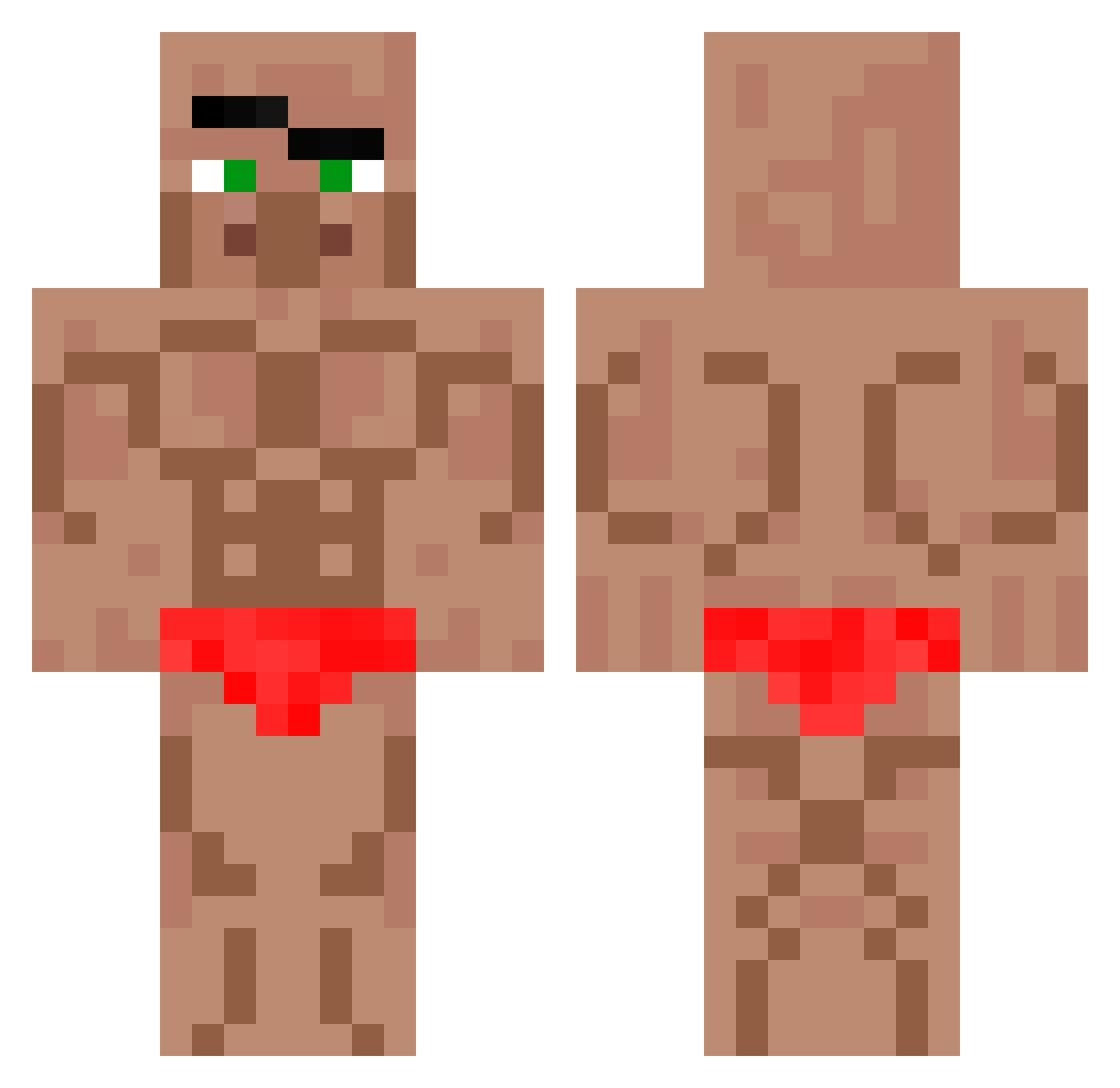
Current Minecraft skin of the player pacodegallo, loaded from the official Mojang API. Rotate the 3D model with your mouse or finger, then download the skin as a PNG file and use it in Minecraft: Bedrock Edition or Java Edition for free. When pacodegallo changes their skin, this page updates automatically and the old skin stays in the history below.
Other players with this skin (764)
pacodegallo was the 683rd player we have seen with this skin, first spotted on 03.11.2026. The same skin was seen on these players. Open a nickname to see their current skin and skin history.
 kimyunseong0312 CamwenUwU QueenSibidi GamerMom1973 LeBon_Elias sjsbevwisu Forum201 canybuuh DramChet FlossedMeat Matej787 kingqueen9 ddkongb palddogi la_racaille rizio16mp w_alan1236 seilaOnTop leesungju Mr_Swiftly srfe001 KITCH0 Pipa_GM Nhaan_ StinkySriLankan9 real_nai BabymoneyK zuzuna Slim_Finger Matt8766 DreadMoss404303 dltjsdb lalo_zomboz Ethel_2911 LichHunt kxi29 leejunmin003 Alentito09 crisjk13 LinhqxOBs0402 TheEinheri dlavypimentol wieprzowina66 blockcooler Alfalasi25 Eliasbluedragon AlexDa2nd BABABOOE123 litlle_vitus BigBlackHawk3000 Solo_Purple ez0806 Karl_the_legend Alexikkacczuszka Simenthelegend10 LucaSurMinecraft ScubieDubie42 Deadkill2 logaang ilinx135
More Buff Minecraft skins
How to install the pacodegallo skin
- Press the Download button above to save the skin as a PNG file.
- Minecraft: Bedrock Edition (PE): open the Dressing Room from the main menu (or tap your character → Edit Character), go to Classic Skins → Owned, press the + (new skin) button, choose the downloaded PNG and pick the Classic (Steve) model. Works on PC and mobile; consoles cannot import custom skins.
- Minecraft: Java Edition: open the Minecraft Launcher, go to the Skins tab, click New Skin, load the PNG, pick the Classic (Steve) model and press Save & Use. You can also upload it at minecraft.net → Profile → Change Skin.
The skin does not show up after import - what should I do?
Restart Minecraft and open the Dressing Room again - imported skins sometimes appear only after a restart. Also make sure you selected the imported skin and picked the Classic (Steve) model.
Which model should I choose, Classic or Slim?
This skin is designed for the Classic (Steve) model. If you pick the wrong model, the arms of the skin will look stretched or squeezed.
Is the skin of pacodegallo free to download?
Yes. Press Download, save the PNG file and use it in Minecraft: Bedrock Edition or Java Edition - no payment or registration needed. The skin also works on multiplayer servers and Realms.
More skins
Looking for more? Go back to all Minecraft skins and check the top skins of the week, month and all time, or find any player's skin by nickname.