
p1cklenic - Minecraft Skins & Skin History
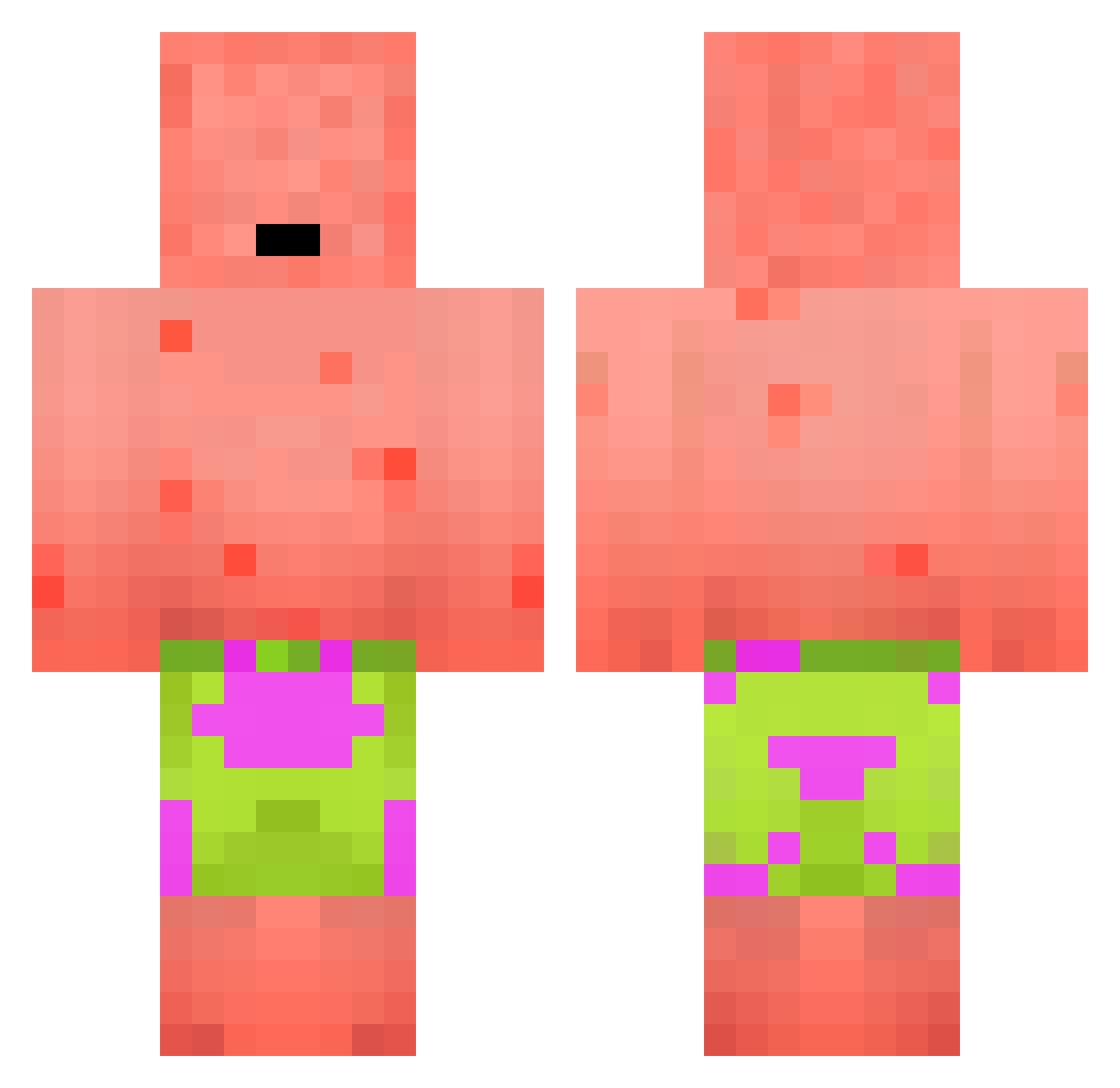
Current Minecraft skin of the player p1cklenic, loaded from the official Mojang API. Rotate the 3D model with your mouse or finger, then download the skin as a PNG file and use it in Minecraft: Bedrock Edition or Java Edition for free. When p1cklenic changes their skin, this page updates automatically and the old skin stays in the history below.
Other players with this skin (236)
p1cklenic was the 141st player we have seen with this skin, first spotted on 25.09.2026. The same skin was seen on these players. Open a nickname to see their current skin and skin history.
 ReyorIII Jake_mania OMARxl DeadDadGuy LOS909 KOSTAS_JOSEF Qazeem Bastiderpro Coo_0618 coles_1 Janoche GauvainO_O GANGMEMBERLUCAS xnuks 1N0me MAGAsTariffMaker Liami007 xomasterxo diskron ori_shalom KinderMampfer Litamously Ksawcio_25 SmolerMan franqsz kai_0816 Jiheock S0rrowX Nemo_is_a_hai Uprxise KolevBG Lacapotestroue KxngAn qkrxoals ilikegirl417 gim_ochi minimicheckerJr Torres19_ Kazutar0 zyntyca Rye_guy64 WhyAsuna gyubaming shac1Owzz BenjamIn2308 999Swaxy Bebecasey PlungedBooch701 quiqua228 Incredibly_SPICY Lordreon jerepopla77 daven0213 MysMeteor mask_clown Bass_God HeylUzumaki16 iAminee Omar_0807 robertitoscooby
More Patrick Star Minecraft skins
See all 643 Patrick Star skins
How to install the p1cklenic skin
- Press the Download button above to save the skin as a PNG file.
- Minecraft: Bedrock Edition (PE): open the Dressing Room from the main menu (or tap your character → Edit Character), go to Classic Skins → Owned, press the + (new skin) button, choose the downloaded PNG and pick the Classic (Steve) model. Works on PC and mobile; consoles cannot import custom skins.
- Minecraft: Java Edition: open the Minecraft Launcher, go to the Skins tab, click New Skin, load the PNG, pick the Classic (Steve) model and press Save & Use. You can also upload it at minecraft.net → Profile → Change Skin.
The skin does not show up after import - what should I do?
Restart Minecraft and open the Dressing Room again - imported skins sometimes appear only after a restart. Also make sure you selected the imported skin and picked the Classic (Steve) model.
Which model should I choose, Classic or Slim?
This skin is designed for the Classic (Steve) model. If you pick the wrong model, the arms of the skin will look stretched or squeezed.
Is the skin of p1cklenic free to download?
Yes. Press Download, save the PNG file and use it in Minecraft: Bedrock Edition or Java Edition - no payment or registration needed. The skin also works on multiplayer servers and Realms.
More skins
Looking for more? Go back to all Minecraft skins and check the top skins of the week, month and all time, or find any player's skin by nickname.