
orlonski - Minecraft Skins & Skin History
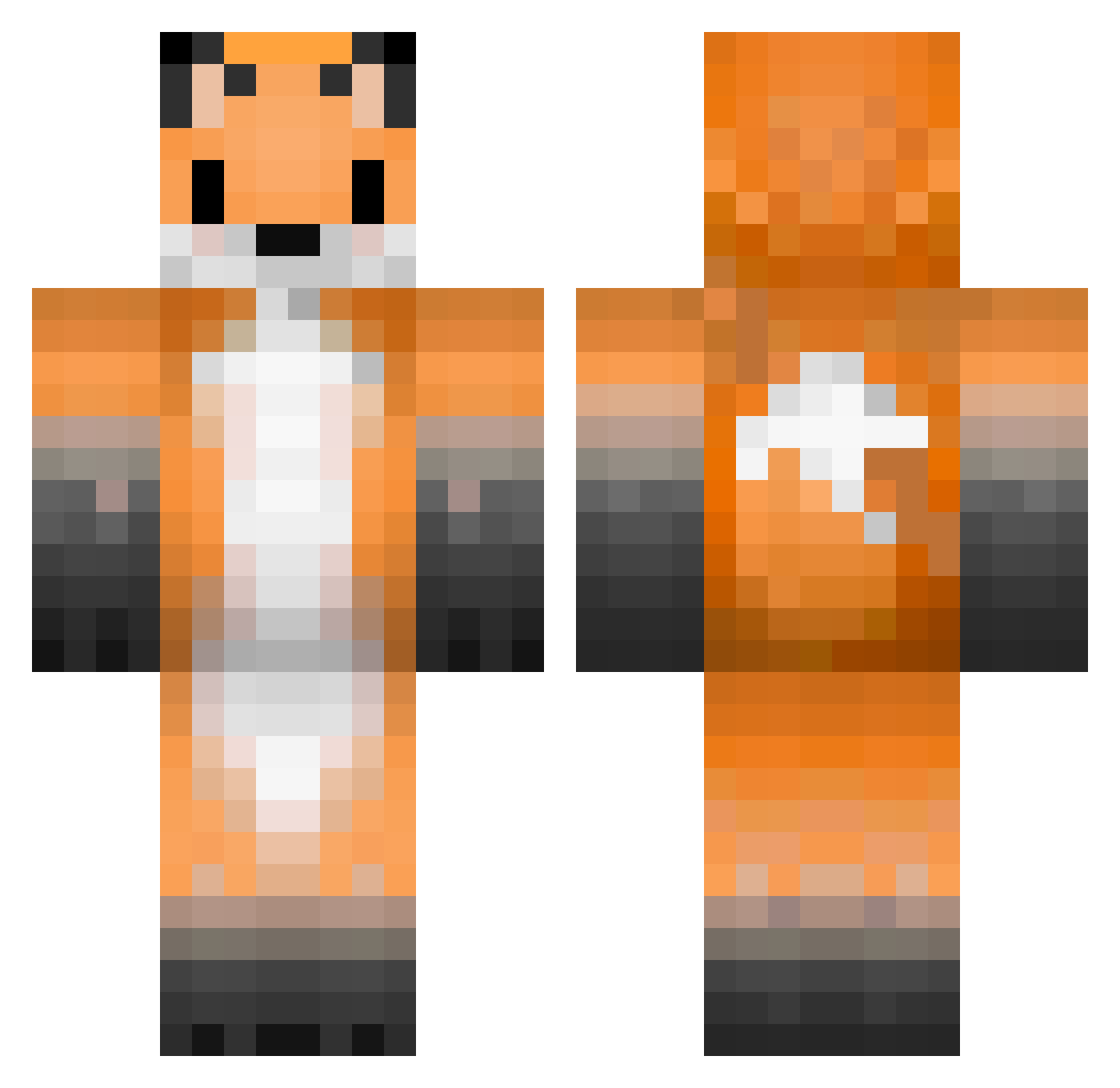
Current Minecraft skin of the player orlonski, loaded from the official Mojang API. Rotate the 3D model with your mouse or finger, then download the skin as a PNG file and use it in Minecraft: Bedrock Edition or Java Edition for free. When orlonski changes their skin, this page updates automatically and the old skin stays in the history below.
Other players with this skin (336)
orlonski was the 148th player we have seen with this skin, first spotted on 16.09.2026. The same skin was seen on these players. Open a nickname to see their current skin and skin history.
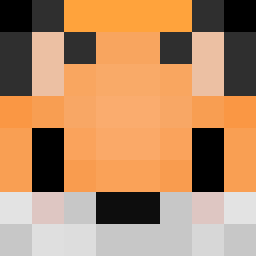 Nikufox foxy_top _Anati Nydaf ananalan666 ChaiFox28 vaxvalion Hoepoe YuukiArina syakenow LTxuebao Myhijim KiwoPL MrPeter13 Minecraft_Brian FoxYsta FancyFoxy314159 Moongoosed andrewj_th toastyfox23 iMarcolo Lumpros Sophisticator Sillyconcorne takoyakitabeta2 _Snarkwise_ NikkiFwx Clams_ TheGamingFox09 Gesen89 MrKeke_ _Loper Tuke2011 Foxy_story octoberr88 raykyu09 Katieplays9 FoxyCakeTR SayTan15 cosmo704 Olive0624 Magenta_necklese Satichik Webbop BB_the_Fox mini_negan FoxyVix Darkyoyu LukasFoxy yanako11 Risenele Meowtastic14 LADHA051 Foxy_crafter556 AnilopKa BlondeFalcon Aragwir ClownFishKing25 Crazyfox1612 mateeszter
More Animal Ears Minecraft skins
See all 1061 Animal Ears skins
How to install the orlonski skin
- Press the Download button above to save the skin as a PNG file.
- Minecraft: Bedrock Edition (PE): open the Dressing Room from the main menu (or tap your character → Edit Character), go to Classic Skins → Owned, press the + (new skin) button, choose the downloaded PNG and pick the Classic (Steve) model. Works on PC and mobile; consoles cannot import custom skins.
- Minecraft: Java Edition: open the Minecraft Launcher, go to the Skins tab, click New Skin, load the PNG, pick the Classic (Steve) model and press Save & Use. You can also upload it at minecraft.net → Profile → Change Skin.
The skin does not show up after import - what should I do?
Restart Minecraft and open the Dressing Room again - imported skins sometimes appear only after a restart. Also make sure you selected the imported skin and picked the Classic (Steve) model.
Which model should I choose, Classic or Slim?
This skin is designed for the Classic (Steve) model. If you pick the wrong model, the arms of the skin will look stretched or squeezed.
Is the skin of orlonski free to download?
Yes. Press Download, save the PNG file and use it in Minecraft: Bedrock Edition or Java Edition - no payment or registration needed. The skin also works on multiplayer servers and Realms.
More skins
Looking for more? Go back to all Minecraft skins and check the top skins of the week, month and all time, or find any player's skin by nickname.