
 BAHNYO SoilNoob Hailey5421 kapitanmandaryn aotinel SuperherosFox Polyhedrun Rynerinno Leonardo_Disney GameFox78 Smarky07 yukomafu Blekfeather DillPixelTV LazzerFoxy Slinccy K_yw3 Kamulec971 CoyoteDX Deztel Lichusik minssak2 Lefco yoboycats ilw18 Alexcon0r devoidfool Iriiisss Gallandou neonluna01 Kak_TaK32 orionderg lauriepuddleduck xquizz1moi Abas9090 Redfox604 whitetippedfox juniepup tinouga29 Aster0_ borakeskek lislaw12 StarFoxGaming Trindkr MonstaWolf NightWolf1996 esfac OZKN Leighton99 bnnozz grzegorzpan minato1025 Yigit0uzun Saaccha Navi_0512 Losti8027 HEE_dong_2 kawauso6900 nugget_xx ebeepbeep
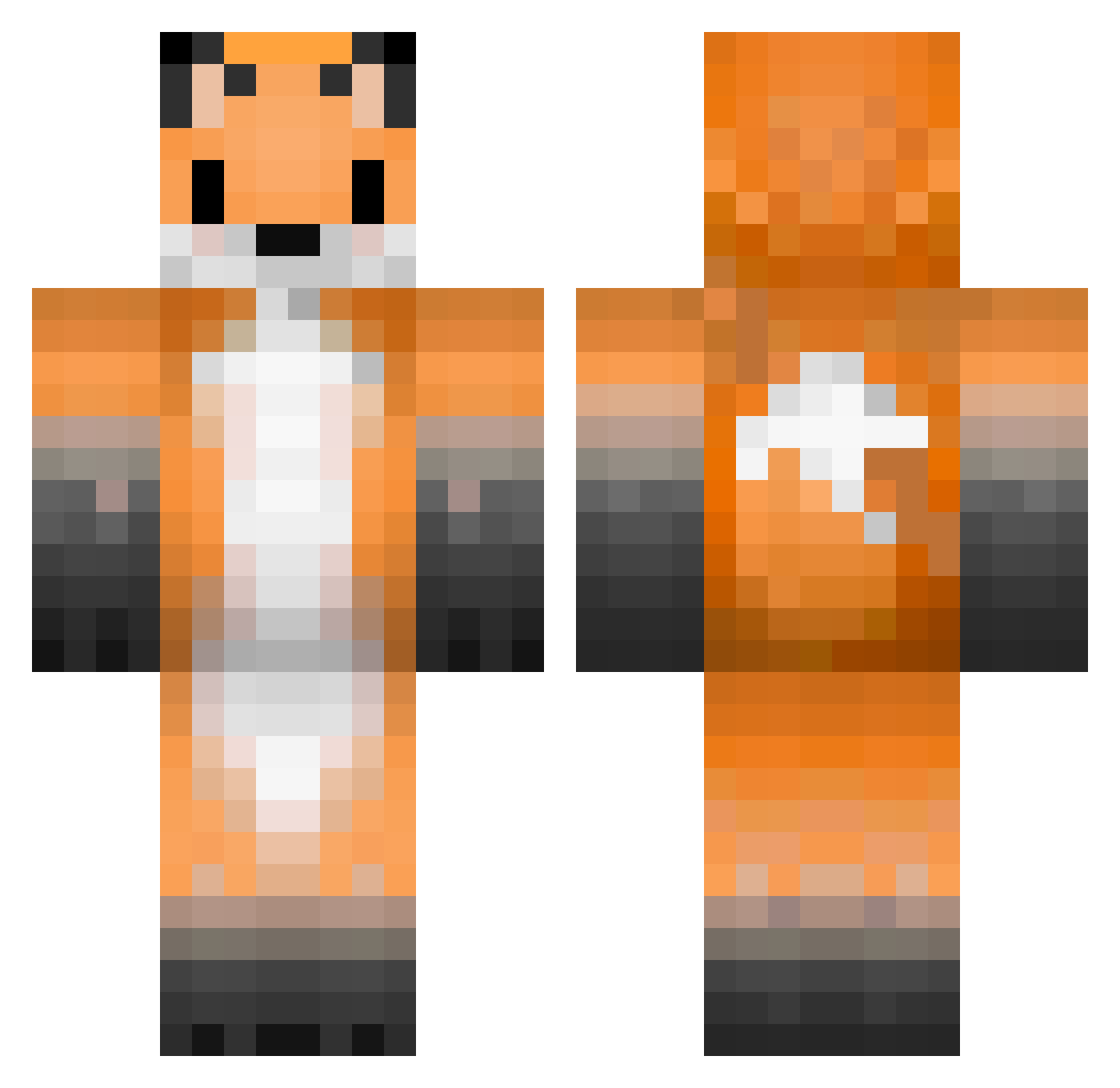
Minecraft skin of rea3_. Rotate the 3D model with your mouse or finger to view the skin from every angle, then download it as a PNG file and use it in Minecraft: Bedrock Edition or Java Edition for free. Rate the skin with stars to help other players find the best skins in our collection.
How to install the rea3_ skin
- Press the Download button above to save the skin as a PNG file.
- Minecraft: Bedrock Edition (PE): open the Dressing Room from the main menu (or tap your character → Edit Character), go to Classic Skins → Owned, press the + (new skin) button, choose the downloaded PNG and pick the Classic (Steve) model. Works on PC and mobile; consoles cannot import custom skins.
- Minecraft: Java Edition: open the Minecraft Launcher, go to the Skins tab, click New Skin, load the PNG, pick the Classic (Steve) model and press Save & Use. You can also upload it at minecraft.net → Profile → Change Skin.
The skin does not show up after import - what should I do?
Restart Minecraft and open the Dressing Room again - imported skins sometimes appear only after a restart. Also make sure you selected the imported skin and picked the Classic (Steve) model.
Which model should I choose, Classic or Slim?
This skin is designed for the Classic (Steve) model. If you pick the wrong model, the arms of the skin will look stretched or squeezed.
Is this skin free to use?
Yes. Press Download, save the PNG file and use it in Minecraft: Bedrock Edition or Java Edition - no payment or registration needed. The skin also works on multiplayer servers and Realms.
More Animal Ears Minecraft skins
See all 1060 Animal Ears skins
More skins
Looking for more? Go back to all Minecraft skins and check the top skins of the week, month and all time, or find any player's skin by nickname.