
niuyeye5 - Minecraft Skins & Skin History
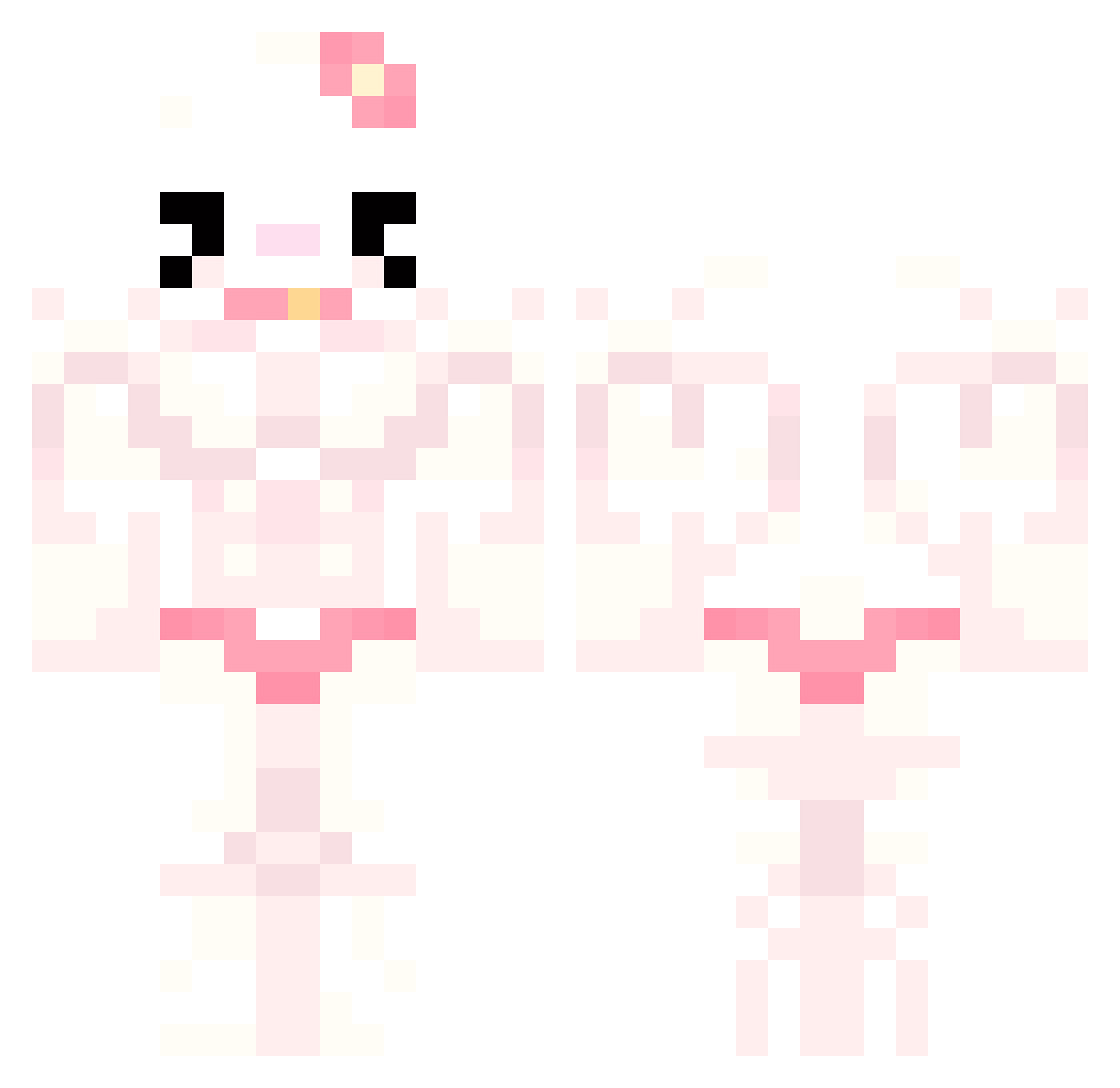
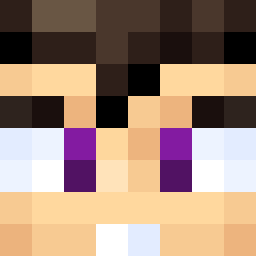
Current Minecraft skin of the player niuyeye5, loaded from the official Mojang API. Rotate the 3D model with your mouse or finger, then download the skin as a PNG file and use it in Minecraft: Bedrock Edition or Java Edition for free. When niuyeye5 changes their skin, this page updates automatically and the old skin stays in the history below.
Other players with this skin (793)
niuyeye5 was the 165th player we have seen with this skin, first spotted on 17.08.2026. The same skin was seen on these players. Open a nickname to see their current skin and skin history.
 Bryan9149MC_
 ahnim06 Kim__chi__ MarcoQ YUVIV Ohyehyeh jin9daimma Deadcorbs Divo_o
 Eletroco wyw_116_ slamdunkasaur2 Owrwz 4Claire dianww xamitos Pinky__Flamingo ANything9 chabelitam
 waylly
 sdj78910 ZeroTwoPlayer02 hee99 PAVEL_V_AXYE mk_666manggame AraEncore Nayrulius Wann_Getto exevist Conb3c softyhearts
 Hell0KittyG1rl miju_mi abodi294 Rasaurbaque Azukika aoi9632 XeksS TilasHH poch3mu Lucifer62737876 Abidolly yudolll smoothieflip JimmyLovesJazz Firesoul4739
 MadeOfTaxes yasmiiinn asmosofie nairpooby GioHun GalaxyWolf97865 Octo_lord13 pobreponyo Piotr3k04 kot_sosun carolzinhaxuxu po66iop laliiiy b1tgod
More Hello Kitty Minecraft skins
How to install the niuyeye5 skin
- Press the Download button above to save the skin as a PNG file.
- Minecraft: Bedrock Edition (PE): open the Dressing Room from the main menu (or tap your character → Edit Character), go to Classic Skins → Owned, press the + (new skin) button, choose the downloaded PNG and pick the Classic (Steve) model. Works on PC and mobile; consoles cannot import custom skins.
- Minecraft: Java Edition: open the Minecraft Launcher, go to the Skins tab, click New Skin, load the PNG, pick the Classic (Steve) model and press Save & Use. You can also upload it at minecraft.net → Profile → Change Skin.
The skin does not show up after import - what should I do?
Restart Minecraft and open the Dressing Room again - imported skins sometimes appear only after a restart. Also make sure you selected the imported skin and picked the Classic (Steve) model.
Which model should I choose, Classic or Slim?
This skin is designed for the Classic (Steve) model. If you pick the wrong model, the arms of the skin will look stretched or squeezed.
Is the skin of niuyeye5 free to download?
Yes. Press Download, save the PNG file and use it in Minecraft: Bedrock Edition or Java Edition - no payment or registration needed. The skin also works on multiplayer servers and Realms.
More skins
Looking for more? Go back to all Minecraft skins and check the top skins of the week, month and all time, or find any player's skin by nickname.