
naconyam - Minecraft Skins & Skin History
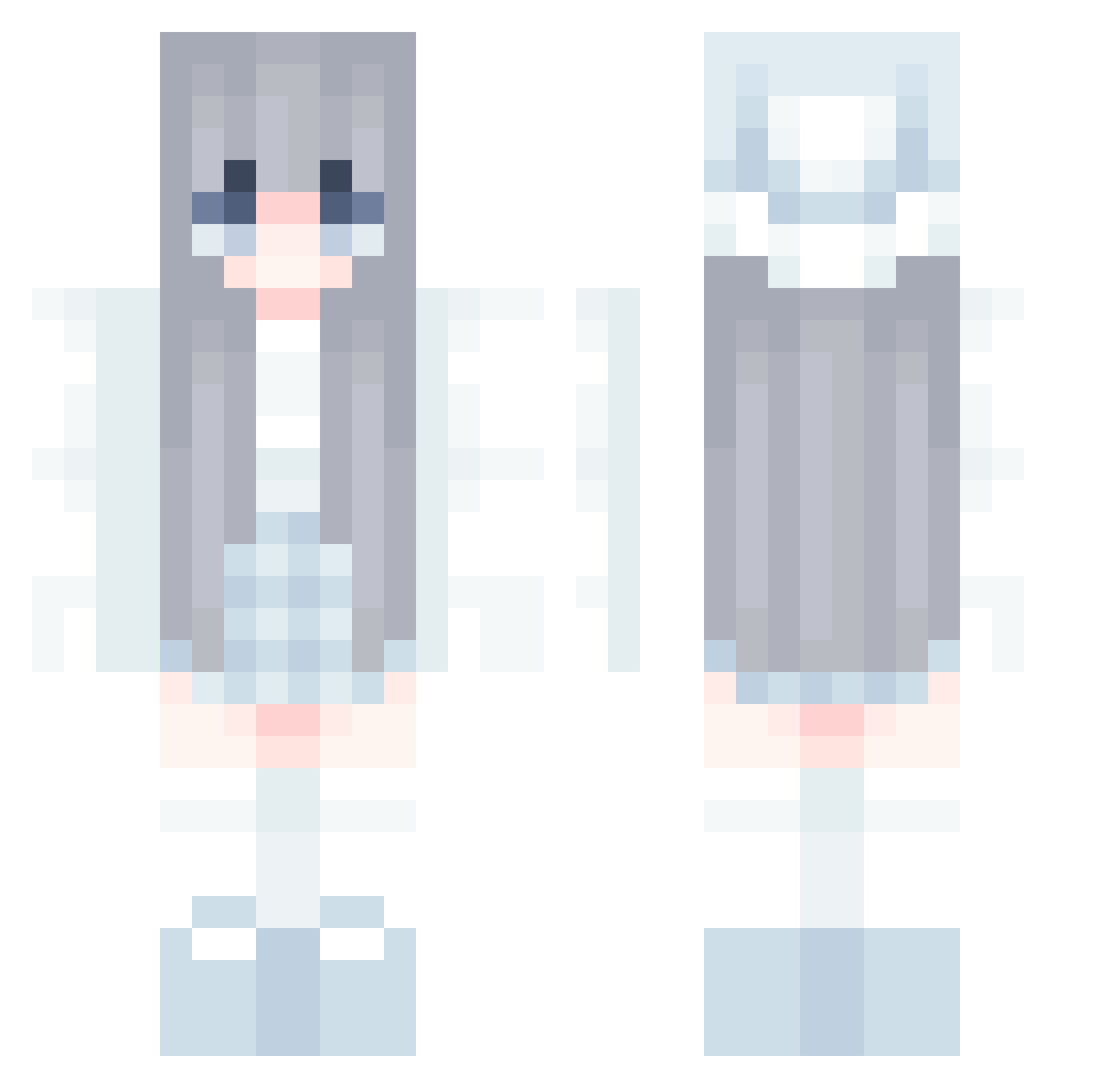
Current Minecraft skin of the player naconyam, loaded from the official Mojang API. Rotate the 3D model with your mouse or finger, then download the skin as a PNG file and use it in Minecraft: Bedrock Edition or Java Edition for free. When naconyam changes their skin, this page updates automatically and the old skin stays in the history below.
Other players with this skin (580)
naconyam was the 354th player we have seen with this skin, first spotted on 30.09.2026. The same skin was seen on these players. Open a nickname to see their current skin and skin history.
 yugioh5445 r0sem4ry_pvrr lynxombie FyoFyo PTHLucK Emirhanre Refenee AiVanta Jeyrox62 juzlyn miaomimiaomi sol018 Yumes_Moon wuxujian ycc17 BOLLBAM Inditomi yongbog Blue_Ale Kyrenaxx SoSeaL1 TREN1122 hyxuiin Dusk000 pitchee Kagura_yy derfer29_ NekoPp123 bongouser Misty_Xanadu Zavea yujin0120 kharmony Ptofu uwugami SHADOWER223 KimOliiu Unikorn17 JuniKL Arisu037 Qrori KellyPark Potionhealer Akujy kuroneko0704 Rahillad eetme THINWUI MagicaMadoka ESTRJ Dusia06 ysa1028 TTiZach kevin081203 Poseidon_3035 _N0_N4me_ _Juuuup YunYN12 haxhax1337 Take0510N
More Winter Minecraft skins
How to install the naconyam skin
- Press the Download button above to save the skin as a PNG file.
- Minecraft: Bedrock Edition (PE): open the Dressing Room from the main menu (or tap your character → Edit Character), go to Classic Skins → Owned, press the + (new skin) button, choose the downloaded PNG and pick the Classic (Steve) model. Works on PC and mobile; consoles cannot import custom skins.
- Minecraft: Java Edition: open the Minecraft Launcher, go to the Skins tab, click New Skin, load the PNG, pick the Classic (Steve) model and press Save & Use. You can also upload it at minecraft.net → Profile → Change Skin.
The skin does not show up after import - what should I do?
Restart Minecraft and open the Dressing Room again - imported skins sometimes appear only after a restart. Also make sure you selected the imported skin and picked the Classic (Steve) model.
Which model should I choose, Classic or Slim?
This skin is designed for the Classic (Steve) model. If you pick the wrong model, the arms of the skin will look stretched or squeezed.
Is the skin of naconyam free to download?
Yes. Press Download, save the PNG file and use it in Minecraft: Bedrock Edition or Java Edition - no payment or registration needed. The skin also works on multiplayer servers and Realms.
More skins
Looking for more? Go back to all Minecraft skins and check the top skins of the week, month and all time, or find any player's skin by nickname.