
mysticalcreatur3 - Minecraft Skins & Skin History
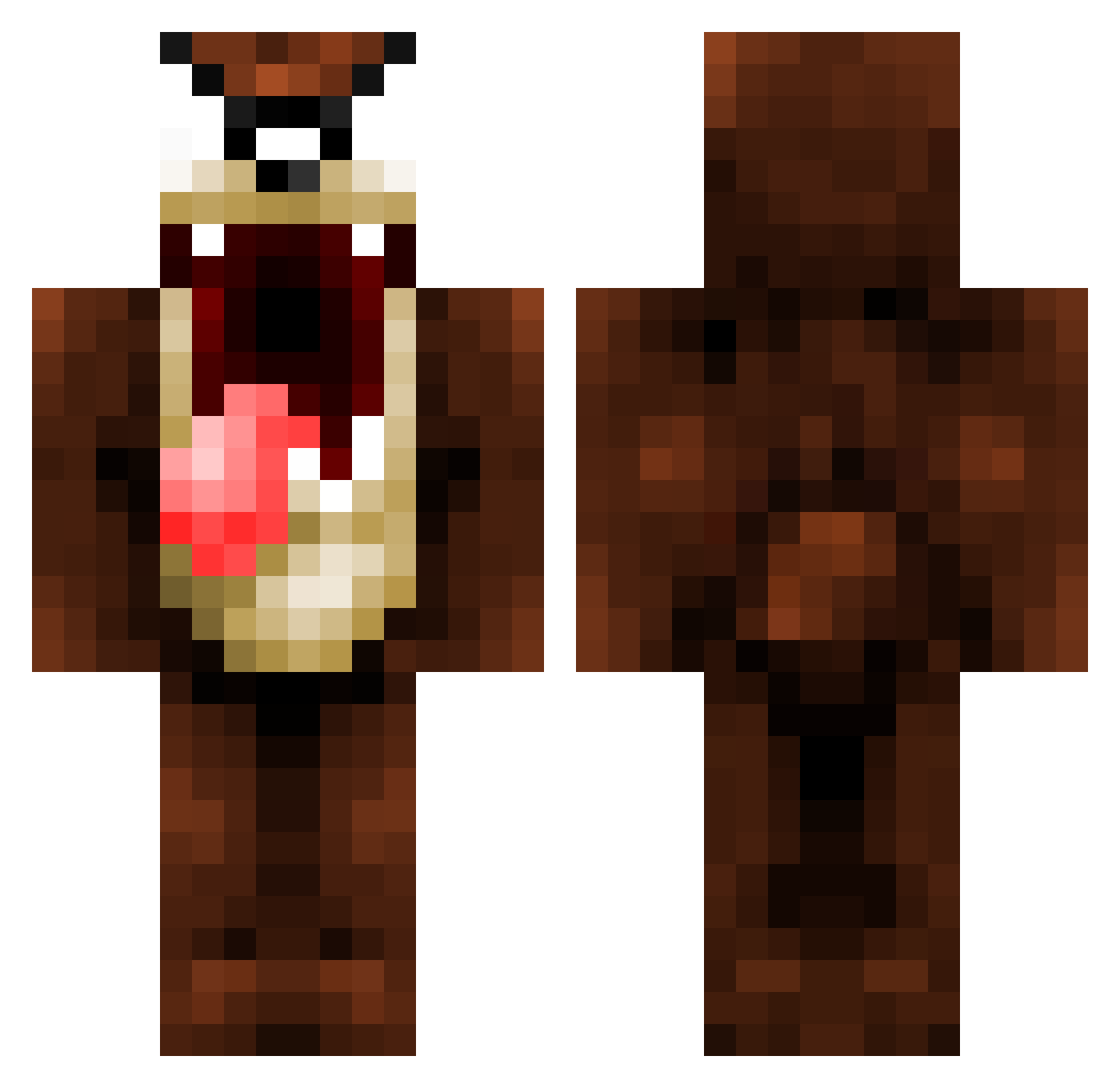
Current Minecraft skin of the player mysticalcreatur3, loaded from the official Mojang API. Rotate the 3D model with your mouse or finger, then download the skin as a PNG file and use it in Minecraft: Bedrock Edition or Java Edition for free. When mysticalcreatur3 changes their skin, this page updates automatically and the old skin stays in the history below.
Other players with this skin (1075)
mysticalcreatur3 was the 472nd player we have seen with this skin, first spotted on 12.09.2026. The same skin was seen on these players. Open a nickname to see their current skin and skin history.
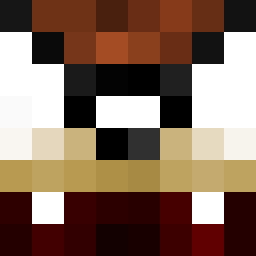 Taz_Madness Raklaus98 Xlae1224 Margro JaketheSnake68 BLASTER0927 Jdavi3 aggerbabe Olleeeee skezzaa Tizzy_uR nickstempien IMASHBURY Tasmaniac____ Sir_Willyn Erratic12 da_bian DerMelli Bullestiti xals luiisgamer12 SportsKyle23 Kaaiiiii PacoAguilar PiteroKo21 willf800 Damonbiker ay1409 Kahwot titi_29 fumaesta kasspie zevic favr343ver tak1000 k3rnL Oskar_Kalle edwinbertrand CocoCrazz Barbarian222 Joeylax18 heinert43 shiftyp kunerudo danman82 Pitchka yoppio spartanher0 Wizzieboy billywhizz5730 TommyIsLegit ScottishPhoenix 4thFloor joethemean Minesayin Feralex6 trebor62 Lunitary Manoy45 AndrewO93
More Taz Minecraft skins
How to install the mysticalcreatur3 skin
- Press the Download button above to save the skin as a PNG file.
- Minecraft: Bedrock Edition (PE): open the Dressing Room from the main menu (or tap your character → Edit Character), go to Classic Skins → Owned, press the + (new skin) button, choose the downloaded PNG and pick the Classic (Steve) model. Works on PC and mobile; consoles cannot import custom skins.
- Minecraft: Java Edition: open the Minecraft Launcher, go to the Skins tab, click New Skin, load the PNG, pick the Classic (Steve) model and press Save & Use. You can also upload it at minecraft.net → Profile → Change Skin.
The skin does not show up after import - what should I do?
Restart Minecraft and open the Dressing Room again - imported skins sometimes appear only after a restart. Also make sure you selected the imported skin and picked the Classic (Steve) model.
Which model should I choose, Classic or Slim?
This skin is designed for the Classic (Steve) model. If you pick the wrong model, the arms of the skin will look stretched or squeezed.
Is the skin of mysticalcreatur3 free to download?
Yes. Press Download, save the PNG file and use it in Minecraft: Bedrock Edition or Java Edition - no payment or registration needed. The skin also works on multiplayer servers and Realms.
More skins
Looking for more? Go back to all Minecraft skins and check the top skins of the week, month and all time, or find any player's skin by nickname.