
mistercap97 - Minecraft Skins & Skin History
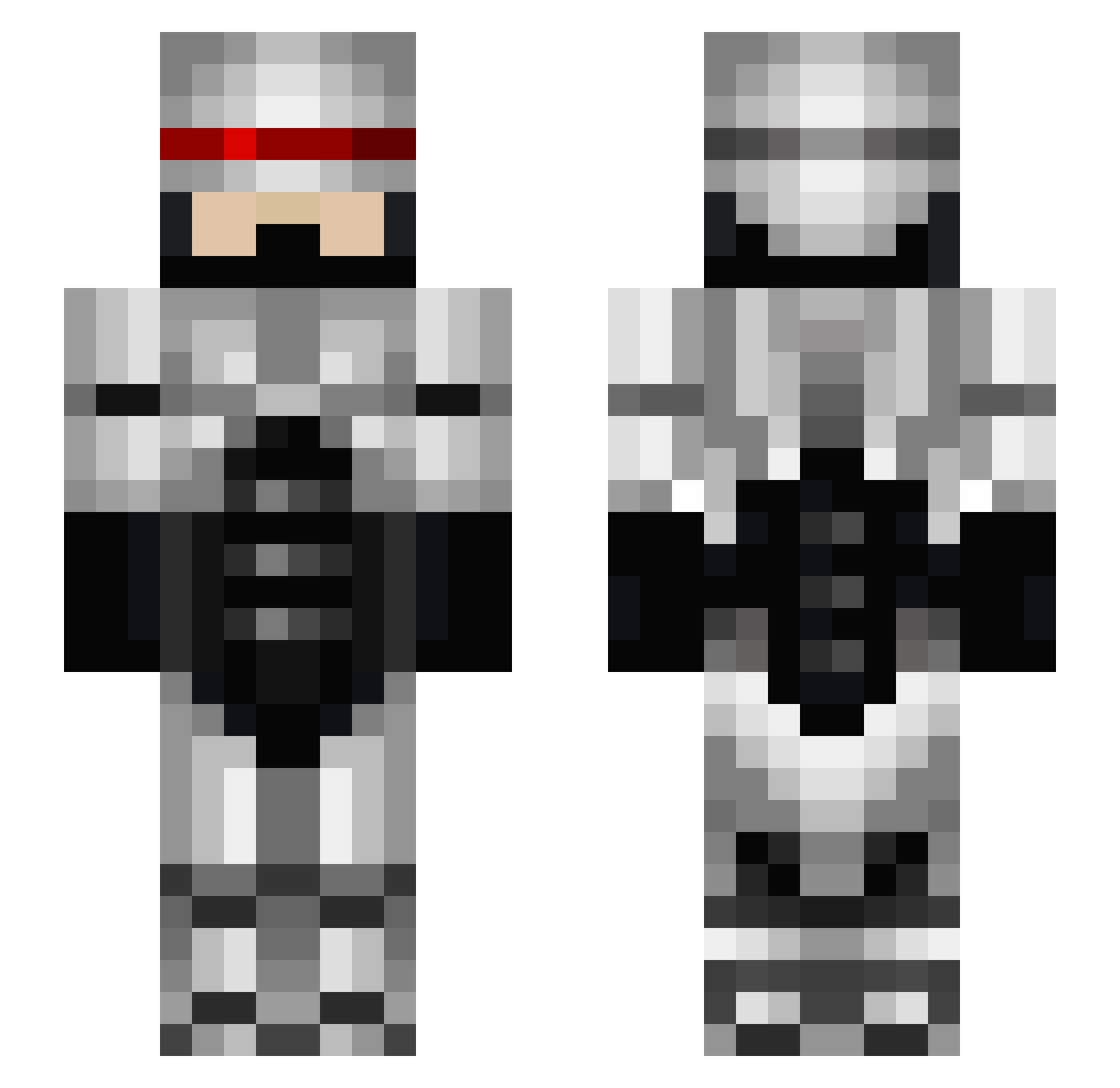
Current Minecraft skin of the player mistercap97, loaded from the official Mojang API. Rotate the 3D model with your mouse or finger, then download the skin as a PNG file and use it in Minecraft: Bedrock Edition or Java Edition for free. When mistercap97 changes their skin, this page updates automatically and the old skin stays in the history below.
Other players with this skin (673)
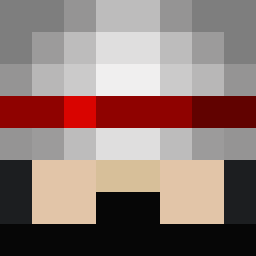
mistercap97 was the 403rd player we have seen with this skin, first spotted on 03.10.2026. The same skin was seen on these players. Open a nickname to see their current skin and skin history.
 swam22 ChiffonBore wigger666 Browntownous lazrhorse whoselinefreak12 Kennsworth Goofytek Knightsout harbinger942 snackmasterp TachiFrypan damole boron82 Thisuck Daniboy_562 BarnesProxy hehuho Jaimorrass_YT TakaGummy enigma_2001 trent2424 ToothSlooth SkiLLTrEK mammasdragonboy mazzz79 kaimel123 Pawlo8 samsymons Enavil anesfattal CG_Monkey gihality SmartShop iltonito PsycsX TOBYHD3 Anderotus Heavyarms2064 Gener8ore 3JaneTA Mr_Zakerffit FbIITheDestroyer estelsmith landshark72 male123456789 JGM2004 Slonion MidnightKush Lpapi1 chesterode JerkStore1 dollarman1982 joshuagrey xIINYCIIx MrMonkeyMatt uber_jedi Good_Old_Neil TheSilentChief dogman78
More Robocop Minecraft skins
How to install the mistercap97 skin
- Press the Download button above to save the skin as a PNG file.
- Minecraft: Bedrock Edition (PE): open the Dressing Room from the main menu (or tap your character → Edit Character), go to Classic Skins → Owned, press the + (new skin) button, choose the downloaded PNG and pick the Slim (Alex) model. Works on PC and mobile; consoles cannot import custom skins.
- Minecraft: Java Edition: open the Minecraft Launcher, go to the Skins tab, click New Skin, load the PNG, pick the Slim (Alex) model and press Save & Use. You can also upload it at minecraft.net → Profile → Change Skin.
The skin does not show up after import - what should I do?
Restart Minecraft and open the Dressing Room again - imported skins sometimes appear only after a restart. Also make sure you selected the imported skin and picked the Slim (Alex) model.
Which model should I choose, Classic or Slim?
This skin is designed for the Slim (Alex) model. If you pick the wrong model, the arms of the skin will look stretched or squeezed.
Is the skin of mistercap97 free to download?
Yes. Press Download, save the PNG file and use it in Minecraft: Bedrock Edition or Java Edition - no payment or registration needed. The skin also works on multiplayer servers and Realms.
More skins
Looking for more? Go back to all Minecraft skins and check the top skins of the week, month and all time, or find any player's skin by nickname.