
 ConspiRyancy kopftisch Danny_The_Granny Wizardaka MrGrokas Jucora piyo4273 fries_with_dat HewlettPackard ThreeHandPete sugimo777 Maihym JaShane True__ axelcoven TheGreatShrike chuckmandoo ak555 vxrossa CrowBK YashgamesX korte656 zombiepower66 BSRacer Asshura95 MinecraftSketch fairuszero feelingkettle sparkledragon01 alexander3489 Andr01d_ Dillychops1 vermainium Romocop17 DearLordWhy JewBaklava KronosDestroyer aniact EleventhPariah HarryBridges Alexander3142 Torrax VZF freexdom sanzalar Plonin zPegGye Hobo_Clown seba0413 cridok BAZANGA1 DaFeets LARK100 Lith0n alayer74 Releaux CrossingOdin Hemgiz pilotz47 citypaper
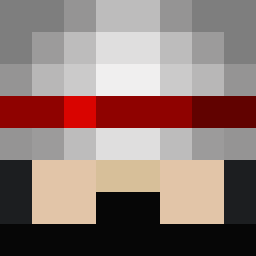
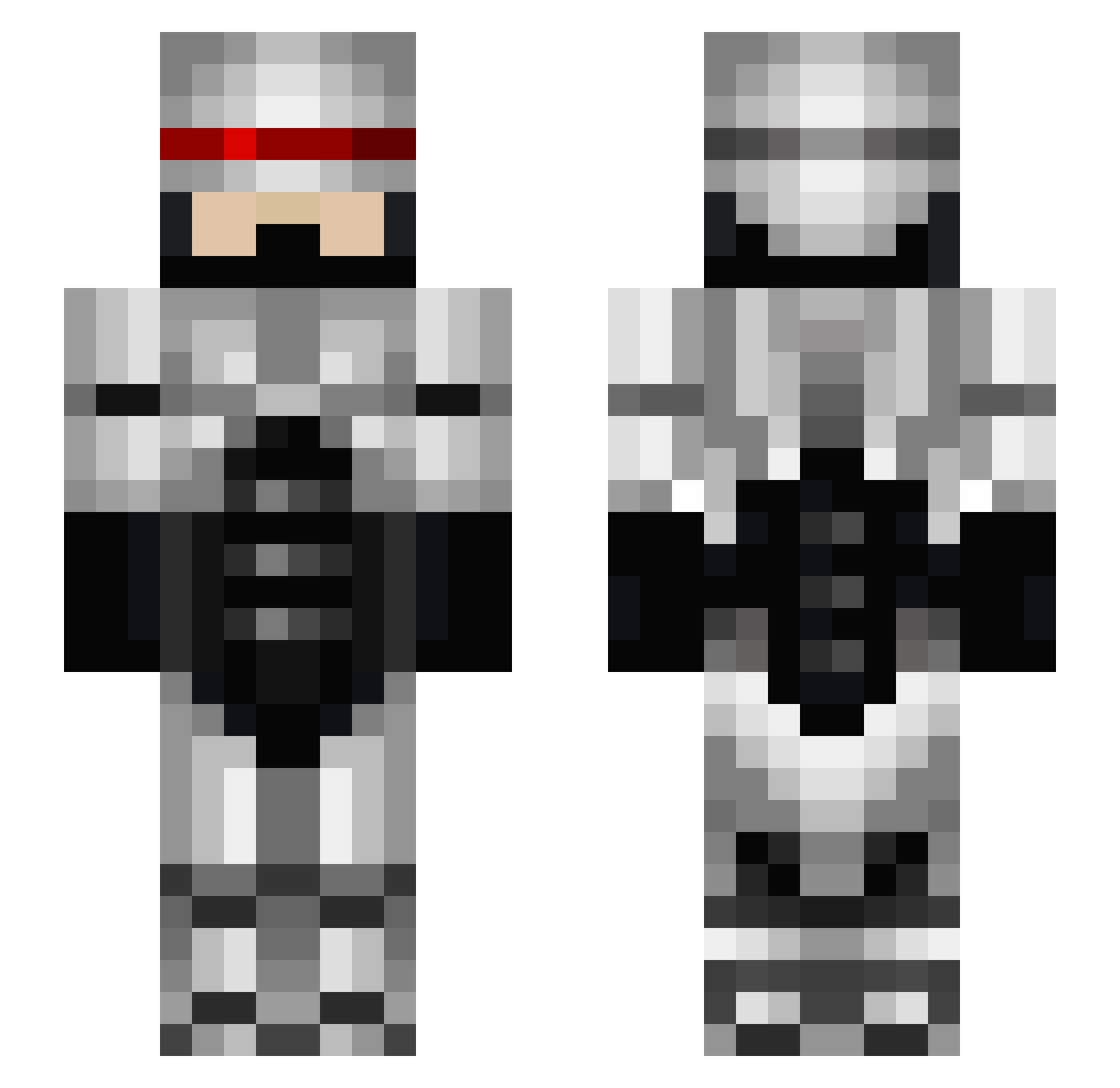
Minecraft skin of robocop329. Rotate the 3D model with your mouse or finger to view the skin from every angle, then download it as a PNG file and use it in Minecraft: Bedrock Edition or Java Edition for free. Rate the skin with stars to help other players find the best skins in our collection.
How to install the robocop329 skin
- Press the Download button above to save the skin as a PNG file.
- Minecraft: Bedrock Edition (PE): open the Dressing Room from the main menu (or tap your character → Edit Character), go to Classic Skins → Owned, press the + (new skin) button, choose the downloaded PNG and pick the Slim (Alex) model. Works on PC and mobile; consoles cannot import custom skins.
- Minecraft: Java Edition: open the Minecraft Launcher, go to the Skins tab, click New Skin, load the PNG, pick the Slim (Alex) model and press Save & Use. You can also upload it at minecraft.net → Profile → Change Skin.
The skin does not show up after import - what should I do?
Restart Minecraft and open the Dressing Room again - imported skins sometimes appear only after a restart. Also make sure you selected the imported skin and picked the Slim (Alex) model.
Which model should I choose, Classic or Slim?
This skin is designed for the Slim (Alex) model. If you pick the wrong model, the arms of the skin will look stretched or squeezed.
Is this skin free to use?
Yes. Press Download, save the PNG file and use it in Minecraft: Bedrock Edition or Java Edition - no payment or registration needed. The skin also works on multiplayer servers and Realms.
More Robocop Minecraft skins
More skins
Looking for more? Go back to all Minecraft skins and check the top skins of the week, month and all time, or find any player's skin by nickname.