
minion_masher20 - Minecraft Skins & Skin History
Current Minecraft skin of the player minion_masher20, loaded from the official Mojang API. Rotate the 3D model with your mouse or finger, then download the skin as a PNG file and use it in Minecraft: Bedrock Edition or Java Edition for free. When minion_masher20 changes their skin, this page updates automatically and the old skin stays in the history below.
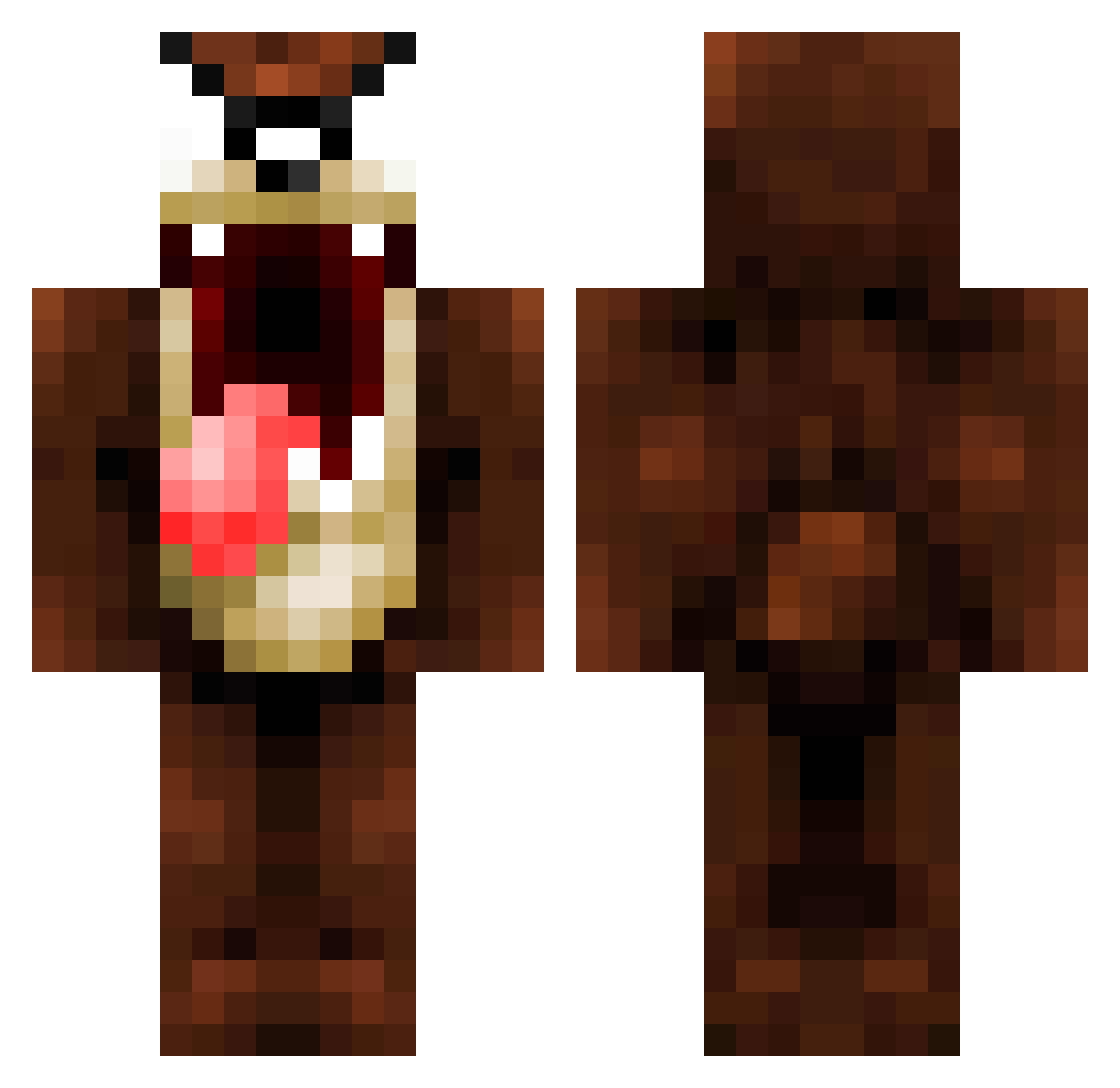
Other players with this skin (128)
minion_masher20 was the 43rd player we have seen with this skin, first spotted on 26.08.2026. The same skin was seen on these players. Open a nickname to see their current skin and skin history.
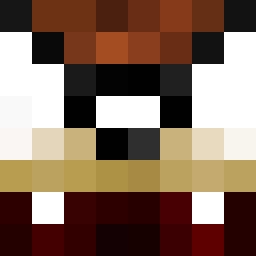 whatisbang Valresch Follatron4000 tazma77120 MadHouse57 Cordado bugsbunny10986 Zainfr11 Crack_Magic_ WildHound LuckyTheFrench TarGilkaltar Grumblegore Riquelminho MutenowE Zerbre_ I_kick_blindkids jordy355 Bllanco GhostOfLake JOOOORGE Nurufantur_ JuttyCheeks HairyBawls BigPawMC AccroNym Vendatte oskeboske
 fibsack antoniuhhh __Rayy__ Llynya Refiks90 tarjooo Speen LucDsWaddle fartbutts raamishh Uvee1987 Furlure Alkatraz_54 HellGOD1986 graephic Tazmanie50 7manuu7 t3hkid Merlin_ MrGuii MTanox Tyrz go_mythicmc_live _iTazz_ squary Werner0711 CalcifiedKaden GregoryInman29 Lokawev ybnhoe MisticssjVegeta D9v3
More Taz Minecraft skins
How to install the minion_masher20 skin
- Press the Download button above to save the skin as a PNG file.
- Minecraft: Bedrock Edition (PE): open the Dressing Room from the main menu (or tap your character → Edit Character), go to Classic Skins → Owned, press the + (new skin) button, choose the downloaded PNG and pick the Classic (Steve) model. Works on PC and mobile; consoles cannot import custom skins.
- Minecraft: Java Edition: open the Minecraft Launcher, go to the Skins tab, click New Skin, load the PNG, pick the Classic (Steve) model and press Save & Use. You can also upload it at minecraft.net → Profile → Change Skin.
The skin does not show up after import - what should I do?
Restart Minecraft and open the Dressing Room again - imported skins sometimes appear only after a restart. Also make sure you selected the imported skin and picked the Classic (Steve) model.
Which model should I choose, Classic or Slim?
This skin is designed for the Classic (Steve) model. If you pick the wrong model, the arms of the skin will look stretched or squeezed.
Is the skin of minion_masher20 free to download?
Yes. Press Download, save the PNG file and use it in Minecraft: Bedrock Edition or Java Edition - no payment or registration needed. The skin also works on multiplayer servers and Realms.
More skins
Looking for more? Go back to all Minecraft skins and check the top skins of the week, month and all time, or find any player's skin by nickname.