
mer44 - Minecraft Skins & Skin History
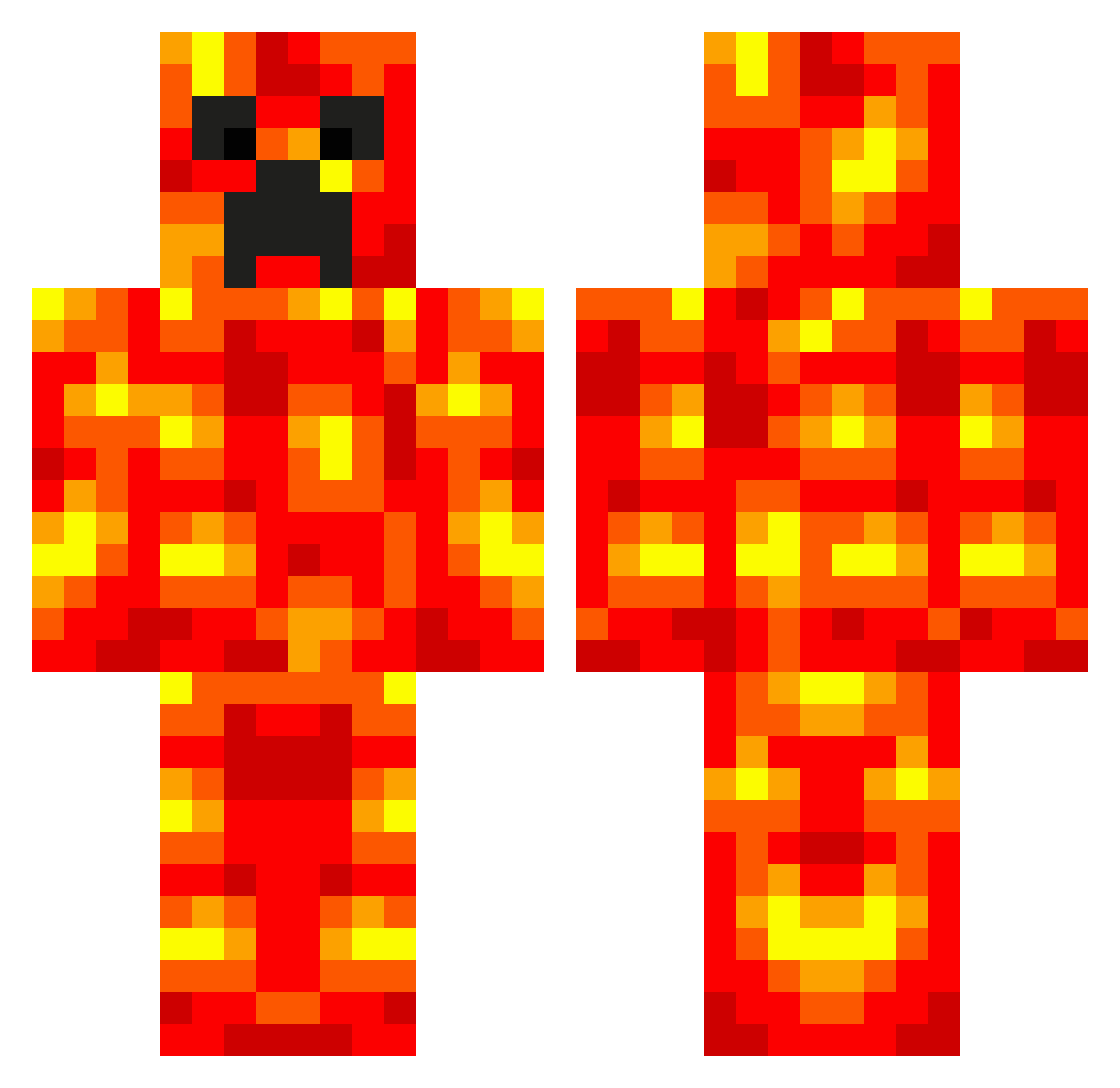
Current Minecraft skin of the player mer44, loaded from the official Mojang API. Rotate the 3D model with your mouse or finger, then download the skin as a PNG file and use it in Minecraft: Bedrock Edition or Java Edition for free. When mer44 changes their skin, this page updates automatically and the old skin stays in the history below.
Other players with this skin (537)
mer44 was the 3rd player we have seen with this skin, first spotted on 21.07.2026. The same skin was seen on these players. Open a nickname to see their current skin and skin history.
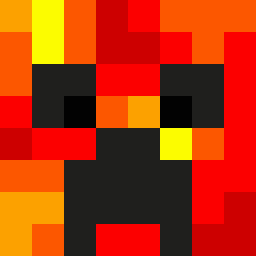 gearhead_604 bubbadlc132 TheGator12 funk02 ibycus juice_b0x_06 JonnySiko faris12431 lingy12 CJR3096 nicodu34720 Ekanaut LivingLegend79 polarbear6 pipper Kahramanca lukekilic ZakClevelyy 123onetwo npittar islapzombies Tinius04 MintCemetary ninjacool2005 3lava3 Tanis892 iglooian adam11209 Lynch888 lilli125 RyanDaProGamer nilskotte iNCREDIBL BallsInMouth otto225 gregoroth org07 Ap3xPredat0r Lizardjack Zero419 Samppu_22 minecrft9 lavaguy philiphb RJKabat salvation2002 SufiKing Enderballer14 Dirtbiker1602 Nuclearkiwi007 deeeej EpicGymnast22 SirMeowcat craftymines100 thefierycreeper3 bil_karol CR33P1N Geinsbeing alalalattack lava_girl_667
More Magma Minecraft skins
How to install the mer44 skin
- Press the Download button above to save the skin as a PNG file.
- Minecraft: Bedrock Edition (PE): open the Dressing Room from the main menu (or tap your character → Edit Character), go to Classic Skins → Owned, press the + (new skin) button, choose the downloaded PNG and pick the Classic (Steve) model. Works on PC and mobile; consoles cannot import custom skins.
- Minecraft: Java Edition: open the Minecraft Launcher, go to the Skins tab, click New Skin, load the PNG, pick the Classic (Steve) model and press Save & Use. You can also upload it at minecraft.net → Profile → Change Skin.
The skin does not show up after import - what should I do?
Restart Minecraft and open the Dressing Room again - imported skins sometimes appear only after a restart. Also make sure you selected the imported skin and picked the Classic (Steve) model.
Which model should I choose, Classic or Slim?
This skin is designed for the Classic (Steve) model. If you pick the wrong model, the arms of the skin will look stretched or squeezed.
Is the skin of mer44 free to download?
Yes. Press Download, save the PNG file and use it in Minecraft: Bedrock Edition or Java Edition - no payment or registration needed. The skin also works on multiplayer servers and Realms.
More skins
Looking for more? Go back to all Minecraft skins and check the top skins of the week, month and all time, or find any player's skin by nickname.