
mcpoooper21 - Minecraft Skins & Skin History
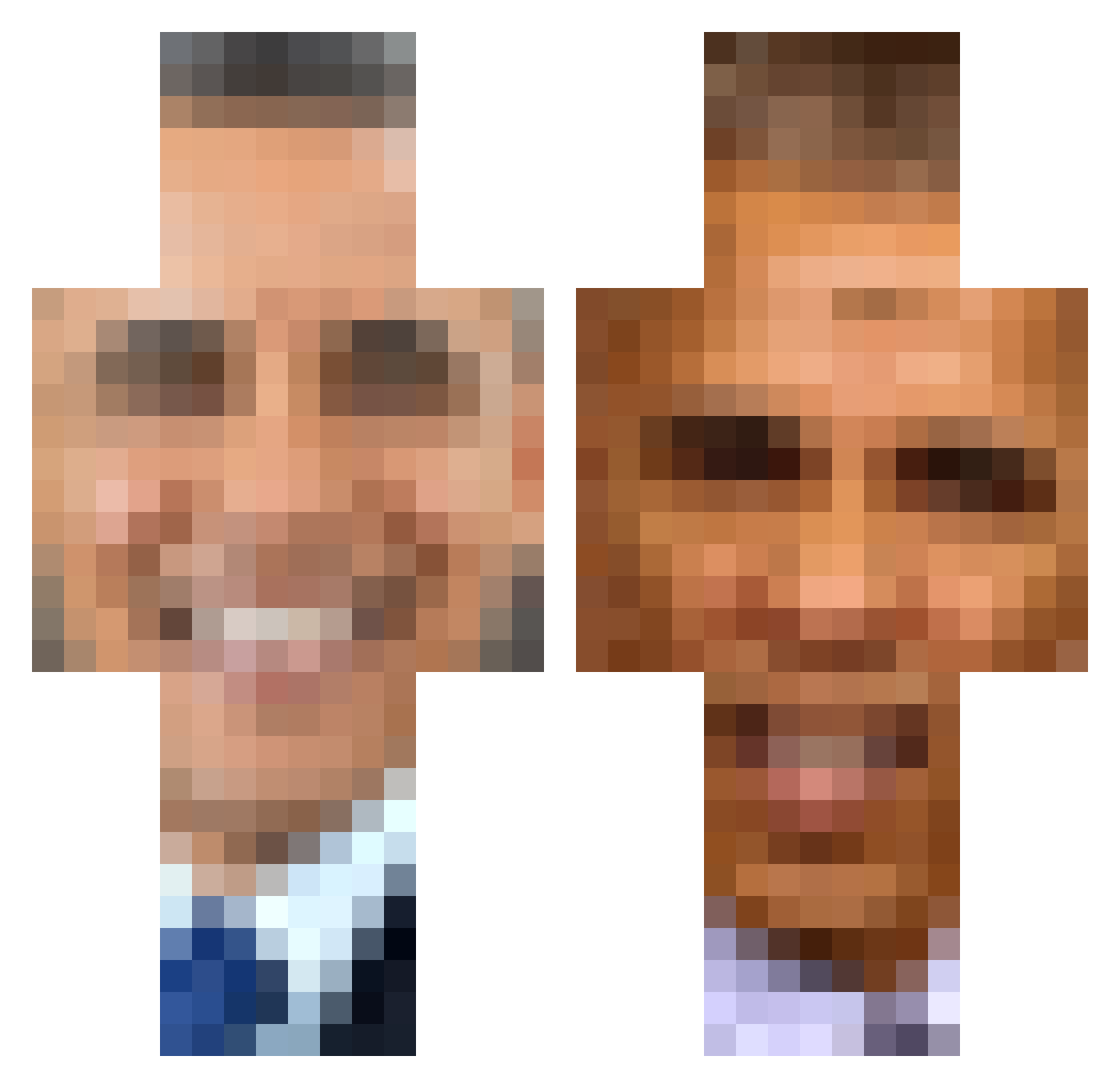
Current Minecraft skin of the player mcpoooper21, loaded from the official Mojang API. Rotate the 3D model with your mouse or finger, then download the skin as a PNG file and use it in Minecraft: Bedrock Edition or Java Edition for free. When mcpoooper21 changes their skin, this page updates automatically and the old skin stays in the history below.
Other players with this skin (389)
mcpoooper21 was the 97th player we have seen with this skin, first spotted on 22.08.2026. The same skin was seen on these players. Open a nickname to see their current skin and skin history.
 ChaoticWildChild Karibumbum GuidedAnt Scrabbel FunkyFortnite34 MarioG yamatoyuki JDOFJDOFD FreakyBaldy69 _LEEG_ TheDukeofLords EndstufenSchwanz BaldingAt13 chelsearox2010 NoHacksEither Bad_Tanker Dairy3030 ianswaggua ZEnglishOwO sklaras B1llSm1th LiteralBeetroot WannabeDaniel MaxSrbin HPDeskjet6940 knutbugg roninVEVO jscott2250 EthXn5000 Laiooo thelovecats EpicGamer_53 BigBlap HeyItsSlimey datatraveler12 Gloopn MrMonkey056092 NogardXad SpilledMilk6761 iheartbigballz yonkyanker Chewbroccoli_117 Monkey3k Oryyygin pyroPOYO Hendrixmaster BigToopia BarrackObama_ 7mnz dragonflame26 Trick_Guy willthepill1210 EruzEz The_SFunni RafaelDiesDose AWarmBed Snaakely McKeevs Janurei SkippersGone
More Barack Obama Minecraft skins
See all 259 Barack Obama skins
How to install the mcpoooper21 skin
- Press the Download button above to save the skin as a PNG file.
- Minecraft: Bedrock Edition (PE): open the Dressing Room from the main menu (or tap your character → Edit Character), go to Classic Skins → Owned, press the + (new skin) button, choose the downloaded PNG and pick the Classic (Steve) model. Works on PC and mobile; consoles cannot import custom skins.
- Minecraft: Java Edition: open the Minecraft Launcher, go to the Skins tab, click New Skin, load the PNG, pick the Classic (Steve) model and press Save & Use. You can also upload it at minecraft.net → Profile → Change Skin.
The skin does not show up after import - what should I do?
Restart Minecraft and open the Dressing Room again - imported skins sometimes appear only after a restart. Also make sure you selected the imported skin and picked the Classic (Steve) model.
Which model should I choose, Classic or Slim?
This skin is designed for the Classic (Steve) model. If you pick the wrong model, the arms of the skin will look stretched or squeezed.
Is the skin of mcpoooper21 free to download?
Yes. Press Download, save the PNG file and use it in Minecraft: Bedrock Edition or Java Edition - no payment or registration needed. The skin also works on multiplayer servers and Realms.
More skins
Looking for more? Go back to all Minecraft skins and check the top skins of the week, month and all time, or find any player's skin by nickname.