
mateominecraftus - Minecraft Skins & Skin History
Current Minecraft skin of the player mateominecraftus, loaded from the official Mojang API. Rotate the 3D model with your mouse or finger, then download the skin as a PNG file and use it in Minecraft: Bedrock Edition or Java Edition for free. When mateominecraftus changes their skin, this page updates automatically and the old skin stays in the history below.
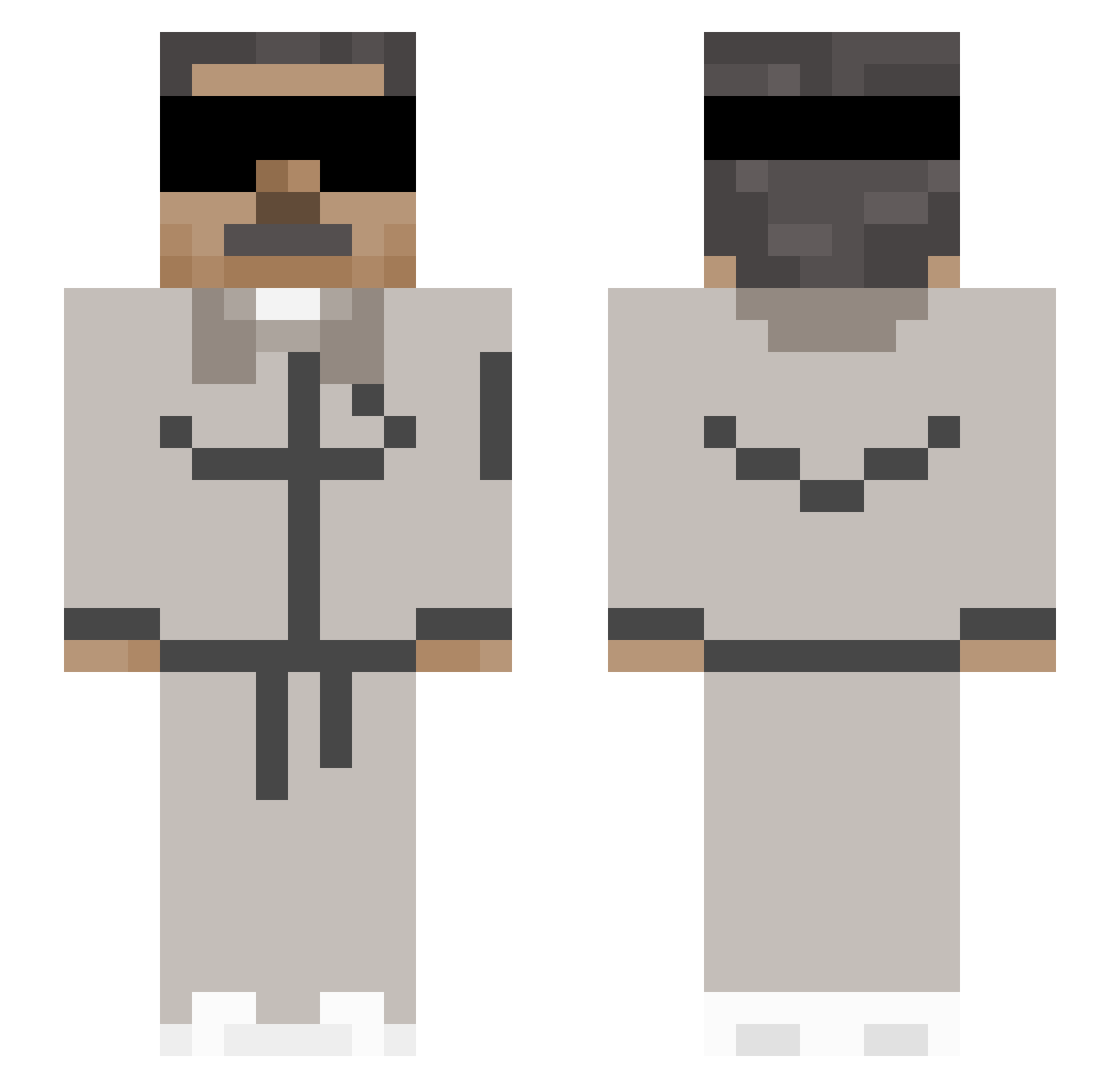
Other players with this skin (103)
mateominecraftus was the 75th player we have seen with this skin, first spotted on 01.08.2026. The same skin was seen on these players. Open a nickname to see their current skin and skin history.
 CocodriloFeliz1
 donk321
 Covid_Verygood
 MR_AREPA _Nicolas_Maduro_ SrEmilio Dyzerk Wlnaxo7
 iplayygamesok Lhynre Incognito_3
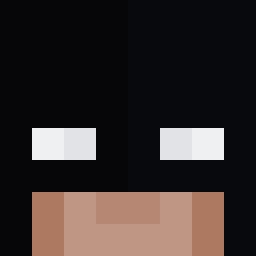 Gabsx10
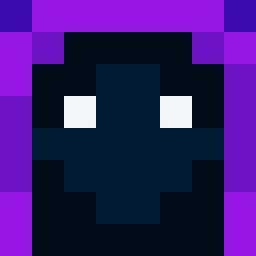 Reyes_7004
 Auged2027prime
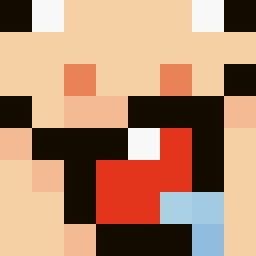 arwe1 Relioster
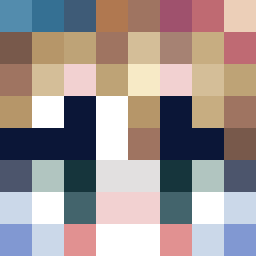 Sobol2
 arking304
 Angr3579
 SenorBaplo napo_muzza
 Juliogamer33
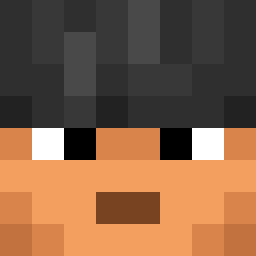 Hentsmaster DIEGOJG Arken_01
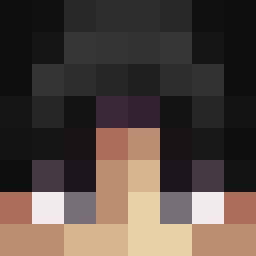 SoyAidenHT
 bartozzzzz
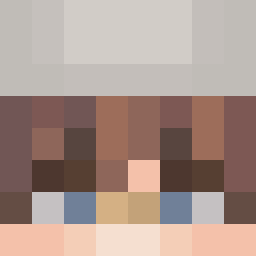 Ger01
Ger01 Javigg30 Alejandro1103
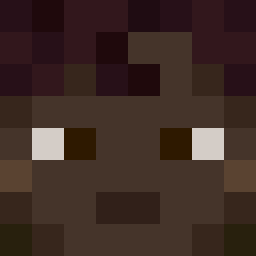 00Mel0n LaKaBraKdalech36 Tocahuevos AntonioRicco Lucasetos Dragonicos_88 carra1313
 DensFlars
 sommerdag mguida KevinnnH Rayen_0 fazz502 IdatenJump FecheGio souIxxx Lxvizinn Meguking786 MediumAura19477
 _Konjak_ rowdywest5000
 smith01_
 ElDedeador77 Pepe7134 Ayranfl0w
 tickardo
 FITYMAWRLD
 AirKazOo JSwisha Desoog
More Kanye West Minecraft skins
How to install the mateominecraftus skin
- Press the Download button above to save the skin as a PNG file.
- Minecraft: Bedrock Edition (PE): open the Dressing Room from the main menu (or tap your character → Edit Character), go to Classic Skins → Owned, press the + (new skin) button, choose the downloaded PNG and pick the Slim (Alex) model. Works on PC and mobile; consoles cannot import custom skins.
- Minecraft: Java Edition: open the Minecraft Launcher, go to the Skins tab, click New Skin, load the PNG, pick the Slim (Alex) model and press Save & Use. You can also upload it at minecraft.net → Profile → Change Skin.
The skin does not show up after import - what should I do?
Restart Minecraft and open the Dressing Room again - imported skins sometimes appear only after a restart. Also make sure you selected the imported skin and picked the Slim (Alex) model.
Which model should I choose, Classic or Slim?
This skin is designed for the Slim (Alex) model. If you pick the wrong model, the arms of the skin will look stretched or squeezed.
Is the skin of mateominecraftus free to download?
Yes. Press Download, save the PNG file and use it in Minecraft: Bedrock Edition or Java Edition - no payment or registration needed. The skin also works on multiplayer servers and Realms.
More skins
Looking for more? Go back to all Minecraft skins and check the top skins of the week, month and all time, or find any player's skin by nickname.