
maatijaa - Minecraft Skins & Skin History
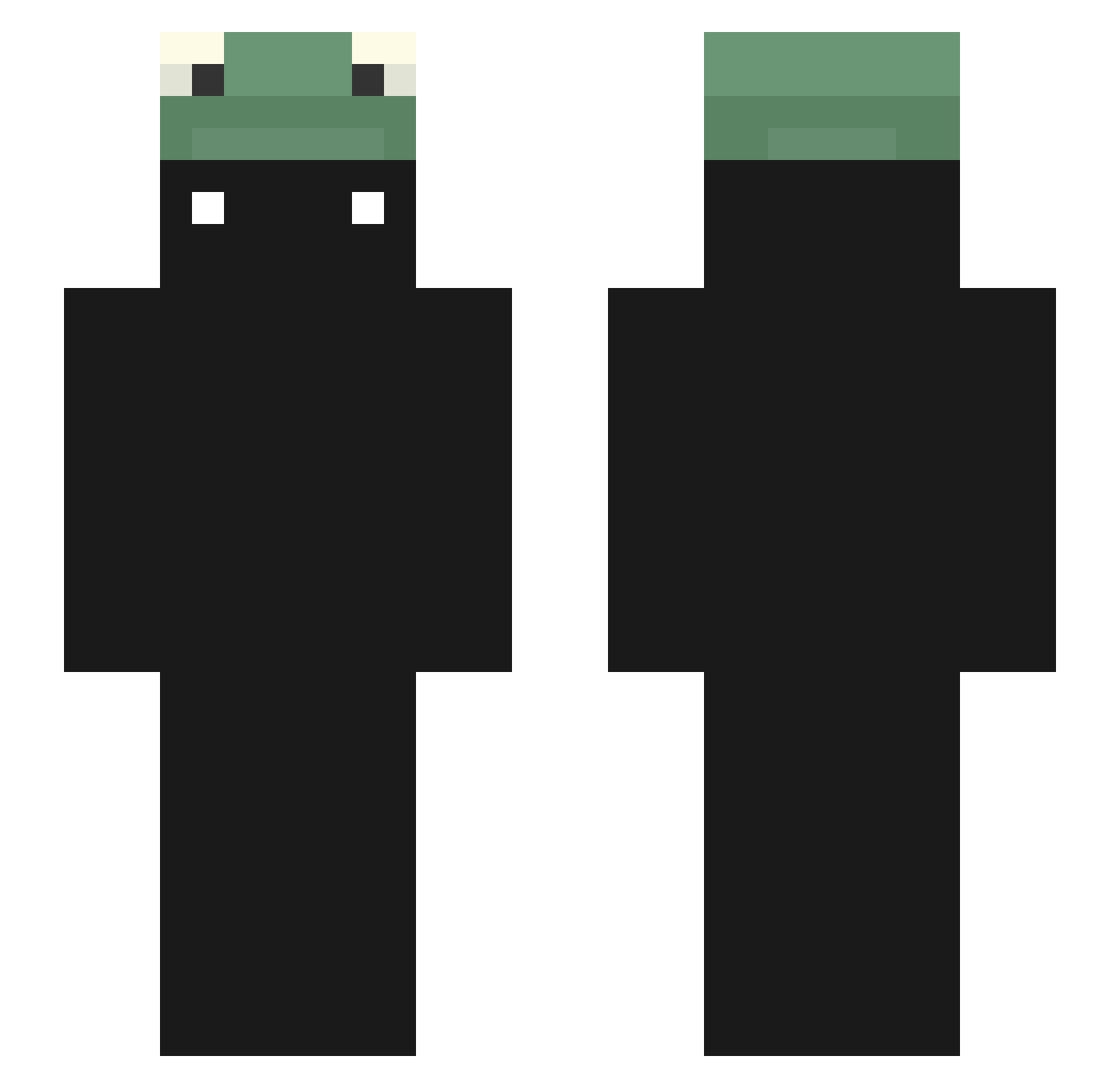
Current Minecraft skin of the player maatijaa, loaded from the official Mojang API. Rotate the 3D model with your mouse or finger, then download the skin as a PNG file and use it in Minecraft: Bedrock Edition or Java Edition for free. When maatijaa changes their skin, this page updates automatically and the old skin stays in the history below.
Other players with this skin (47)
maatijaa was the 14th player we have seen with this skin, first spotted on 19.08.2026. The same skin was seen on these players. Open a nickname to see their current skin and skin history.
 alex5779
 Nokana_ FazeBrath TheGamer187_
 Itz_Lowky ItzClotho revurtz wedwannn malchaming dpaulos6 TrouNoir___
 Q_Awad ziadmo3gza 0w0_01 quent1nnn hamanhal Sekaichii _Miinty Trxity treeraphxt Tommylee337 Moninhah KimPG Haramichu i_need_smeeps BORAS_GAMING Sicko132_ Kyius Alexzombie102 Exhz DroppedByZ3lek _Monkz wzl987 fluffymint Neo_SkyRex dduckeey sumasshedshiy xkellx XxMachrewaxX sorry_31 opgamer0501 HM1027 Xx_PawPaw_xX SAINT_SIMOLIER Ang_Jun Khinezu Lia_lia
More Frog Hat Minecraft skins
How to install the maatijaa skin
- Press the Download button above to save the skin as a PNG file.
- Minecraft: Bedrock Edition (PE): open the Dressing Room from the main menu (or tap your character → Edit Character), go to Classic Skins → Owned, press the + (new skin) button, choose the downloaded PNG and pick the Slim (Alex) model. Works on PC and mobile; consoles cannot import custom skins.
- Minecraft: Java Edition: open the Minecraft Launcher, go to the Skins tab, click New Skin, load the PNG, pick the Slim (Alex) model and press Save & Use. You can also upload it at minecraft.net → Profile → Change Skin.
The skin does not show up after import - what should I do?
Restart Minecraft and open the Dressing Room again - imported skins sometimes appear only after a restart. Also make sure you selected the imported skin and picked the Slim (Alex) model.
Which model should I choose, Classic or Slim?
This skin is designed for the Slim (Alex) model. If you pick the wrong model, the arms of the skin will look stretched or squeezed.
Is the skin of maatijaa free to download?
Yes. Press Download, save the PNG file and use it in Minecraft: Bedrock Edition or Java Edition - no payment or registration needed. The skin also works on multiplayer servers and Realms.
More skins
Looking for more? Go back to all Minecraft skins and check the top skins of the week, month and all time, or find any player's skin by nickname.