
luttella - Minecraft Skins & Skin History
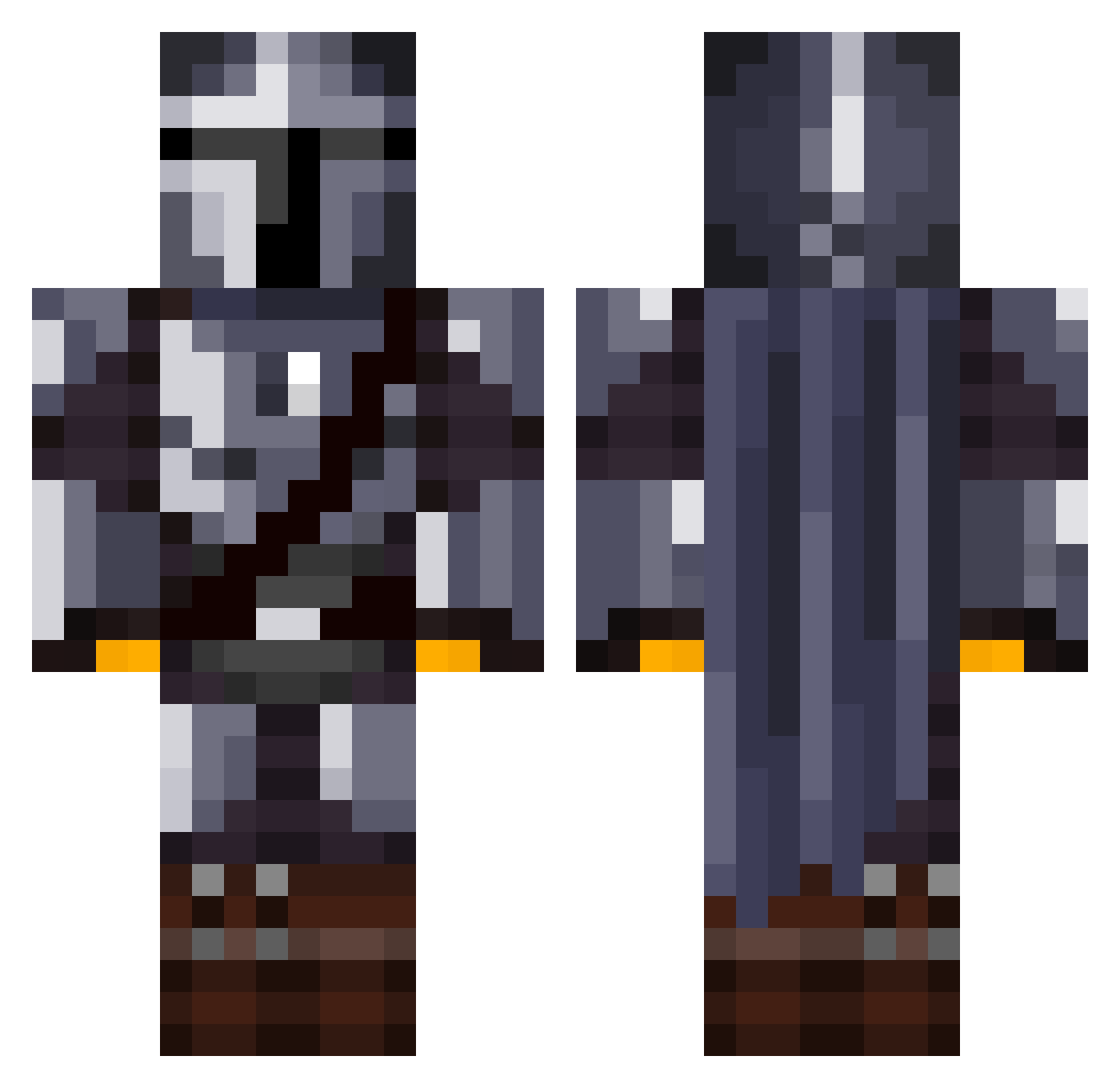
Current Minecraft skin of the player luttella, loaded from the official Mojang API. Rotate the 3D model with your mouse or finger, then download the skin as a PNG file and use it in Minecraft: Bedrock Edition or Java Edition for free. When luttella changes their skin, this page updates automatically and the old skin stays in the history below.
Other players with this skin (1069)
luttella was the 544th player we have seen with this skin, first spotted on 12.09.2026. The same skin was seen on these players. Open a nickname to see their current skin and skin history.
 Slynx_tv arter31 Minatr yeetmaster_78 Matei_sn jojogamer8953 Senpai12127 ReputedSix oh_lawd69 Gaigin Fightboss97 kalzakky moxar Lemon1012 iLoVeMySkylinez CaptiveHat CosmicOtter98 supreme2T 5H4D0W_TP GreaTeacherFalco FillyPhilly Shiny_Knight28 Anvechyy BoatTwo turkishpower6128 Circuitz HUNTERSHARK1530 Qazqazblue MinJunSu Renegade85 JAMMMYT Griff98 FellowToko
 thunderblade310 LukkyGamer333 Liuis_Emilton BlueO32 Susieomaha superrale THESSlV Erriapo Ghostier08 isaacmasterpro g_fundzz Tillemann Imago_deon TimoDerp Barry713 Vadani9999 ZaruL0ck IchibanSenpai llHaru PATRICK1990_ PrimalJester Horsepimp PossiblyPJ Meffix_ crixus_1627 Gmcm129 Ihazcheez3275
More The Mandalorian Minecraft skins
See all 525 The Mandalorian skins
How to install the luttella skin
- Press the Download button above to save the skin as a PNG file.
- Minecraft: Bedrock Edition (PE): open the Dressing Room from the main menu (or tap your character → Edit Character), go to Classic Skins → Owned, press the + (new skin) button, choose the downloaded PNG and pick the Classic (Steve) model. Works on PC and mobile; consoles cannot import custom skins.
- Minecraft: Java Edition: open the Minecraft Launcher, go to the Skins tab, click New Skin, load the PNG, pick the Classic (Steve) model and press Save & Use. You can also upload it at minecraft.net → Profile → Change Skin.
The skin does not show up after import - what should I do?
Restart Minecraft and open the Dressing Room again - imported skins sometimes appear only after a restart. Also make sure you selected the imported skin and picked the Classic (Steve) model.
Which model should I choose, Classic or Slim?
This skin is designed for the Classic (Steve) model. If you pick the wrong model, the arms of the skin will look stretched or squeezed.
Is the skin of luttella free to download?
Yes. Press Download, save the PNG file and use it in Minecraft: Bedrock Edition or Java Edition - no payment or registration needed. The skin also works on multiplayer servers and Realms.
More skins
Looking for more? Go back to all Minecraft skins and check the top skins of the week, month and all time, or find any player's skin by nickname.