
ludorules123 - Minecraft Skins & Skin History
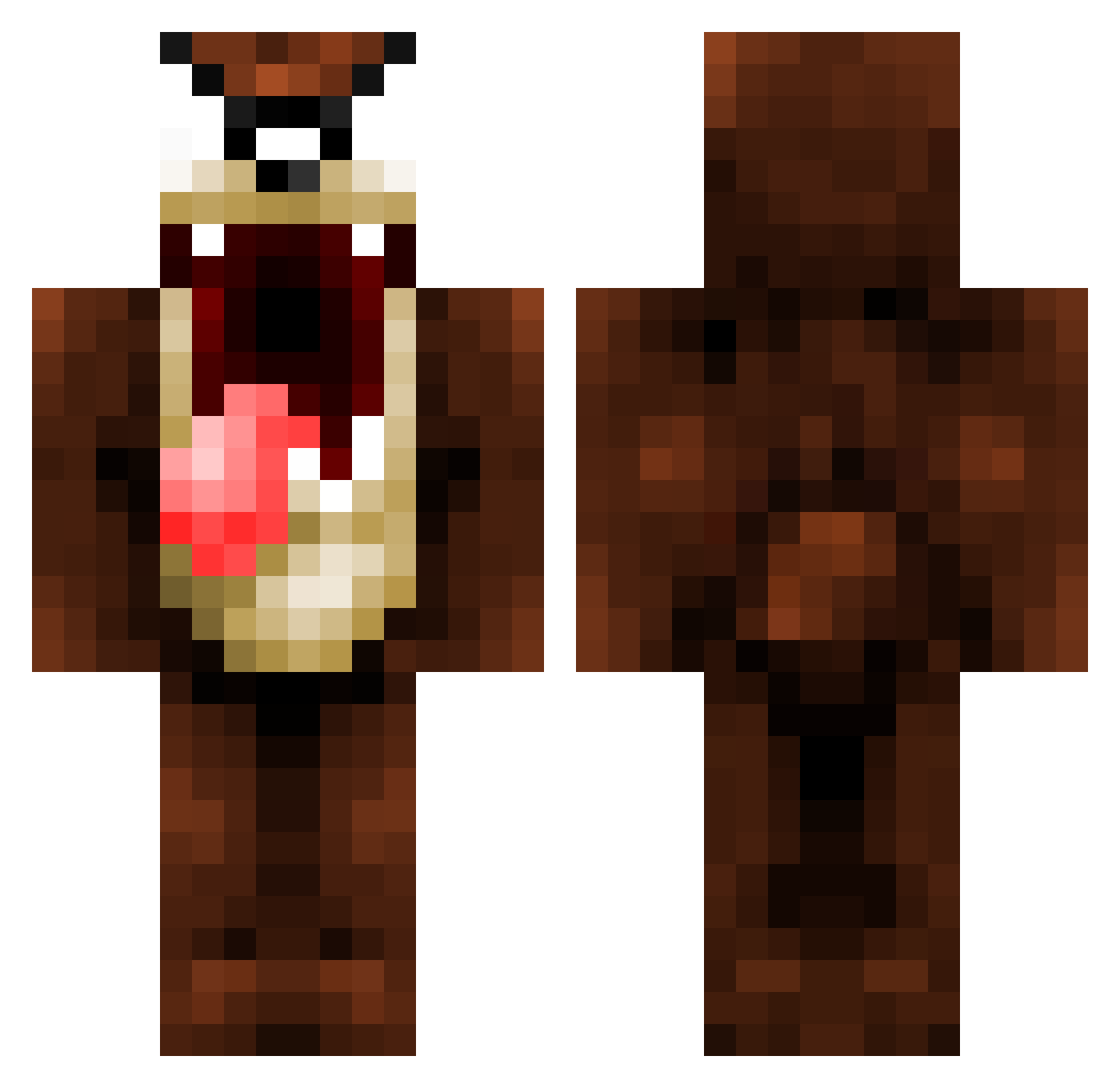
Current Minecraft skin of the player ludorules123, loaded from the official Mojang API. Rotate the 3D model with your mouse or finger, then download the skin as a PNG file and use it in Minecraft: Bedrock Edition or Java Edition for free. When ludorules123 changes their skin, this page updates automatically and the old skin stays in the history below.
Other players with this skin (1069)
ludorules123 was the 49th player we have seen with this skin, first spotted on 27.07.2026. The same skin was seen on these players. Open a nickname to see their current skin and skin history.
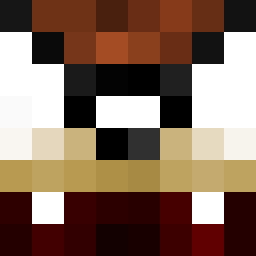 n3rDer lyricbath fdog999 jordiland XSDUO9IKREWATBQZ VILSA610 hoole1986 Sir_Happy_Cat SoCaLife Klein_ltd mortagg Henriette91 Lightfutchat RokurOlsen Deadaelus123 Cryatic PetePeril Zerafim karmapolice31 mistyking J_Rawww flakes09 BIELRCDM Duncandoughnut Fexel_1 whitetiger142012 JaviLopez97 Footballpro173 Darla1973 louixode KingJunkie FlashTony3oo BrideyBlue littlehamster18 Tasslefou Alec_E Aspective leebo147 Remissions herohays the_8east fabgryf OlsenMcBolsen 4Dayz Harroguk calvinos25000 xtremepking4 HowAboutNah Shagz25 datbrick Benjojoo wolfpack6878 Croxorc madg23e Nicomasterxxx Sade2010 GrayDay7 danvan28 stijno666 bob01200
More Taz Minecraft skins
How to install the ludorules123 skin
- Press the Download button above to save the skin as a PNG file.
- Minecraft: Bedrock Edition (PE): open the Dressing Room from the main menu (or tap your character → Edit Character), go to Classic Skins → Owned, press the + (new skin) button, choose the downloaded PNG and pick the Classic (Steve) model. Works on PC and mobile; consoles cannot import custom skins.
- Minecraft: Java Edition: open the Minecraft Launcher, go to the Skins tab, click New Skin, load the PNG, pick the Classic (Steve) model and press Save & Use. You can also upload it at minecraft.net → Profile → Change Skin.
The skin does not show up after import - what should I do?
Restart Minecraft and open the Dressing Room again - imported skins sometimes appear only after a restart. Also make sure you selected the imported skin and picked the Classic (Steve) model.
Which model should I choose, Classic or Slim?
This skin is designed for the Classic (Steve) model. If you pick the wrong model, the arms of the skin will look stretched or squeezed.
Is the skin of ludorules123 free to download?
Yes. Press Download, save the PNG file and use it in Minecraft: Bedrock Edition or Java Edition - no payment or registration needed. The skin also works on multiplayer servers and Realms.
More skins
Looking for more? Go back to all Minecraft skins and check the top skins of the week, month and all time, or find any player's skin by nickname.