
lightningice543 - Minecraft Skins & Skin History
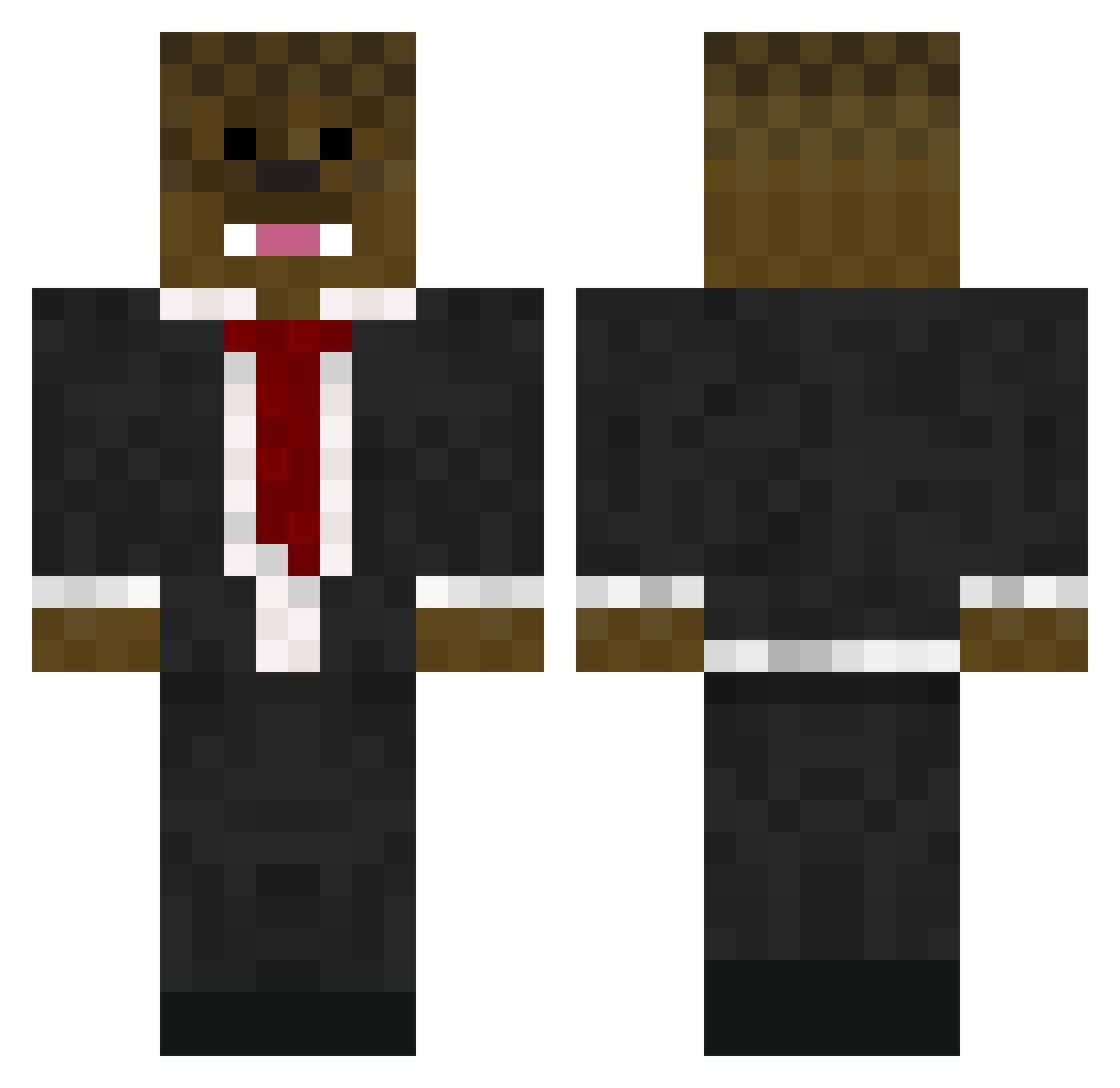
Current Minecraft skin of the player lightningice543, loaded from the official Mojang API. Rotate the 3D model with your mouse or finger, then download the skin as a PNG file and use it in Minecraft: Bedrock Edition or Java Edition for free. When lightningice543 changes their skin, this page updates automatically and the old skin stays in the history below.
Other players with this skin (576)
lightningice543 was the 222nd player we have seen with this skin, first spotted on 31.08.2026. The same skin was seen on these players. Open a nickname to see their current skin and skin history.
 karlsson64 HappyFamily_ halen_mac georgeisbest111 theogecko notdeadyet2e Sweex12 regmoe Z0CKA b3ll123 Hextech01 Eleve01 LTLDEADEYE Bren2002b MastercrafterHD LimpanSDE Extrabad Jitterbug68 sprinkles67 plopfizz11 Asf_Jerome_Asf cvandijk8 ruffles287 Formlxss AndersDrips tracgamer01 jaredmc11 chuckams mitey132 minecraftguy9078 HoopDirt arceusman56 ilovememeslol Big_Mac_1882 xMrSmiley ACheeseSandwich Griffin_Flame muffpuff nihilanth69 gohstrob danielp2304 gurraholm asfjerome000 ASBratsch longstuff39 THESILVERHAWK1 joshuawd12 JoLu511 PremiumForks Pig370 whoopee94 paintballman12 _Adek_ Squashu scottco220 Everlong44 tdebarker blake12001 Mickey_Dee jacksoneverett
More Chewbacca Minecraft skins
How to install the lightningice543 skin
- Press the Download button above to save the skin as a PNG file.
- Minecraft: Bedrock Edition (PE): open the Dressing Room from the main menu (or tap your character → Edit Character), go to Classic Skins → Owned, press the + (new skin) button, choose the downloaded PNG and pick the Classic (Steve) model. Works on PC and mobile; consoles cannot import custom skins.
- Minecraft: Java Edition: open the Minecraft Launcher, go to the Skins tab, click New Skin, load the PNG, pick the Classic (Steve) model and press Save & Use. You can also upload it at minecraft.net → Profile → Change Skin.
The skin does not show up after import - what should I do?
Restart Minecraft and open the Dressing Room again - imported skins sometimes appear only after a restart. Also make sure you selected the imported skin and picked the Classic (Steve) model.
Which model should I choose, Classic or Slim?
This skin is designed for the Classic (Steve) model. If you pick the wrong model, the arms of the skin will look stretched or squeezed.
Is the skin of lightningice543 free to download?
Yes. Press Download, save the PNG file and use it in Minecraft: Bedrock Edition or Java Edition - no payment or registration needed. The skin also works on multiplayer servers and Realms.
More skins
Looking for more? Go back to all Minecraft skins and check the top skins of the week, month and all time, or find any player's skin by nickname.