
leysss_ - Minecraft Skins & Skin History
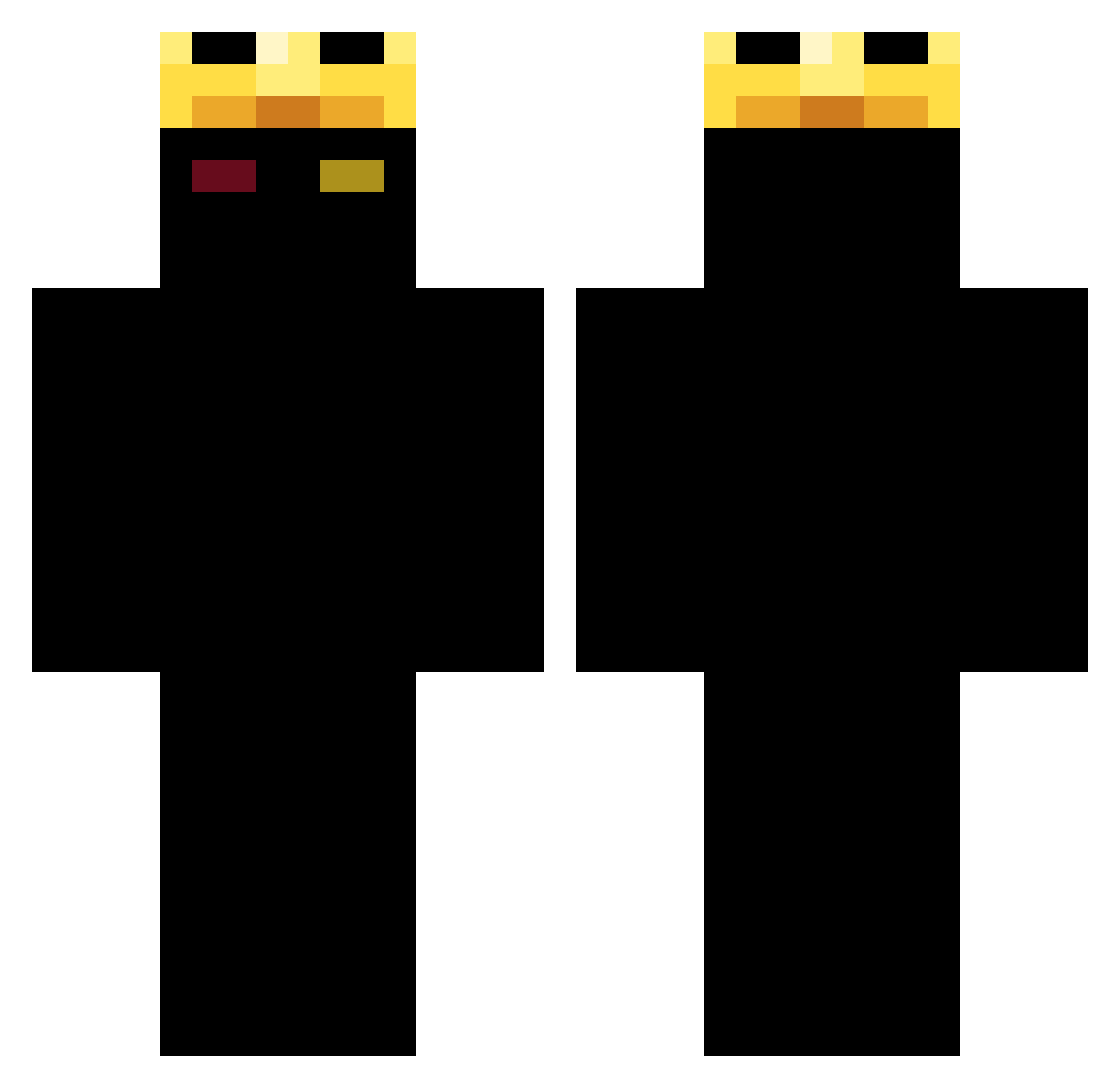
Current Minecraft skin of the player leysss_, loaded from the official Mojang API. Rotate the 3D model with your mouse or finger, then download the skin as a PNG file and use it in Minecraft: Bedrock Edition or Java Edition for free. When leysss_ changes their skin, this page updates automatically and the old skin stays in the history below.
Other players with this skin (395)
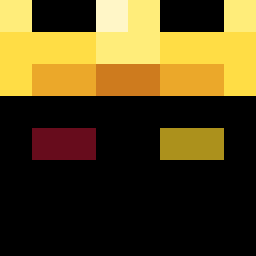
leysss_ was the 181st player we have seen with this skin, first spotted on 17.09.2026. The same skin was seen on these players. Open a nickname to see their current skin and skin history.
 freeZyCklll B1ood3agle3668 AcEtHiNgZ PARRAA 7Matth3w Kyson1021 Tutuba01 wyrewolwerowany1 AngularSloth402 Ali1590 blazik1 Polo_bear999 oNinjutsu BoppinAndy kdofnd magmagor staszek_pvp m_pepe santimartu syyatrix illoadrix ninjastarX Zooptrox2008 Gonxixc20 Shaggy____ BORACNDN pompa1410 SavaraX ANSART12 juldut VictorDragonKill a7madof79 maximilian13445 AquaChoas 150Baros_ Musashi900 Marlie711 Luckyie1704 JebaqFilipaBurak zakx37x QTz1 POKACD Psychadelicist kevin453 LarsZelda Ronimx Jaxlol44 Lite00 X0XD_ medvediakkk iShowNyashh provenedd wdeaths WolfBoack05 batman645798 form1ca jiromky rockeroom Dsgusting fuzzy0106
More Ranboo Minecraft skins
How to install the leysss_ skin
- Press the Download button above to save the skin as a PNG file.
- Minecraft: Bedrock Edition (PE): open the Dressing Room from the main menu (or tap your character → Edit Character), go to Classic Skins → Owned, press the + (new skin) button, choose the downloaded PNG and pick the Classic (Steve) model. Works on PC and mobile; consoles cannot import custom skins.
- Minecraft: Java Edition: open the Minecraft Launcher, go to the Skins tab, click New Skin, load the PNG, pick the Classic (Steve) model and press Save & Use. You can also upload it at minecraft.net → Profile → Change Skin.
The skin does not show up after import - what should I do?
Restart Minecraft and open the Dressing Room again - imported skins sometimes appear only after a restart. Also make sure you selected the imported skin and picked the Classic (Steve) model.
Which model should I choose, Classic or Slim?
This skin is designed for the Classic (Steve) model. If you pick the wrong model, the arms of the skin will look stretched or squeezed.
Is the skin of leysss_ free to download?
Yes. Press Download, save the PNG file and use it in Minecraft: Bedrock Edition or Java Edition - no payment or registration needed. The skin also works on multiplayer servers and Realms.
More skins
Looking for more? Go back to all Minecraft skins and check the top skins of the week, month and all time, or find any player's skin by nickname.