
ledzipper - Minecraft Skins & Skin History
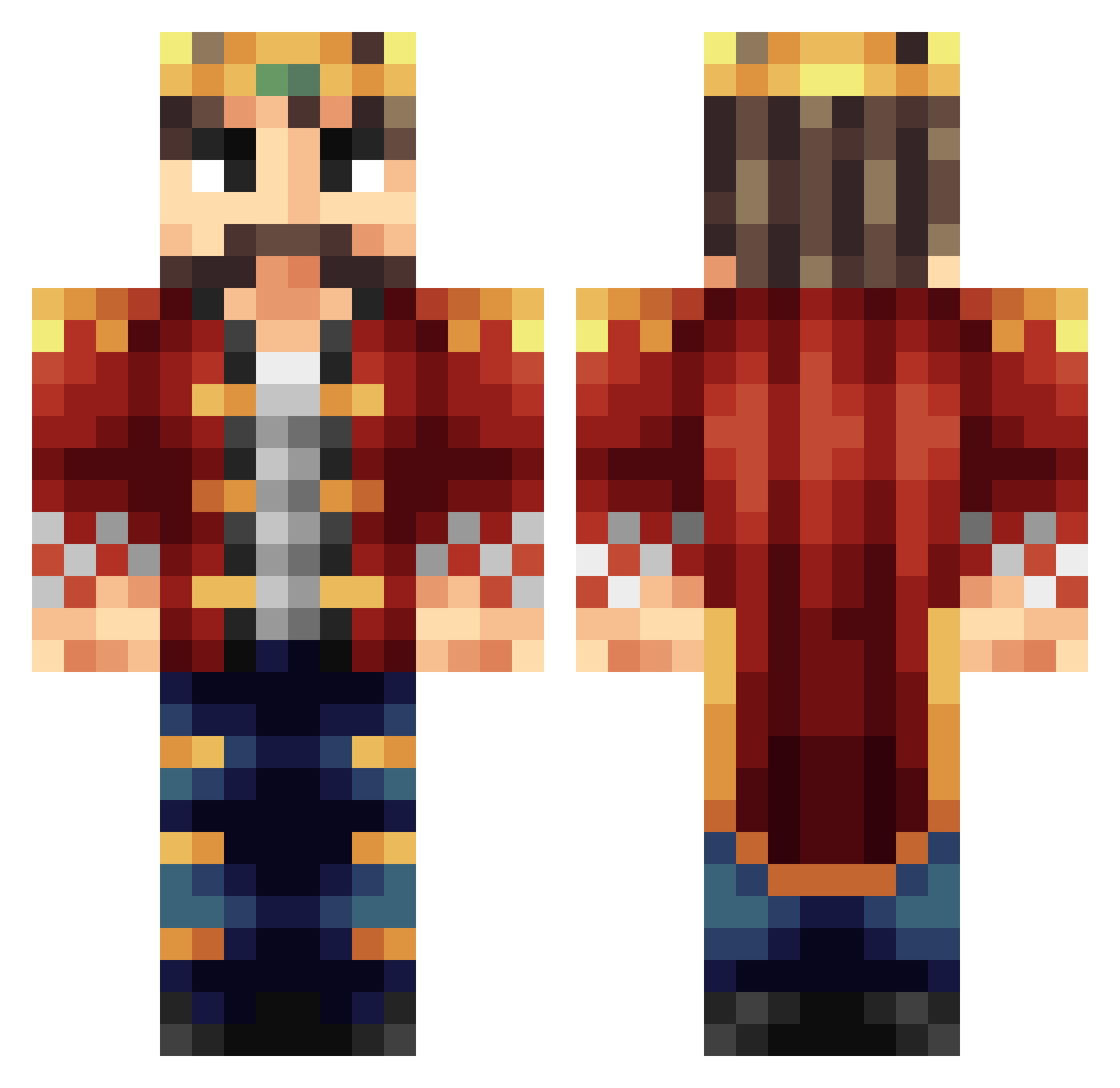
Current Minecraft skin of the player ledzipper, loaded from the official Mojang API. Rotate the 3D model with your mouse or finger, then download the skin as a PNG file and use it in Minecraft: Bedrock Edition or Java Edition for free. When ledzipper changes their skin, this page updates automatically and the old skin stays in the history below.
Other players with this skin (398)
ledzipper was the 51st player we have seen with this skin, first spotted on 08.08.2026. The same skin was seen on these players. Open a nickname to see their current skin and skin history.
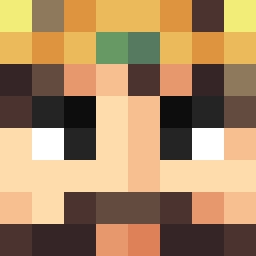 DarboSlave68 Baumaki King_Alp luckydaniel123 Enrobe jooby_dooby doot113 KingLatifah SelenaBae MATHH_FR 3thanminecraft Slugrider PepijndV kingdollophead Vaslayak CephNemesis Chaicus kernelcorn _Remast_ coffeeaddict Chaligoj BeastKrijger Natroknight13 secret_boy 460Luigi ThatLittleLegend laubert rick9840 JoaoPlays_ freedem jududdar minerkieran257 jartzi90 pieterboerdijk AaronTheBaron pesticide Flaming_Raptor Chippewa25 schoolofrook Ajtiger2 Kingwah1 askseverin DkingPatty cashline Utteabc ChaoticQuiet oddrocker0515 Mitchell_rage123 SirTuppy Lord_Montork KingCraftae iJackes jnystrom Flence808 Scampy4 kingtobi3rd Kiwi_Redstone Adnan_kwt challe115 br1dg3s
More Streamer Minecraft skins
How to install the ledzipper skin
- Press the Download button above to save the skin as a PNG file.
- Minecraft: Bedrock Edition (PE): open the Dressing Room from the main menu (or tap your character → Edit Character), go to Classic Skins → Owned, press the + (new skin) button, choose the downloaded PNG and pick the Classic (Steve) model. Works on PC and mobile; consoles cannot import custom skins.
- Minecraft: Java Edition: open the Minecraft Launcher, go to the Skins tab, click New Skin, load the PNG, pick the Classic (Steve) model and press Save & Use. You can also upload it at minecraft.net → Profile → Change Skin.
The skin does not show up after import - what should I do?
Restart Minecraft and open the Dressing Room again - imported skins sometimes appear only after a restart. Also make sure you selected the imported skin and picked the Classic (Steve) model.
Which model should I choose, Classic or Slim?
This skin is designed for the Classic (Steve) model. If you pick the wrong model, the arms of the skin will look stretched or squeezed.
Is the skin of ledzipper free to download?
Yes. Press Download, save the PNG file and use it in Minecraft: Bedrock Edition or Java Edition - no payment or registration needed. The skin also works on multiplayer servers and Realms.
More skins
Looking for more? Go back to all Minecraft skins and check the top skins of the week, month and all time, or find any player's skin by nickname.