
le_vagabronx - Minecraft Skins & Skin History
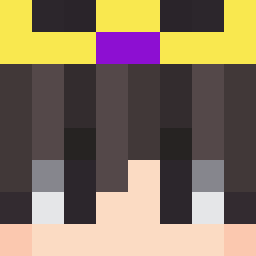
Current Minecraft skin of the player le_vagabronx, loaded from the official Mojang API. Rotate the 3D model with your mouse or finger, then download the skin as a PNG file and use it in Minecraft: Bedrock Edition or Java Edition for free. When le_vagabronx changes their skin, this page updates automatically and the old skin stays in the history below.
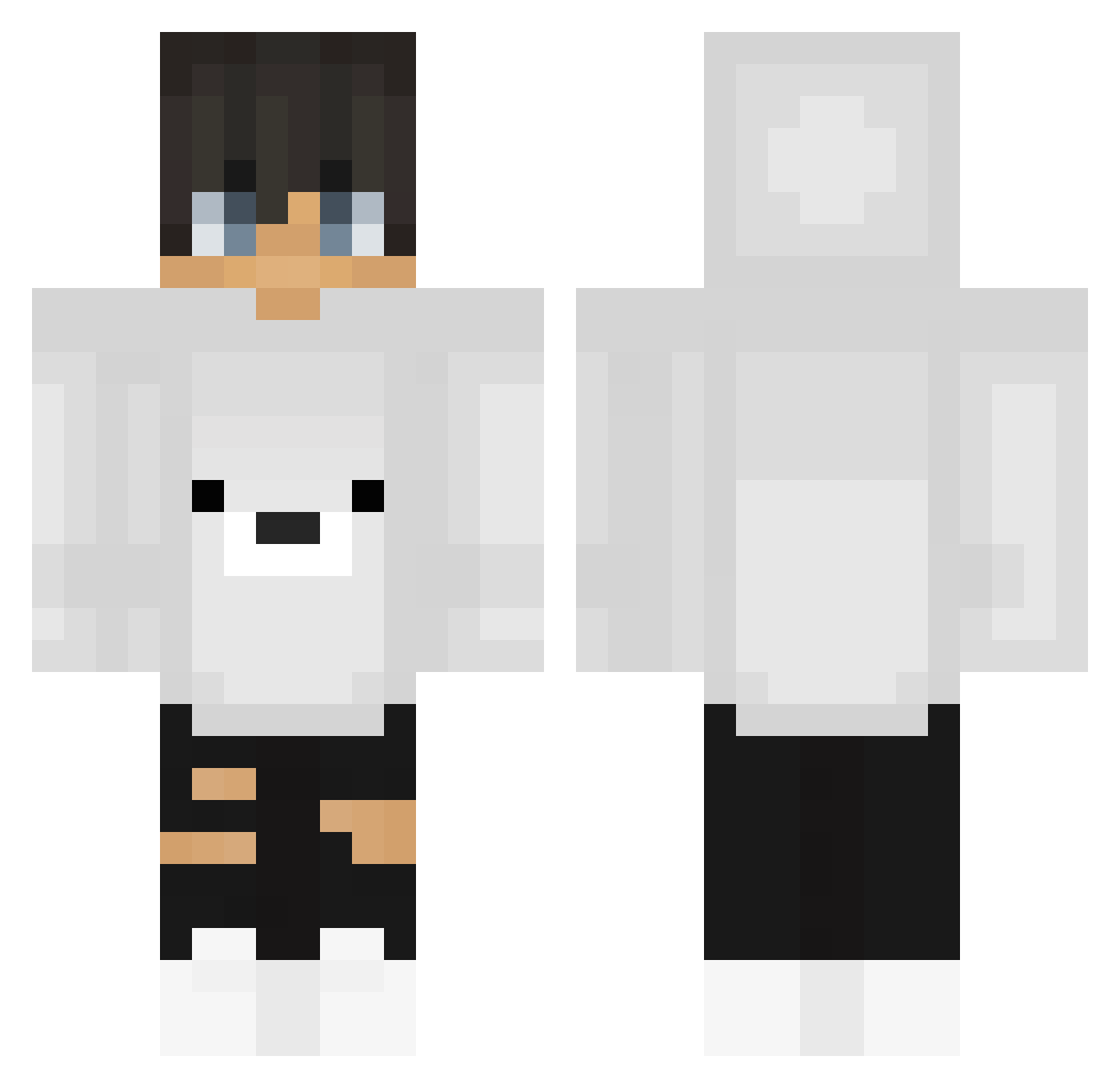
Other players with this skin (199)
le_vagabronx was the 39th player we have seen with this skin, first spotted on 11.08.2026. The same skin was seen on these players. Open a nickname to see their current skin and skin history.
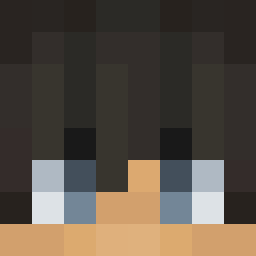 Archybad Zarcres DylanM110
 Communistt JkingFOX ThurlS silvertiger5574 levanka Thebrawlspammer Ravir12 Hanwhaeagles8 Leon16_9 GhostLama Meison140 Ben6634 cchr3048 AceAxy__ JaxIsUseless vinixzll PAUL_BLART_LOVER _eunkyu_ Vitamina_ Ghx2999 Maxthatyee Bentastic7
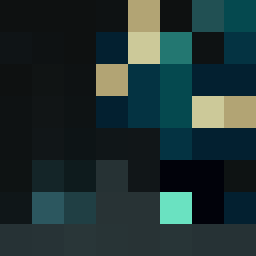 u9rm Akiribarioni ivo123456789
 Firelightrigger mayomat1 dr1nok TobiFarmar TheCraftaholic wil__ Binggg_
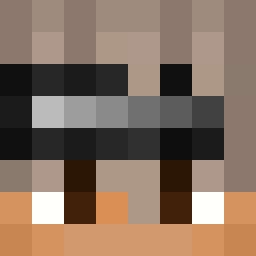 Keano29 ksadzioks Jacy2703 NeOn_Mati StianAlex Gary1127 AcePlays2103 cmxq Milkcofe xPhqnt0m
 Arielweiss123 _17radar17_ swlee1104 PostSeason WartoX XxDemonDavixX n0thingtos4y KUBA557 Giackyyy BlackEagle____ LYwolf012 Mirko007 Peguiin risorial Marek47
More Polar Bear Minecraft skins
How to install the le_vagabronx skin
- Press the Download button above to save the skin as a PNG file.
- Minecraft: Bedrock Edition (PE): open the Dressing Room from the main menu (or tap your character → Edit Character), go to Classic Skins → Owned, press the + (new skin) button, choose the downloaded PNG and pick the Classic (Steve) model. Works on PC and mobile; consoles cannot import custom skins.
- Minecraft: Java Edition: open the Minecraft Launcher, go to the Skins tab, click New Skin, load the PNG, pick the Classic (Steve) model and press Save & Use. You can also upload it at minecraft.net → Profile → Change Skin.
The skin does not show up after import - what should I do?
Restart Minecraft and open the Dressing Room again - imported skins sometimes appear only after a restart. Also make sure you selected the imported skin and picked the Classic (Steve) model.
Which model should I choose, Classic or Slim?
This skin is designed for the Classic (Steve) model. If you pick the wrong model, the arms of the skin will look stretched or squeezed.
Is the skin of le_vagabronx free to download?
Yes. Press Download, save the PNG file and use it in Minecraft: Bedrock Edition or Java Edition - no payment or registration needed. The skin also works on multiplayer servers and Realms.
More skins
Looking for more? Go back to all Minecraft skins and check the top skins of the week, month and all time, or find any player's skin by nickname.