
kourok - Minecraft Skins & Skin History
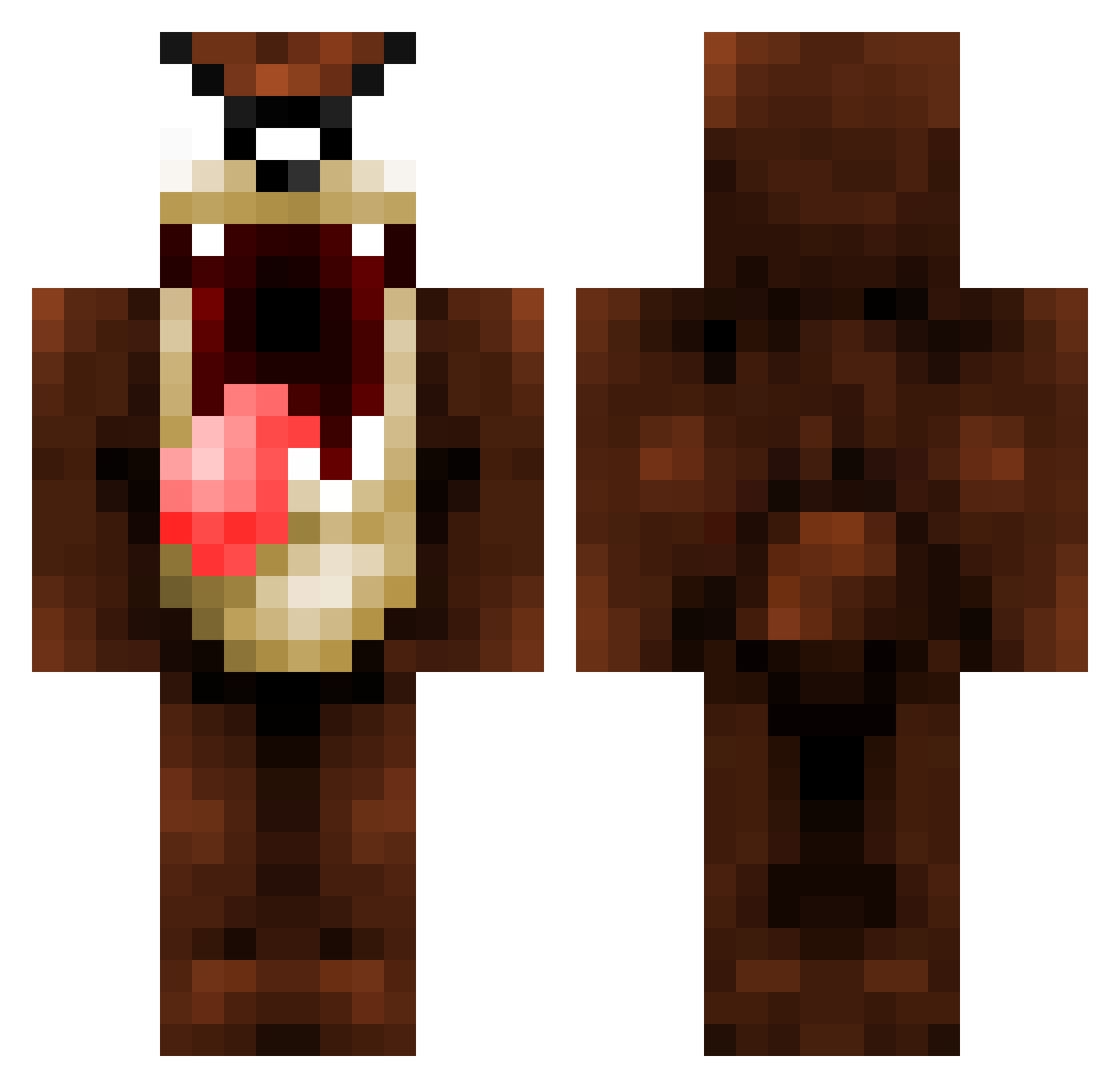
Current Minecraft skin of the player kourok, loaded from the official Mojang API. Rotate the 3D model with your mouse or finger, then download the skin as a PNG file and use it in Minecraft: Bedrock Edition or Java Edition for free. When kourok changes their skin, this page updates automatically and the old skin stays in the history below.
Other players with this skin (1320)
kourok was the 1273rd player we have seen with this skin, first spotted on 16.11.2026. The same skin was seen on these players. Open a nickname to see their current skin and skin history.
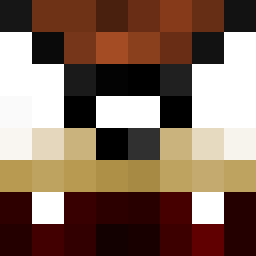 superyo2002 Eoin_Duggan lamistaf Hagen864 LOADS Aawad MrMiyagison Addiktive_0 Thaith MaisReturn Br3AcH REYNOLDZ1996 ElTomi Saintpirateninja born2die82 ThatBadassPanda dalebartlett94 Fares34 maddengamer55 gwunhan Remeder TAZ2019 thysensei WackoTj Ginger_n_Buddy Pablo1wert jackhen1234Xx LEADINTERIOR nastia25 douogy kurupike Rybee blanquart Pitouze ReMiixShuffle xDevilx_Imperial SharkoZs nmtonj Robosnaill MinecraftMiner9 Steinur kalley345 crofty1512 Bodischnaps jakate Swagger021 BiLyBoB21 hambino2 TheBloodwolf47 paksuaksu edge_runner_ xB1F1 Irbom MBHyperdrive jvolfp Sebwill07 GuinnessNut bar_38 sh0xz29 Narkila
More Taz Minecraft skins
How to install the kourok skin
- Press the Download button above to save the skin as a PNG file.
- Minecraft: Bedrock Edition (PE): open the Dressing Room from the main menu (or tap your character → Edit Character), go to Classic Skins → Owned, press the + (new skin) button, choose the downloaded PNG and pick the Classic (Steve) model. Works on PC and mobile; consoles cannot import custom skins.
- Minecraft: Java Edition: open the Minecraft Launcher, go to the Skins tab, click New Skin, load the PNG, pick the Classic (Steve) model and press Save & Use. You can also upload it at minecraft.net → Profile → Change Skin.
The skin does not show up after import - what should I do?
Restart Minecraft and open the Dressing Room again - imported skins sometimes appear only after a restart. Also make sure you selected the imported skin and picked the Classic (Steve) model.
Which model should I choose, Classic or Slim?
This skin is designed for the Classic (Steve) model. If you pick the wrong model, the arms of the skin will look stretched or squeezed.
Is the skin of kourok free to download?
Yes. Press Download, save the PNG file and use it in Minecraft: Bedrock Edition or Java Edition - no payment or registration needed. The skin also works on multiplayer servers and Realms.
More skins
Looking for more? Go back to all Minecraft skins and check the top skins of the week, month and all time, or find any player's skin by nickname.