
knnmlh - Minecraft Skins & Skin History
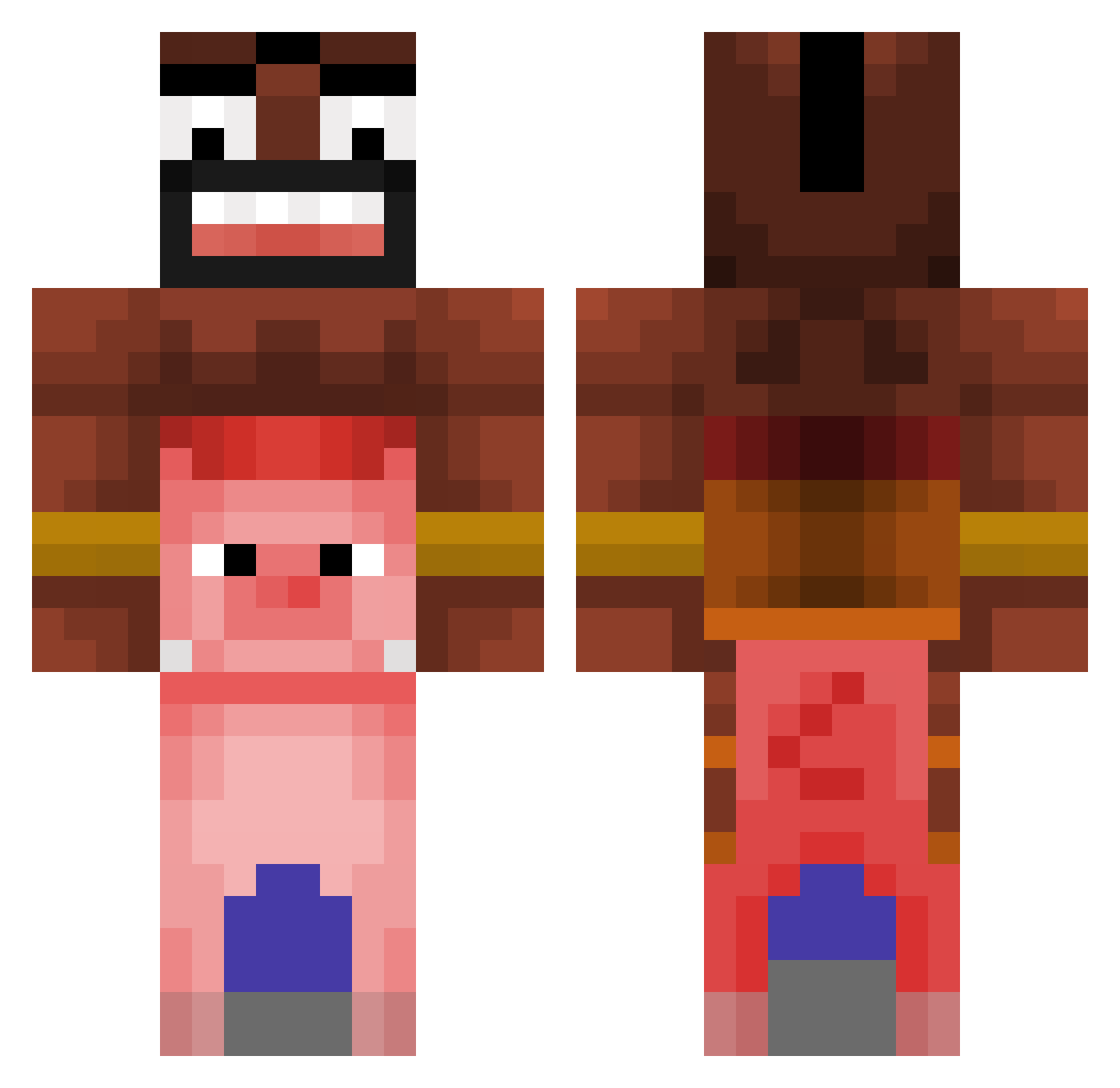
Current Minecraft skin of the player knnmlh, loaded from the official Mojang API. Rotate the 3D model with your mouse or finger, then download the skin as a PNG file and use it in Minecraft: Bedrock Edition or Java Edition for free. When knnmlh changes their skin, this page updates automatically and the old skin stays in the history below.
Other players with this skin (366)
knnmlh was the 44th player we have seen with this skin, first spotted on 07.08.2026. The same skin was seen on these players. Open a nickname to see their current skin and skin history.
 MayonaiseSacoche Sync1783 lafripouille01 G4RU_ L3ksan Kendricknakta KonradCurze383 white_fart xxTitano Maromas1525 Vallimzin _pszelewtoszef simunzafragunza3 CeruleanXx Weissschaedel1 Olympfwagen in0204 xxxxKIDxxxx BadSmiley22 ayberkmedkral booggeymann heracleszz Mezuruma kzmz Liliang62 evil3512 Mr_Lotar Tiliy swedachu duh997 jujumanndo DanieelRC meet0103 nep_2n JuZzSpot88 DailySlime1 glitchyspeedyy ISleepwithMen42 Darder2010 THitito Muaryi nicoletta23 julesthegamer3 meronKEE ooslox kis1no idiixi GrubyTerminator Alikara JBHDII tehluissis Sadolf_Rizzler67 JebadzFlejma SlowPigna XxZeotw1xX Injury_X AkumaLibe Zerotwo69420 MaseTheFace TobiTobt
More Piggyback Minecraft skins
How to install the knnmlh skin
- Press the Download button above to save the skin as a PNG file.
- Minecraft: Bedrock Edition (PE): open the Dressing Room from the main menu (or tap your character → Edit Character), go to Classic Skins → Owned, press the + (new skin) button, choose the downloaded PNG and pick the Classic (Steve) model. Works on PC and mobile; consoles cannot import custom skins.
- Minecraft: Java Edition: open the Minecraft Launcher, go to the Skins tab, click New Skin, load the PNG, pick the Classic (Steve) model and press Save & Use. You can also upload it at minecraft.net → Profile → Change Skin.
The skin does not show up after import - what should I do?
Restart Minecraft and open the Dressing Room again - imported skins sometimes appear only after a restart. Also make sure you selected the imported skin and picked the Classic (Steve) model.
Which model should I choose, Classic or Slim?
This skin is designed for the Classic (Steve) model. If you pick the wrong model, the arms of the skin will look stretched or squeezed.
Is the skin of knnmlh free to download?
Yes. Press Download, save the PNG file and use it in Minecraft: Bedrock Edition or Java Edition - no payment or registration needed. The skin also works on multiplayer servers and Realms.
More skins
Looking for more? Go back to all Minecraft skins and check the top skins of the week, month and all time, or find any player's skin by nickname.