
 1Maia_ FentylMaxxer Jiho1297 zapatero88182 finlay228 Hog_Ridahh romanzofg BanditoBobrito FischersFritz08 samancoco _josinn Titanx459 golden_pigz Gorex66 leonardo010 HogRidahhhhh WyroneTrack excusedd mynameishyojun hoffeman AZHE555 Davonasko04 craft_Lunatic69 Katanaa123 Maitre_Gimss wataf3k opugsicles PENETRATOR777 oogway84 AlvaroGamer_206 ChimbiThon 999PTISUISSE diverhun Qifan7 oliwer42 zuhaooo dragonw0n Magic_Oogway hubdog10k N9ME2CY luiozona Oldbeeyoung Davidpc_10 ItzDvorkin default_name00 gororossi NaWWk5 luciieenn aytida oernavel Niklassssssssss SUS_CACO myszka___ Erku2112 MoFa31 kleinMccheese Gear_SSJ3 TERACE HardSheep187524 StoneJar09
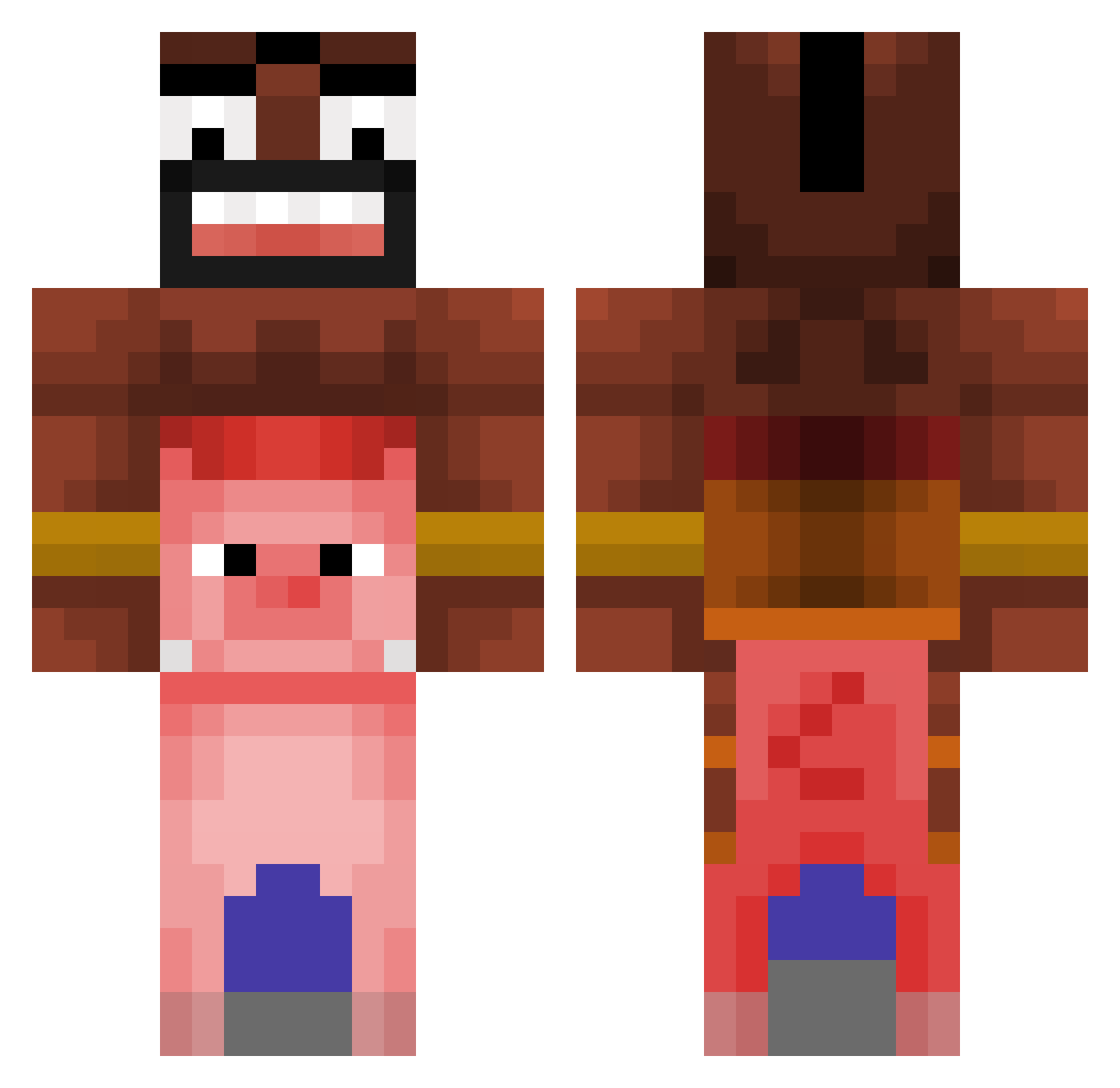
Minecraft skin of SuunSet7. Rotate the 3D model with your mouse or finger to view the skin from every angle, then download it as a PNG file and use it in Minecraft: Bedrock Edition or Java Edition for free. Rate the skin with stars to help other players find the best skins in our collection.
How to install the SuunSet7 skin
- Press the Download button above to save the skin as a PNG file.
- Minecraft: Bedrock Edition (PE): open the Dressing Room from the main menu (or tap your character → Edit Character), go to Classic Skins → Owned, press the + (new skin) button, choose the downloaded PNG and pick the Classic (Steve) model. Works on PC and mobile; consoles cannot import custom skins.
- Minecraft: Java Edition: open the Minecraft Launcher, go to the Skins tab, click New Skin, load the PNG, pick the Classic (Steve) model and press Save & Use. You can also upload it at minecraft.net → Profile → Change Skin.
The skin does not show up after import - what should I do?
Restart Minecraft and open the Dressing Room again - imported skins sometimes appear only after a restart. Also make sure you selected the imported skin and picked the Classic (Steve) model.
Which model should I choose, Classic or Slim?
This skin is designed for the Classic (Steve) model. If you pick the wrong model, the arms of the skin will look stretched or squeezed.
Is this skin free to use?
Yes. Press Download, save the PNG file and use it in Minecraft: Bedrock Edition or Java Edition - no payment or registration needed. The skin also works on multiplayer servers and Realms.
More Piggyback Minecraft skins
More skins
Looking for more? Go back to all Minecraft skins and check the top skins of the week, month and all time, or find any player's skin by nickname.