
killuw1 - Minecraft Skins & Skin History
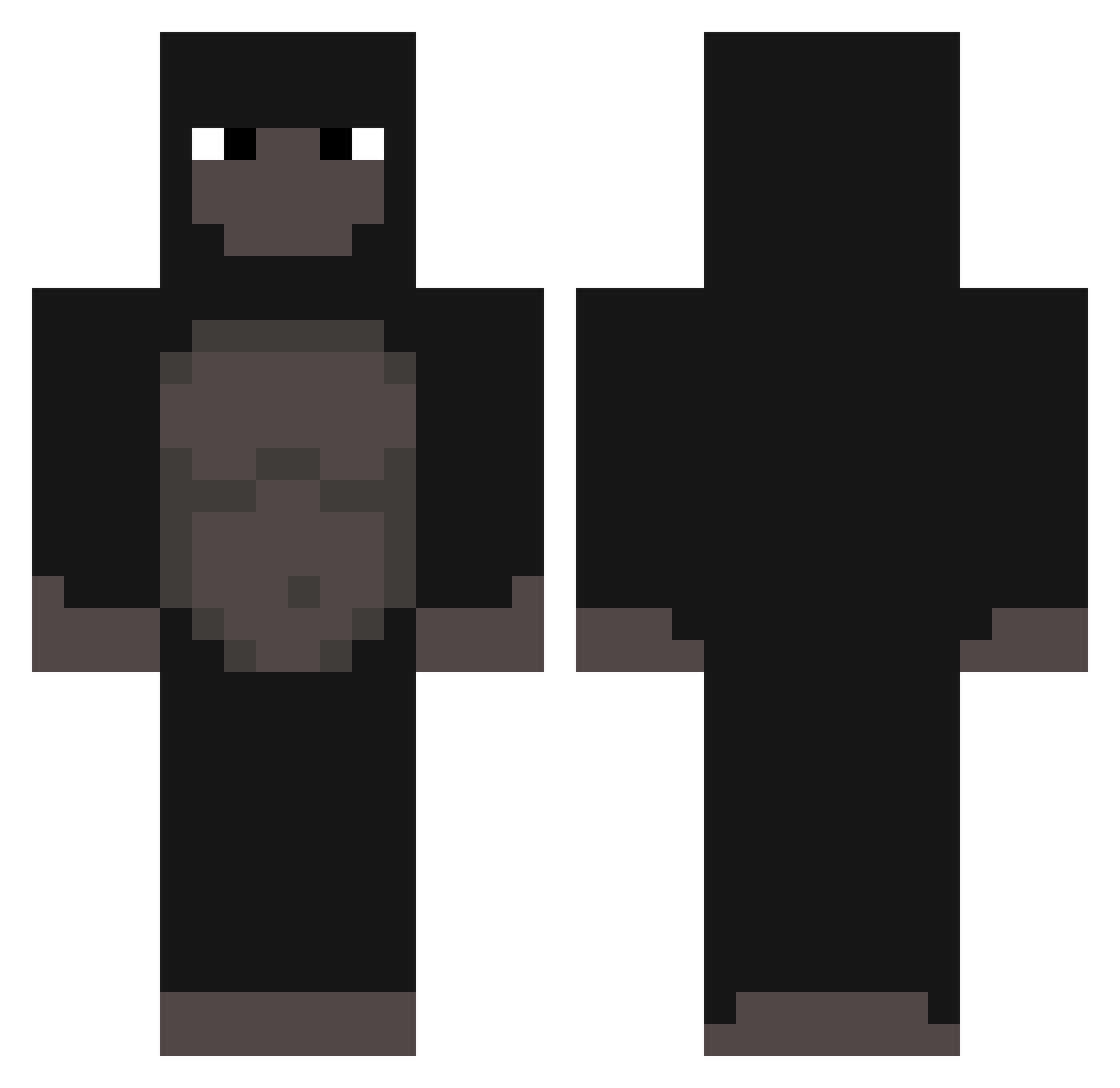
Current Minecraft skin of the player killuw1, loaded from the official Mojang API. Rotate the 3D model with your mouse or finger, then download the skin as a PNG file and use it in Minecraft: Bedrock Edition or Java Edition for free. When killuw1 changes their skin, this page updates automatically and the old skin stays in the history below.
Other players with this skin (303)
killuw1 was the 96th player we have seen with this skin, first spotted on 26.08.2026. The same skin was seen on these players. Open a nickname to see their current skin and skin history.
 AnthonyCV Saucy_Nugget8922 GarlicSocker SamMaybe Jason428 6a6y6 SEB0MAN StinkyWinkyPP Gorilla_S2 rinopcte LewTube thinkpol_ milkesss MQTIQNS FIapJax doghole Widzq MMAkula Ozzvan Ripped_ice29097 Faint1x Hugj StorageMonkey EliasRandom HeyItsNova208 narciaz dinolover_34 Akramer777 Idklw p0liz3sz_ Samlhd fagoz NoKizzyGizzy69 iOpehPvP ksm03 nthnkm10 IllIlIlIIllIlII ITOKOH45 Father_Quiboloy ZuneoMon AlRFORCE ComSoks anothingburger jscltr Bogito waterleopard BananaJudge55 UnitSeeducer FunnyMonkeyNFT WrigglyLeaf3967 CarolineSMP potatoman10123 Maaximius Kiemon44 SapitoS2 grabme GlocksyV2 Korffi 9573 Gee_Vz
More Gorilla Minecraft skins
How to install the killuw1 skin
- Press the Download button above to save the skin as a PNG file.
- Minecraft: Bedrock Edition (PE): open the Dressing Room from the main menu (or tap your character → Edit Character), go to Classic Skins → Owned, press the + (new skin) button, choose the downloaded PNG and pick the Classic (Steve) model. Works on PC and mobile; consoles cannot import custom skins.
- Minecraft: Java Edition: open the Minecraft Launcher, go to the Skins tab, click New Skin, load the PNG, pick the Classic (Steve) model and press Save & Use. You can also upload it at minecraft.net → Profile → Change Skin.
The skin does not show up after import - what should I do?
Restart Minecraft and open the Dressing Room again - imported skins sometimes appear only after a restart. Also make sure you selected the imported skin and picked the Classic (Steve) model.
Which model should I choose, Classic or Slim?
This skin is designed for the Classic (Steve) model. If you pick the wrong model, the arms of the skin will look stretched or squeezed.
Is the skin of killuw1 free to download?
Yes. Press Download, save the PNG file and use it in Minecraft: Bedrock Edition or Java Edition - no payment or registration needed. The skin also works on multiplayer servers and Realms.
More skins
Looking for more? Go back to all Minecraft skins and check the top skins of the week, month and all time, or find any player's skin by nickname.