
kikidaboss73 - Minecraft Skins & Skin History
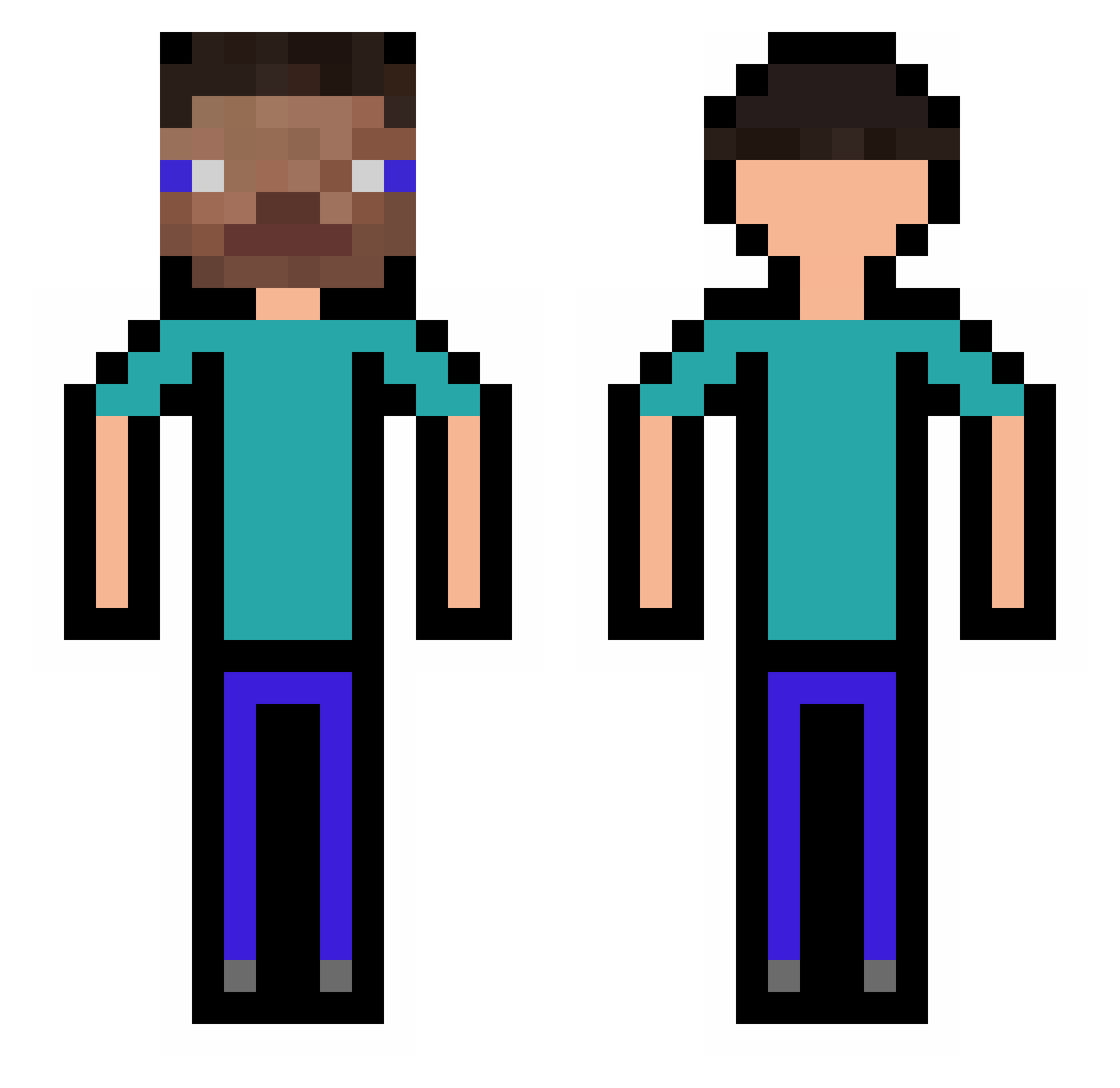
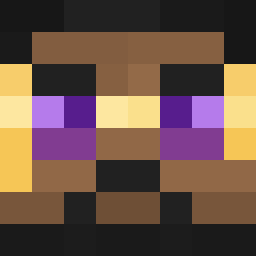
Current Minecraft skin of the player kikidaboss73, loaded from the official Mojang API. Rotate the 3D model with your mouse or finger, then download the skin as a PNG file and use it in Minecraft: Bedrock Edition or Java Edition for free. When kikidaboss73 changes their skin, this page updates automatically and the old skin stays in the history below.
Other players with this skin (317)
kikidaboss73 was the 18th player we have seen with this skin, first spotted on 29.07.2026. The same skin was seen on these players. Open a nickname to see their current skin and skin history.
 Maikfs zeak281 Heliinaa MOGT4SO xXTimon ssalaire93_ DoXooo CorpseFootJr NTH27 phong007 melonmelon27 FINAO48 Nice_Cold yousfje Crimpst1
 FertilePlanet88 PSbetterthanxb0x edwisty WAZAAAAAAAAAA kacper0000 Tess2596 FAKULO9 KillaWilmington eliasptr stive2345 Ludrax _aTHe_ ycdgs CREATOR223 jaemin4690 Ksains rat_McRoll Mikael_o10 Lithnx vKrychu Cursed_Lad Klosar_
 cyesss Ikbogtv huguillooo Balzan777 _Legenda1 AaAaAgame Kubzoon herike_TDD _wass Baguette_Louis AppallOh Biju11 BernasBrito TangMM TomCat32321
 Porco0 Spongebub07 DogeDude5 Hanul001 FReeZeRL Abzocker64 BoodoMohg Jvtrz
How to install the kikidaboss73 skin
- Press the Download button above to save the skin as a PNG file.
- Minecraft: Bedrock Edition (PE): open the Dressing Room from the main menu (or tap your character → Edit Character), go to Classic Skins → Owned, press the + (new skin) button, choose the downloaded PNG and pick the Classic (Steve) model. Works on PC and mobile; consoles cannot import custom skins.
- Minecraft: Java Edition: open the Minecraft Launcher, go to the Skins tab, click New Skin, load the PNG, pick the Classic (Steve) model and press Save & Use. You can also upload it at minecraft.net → Profile → Change Skin.
The skin does not show up after import - what should I do?
Restart Minecraft and open the Dressing Room again - imported skins sometimes appear only after a restart. Also make sure you selected the imported skin and picked the Classic (Steve) model.
Which model should I choose, Classic or Slim?
This skin is designed for the Classic (Steve) model. If you pick the wrong model, the arms of the skin will look stretched or squeezed.
Is the skin of kikidaboss73 free to download?
Yes. Press Download, save the PNG file and use it in Minecraft: Bedrock Edition or Java Edition - no payment or registration needed. The skin also works on multiplayer servers and Realms.
More skins
Looking for more? Go back to all Minecraft skins and check the top skins of the week, month and all time, or find any player's skin by nickname.