
 HalfBloedjeIMS Rikketik123 GuNGGG Shadow1000009 LORD_OF_IVERNESS OSIBER Hellifornia760 Slikyzz jensGoossens knorx06 AaronGG699 LilTebo saginojisan ketakobold TheMaskedMan3709 Ckevin11 gfuee Damir1313 GGKOTIK Alzine_ JoaoFLA8 Cold_Fanta Mrcheeks321 syny98 Subq derek_r Littrok cocox955 Af0ns010 oniix16 Honor14 HeliotPT Schusch0815 R0m3x cll233666 MrZimmi piber12 dqmz waffel0909 SKETINKET Natillas777 fanpreet Shiinainese TimoSecoue LoLWi Nkoov Kwa_n69 mmchew hejcr DerpyDax EroNikz put1_ THENIC0O kaiitho lothcs boogerballs558 N____O_ Zisoooo Eqweee Samsimon667
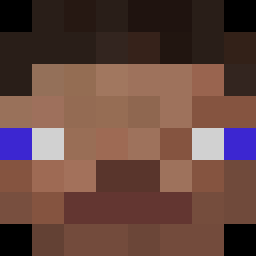
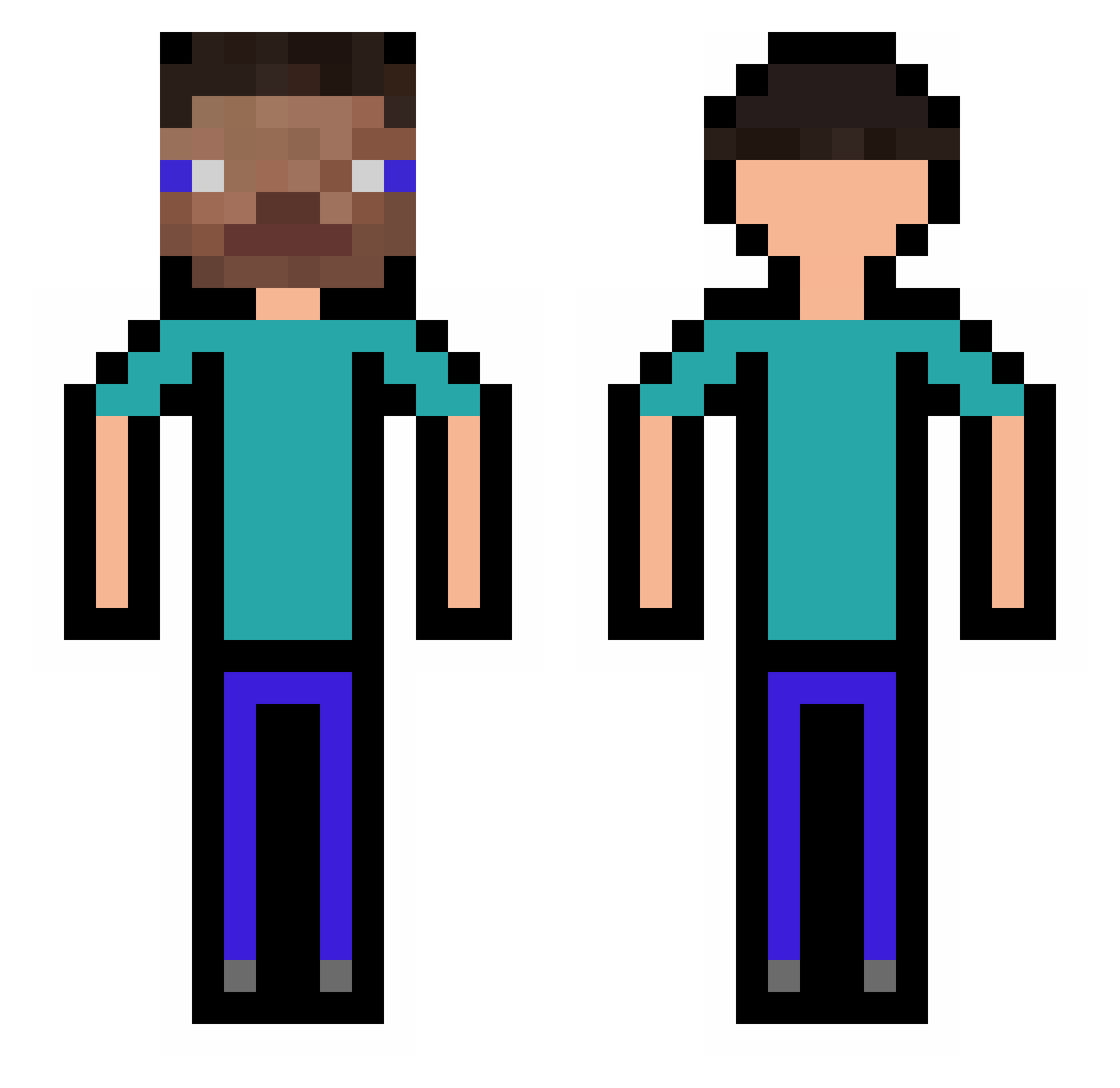
Minecraft skin of AaAaAgame. Rotate the 3D model with your mouse or finger to view the skin from every angle, then download it as a PNG file and use it in Minecraft: Bedrock Edition or Java Edition for free. Rate the skin with stars to help other players find the best skins in our collection.
How to install the AaAaAgame skin
- Press the Download button above to save the skin as a PNG file.
- Minecraft: Bedrock Edition (PE): open the Dressing Room from the main menu (or tap your character → Edit Character), go to Classic Skins → Owned, press the + (new skin) button, choose the downloaded PNG and pick the Classic (Steve) model. Works on PC and mobile; consoles cannot import custom skins.
- Minecraft: Java Edition: open the Minecraft Launcher, go to the Skins tab, click New Skin, load the PNG, pick the Classic (Steve) model and press Save & Use. You can also upload it at minecraft.net → Profile → Change Skin.
The skin does not show up after import - what should I do?
Restart Minecraft and open the Dressing Room again - imported skins sometimes appear only after a restart. Also make sure you selected the imported skin and picked the Classic (Steve) model.
Which model should I choose, Classic or Slim?
This skin is designed for the Classic (Steve) model. If you pick the wrong model, the arms of the skin will look stretched or squeezed.
Is this skin free to use?
Yes. Press Download, save the PNG file and use it in Minecraft: Bedrock Edition or Java Edition - no payment or registration needed. The skin also works on multiplayer servers and Realms.
More skins
Looking for more? Go back to all Minecraft skins and check the top skins of the week, month and all time, or find any player's skin by nickname.